Pay Once Software | How to Cut the Subscription Stack
The end-of-year audit where a dozen small charges turn out to be a real number. How to work out what your stack actually costs, what pay-once buys, and the four catches nobody mentions.
The audit usually happens by accident. You are looking for one charge on a card statement and find eleven others: a project manager, a notes app, a whiteboard nobody has opened since spring, a workspace that added an assistant and a price rise in the same quarter, two seats for a collaborator who left.
Each one was five or ten or twenty a month, and each was obviously worth it at the time. Together they are a real number, and the realisation is always the same: this is a lot of money to keep a to-do list.
This is the point where people go looking for software they can buy once. It is a reasonable move, and it works better when you know which parts of your stack are genuinely worth renting, and what the pay-once version costs you that nobody puts on the landing page.
Why the stack grows without anyone deciding
Nothing in the list was a mistake on its own. The model is built so that no single decision ever feels like the expensive one.
The price is designed to be small. A monthly fee is compared against a coffee, not against the three years you will actually pay it. Nothing in the flow ever shows you the total.
Basic features migrate upwards. A thing you used for a year moves behind a higher tier, or the free plan shrinks, and the upgrade costs less than the afternoon of moving everything out.
You pay for the collaboration you do not do. Shared databases, real-time cursors, permissions, comment threads: the expensive parts of these products exist for teams. One person writing notes pays for all of it and uses almost none of it.
Seats are sticky. Team minimums, and seats for people who left, which nobody notices because the charge does not change shape.
Stopping costs you access, not just features. In most tools, ending the subscription leaves your data readable and takes away the ability to write. That asymmetry is the whole business model: you are not buying the software, you are renting the right to keep working in it.
Work out the number before you decide anything
Fabricated averages are useless here, because everyone's stack is different. Yours takes ten minutes to price properly.
Open the card statement, list every recurring charge, and write three columns.
| Tool | Per month | Per year | Over three years |
|---|---|---|---|
| Project manager | 12 | 144 | 432 |
| Notes and docs | 10 | 120 | 360 |
| Whiteboard | 8 | 96 | 288 |
| Assistant add-on | 20 | 240 | 720 |
| Second seat | 12 | 144 | 432 |
| Total | 62 | 744 | 2,232 |
Those figures are an example, not a claim about you. The point is the third column, which is the one nobody ever looks at and the one that makes the decision obvious. Sort your own list by that column and the top two entries will tell you where to start.
Then apply one test per row: what actually breaks if this is gone next month? A surprising number of them turn out to be a place where text sits.
What pay-once buys, and four catches
Buying a licence once is not simply the cheap version of the same thing. It is a different arrangement, with different risks.
The catch about updates. A one-time price usually covers the version you bought plus fixes. A major new version may cost again, and that is fair, since the work is real. Read what the seller promises rather than what "lifetime" implies.
The catch about sync. Sync costs money every month for whoever provides it, so a pay-once tool either has none or charges separately. For one person on two machines a synced folder does the job. For editing in two places at once, it does not.
The catch about the company. Nobody can promise to exist in ten years. The difference is what happens if they do not: a local app keeps opening the file you already have, and a cloud app stops. This is why the export matters more than any wording on the pricing page, and why it is the thing to check first, as in leaving an app without losing your work.
The catch about you. The break-even assumes you keep using it. Divide the price by the monthly fee it replaces: 49 against 10 a month is five months. If you abandon tools after a fortnight, a subscription was cheaper, and the honest fix is to try the free tier for a month before buying anything.
When a subscription is the right call
Cancelling everything is as thoughtless as subscribing to everything. Three cases where the fee buys something real.
Other people edit the same thing. Real-time collaboration, permissions and merge handling are genuinely hard problems, and a server is how they get solved. If two people work in the same board, pay for it.
Something has to run while you sleep. Scheduled jobs, incoming mail, a service on the public internet, anything with uptime in its job description. Running it yourself is possible and comes with its own bill in hours, which is the argument in self-hosted or local-first.
The vendor carries an ongoing cost for you. Storage, delivery, transcription, anything metered. If the product spends money every month on your behalf, a one-time price would be a promise nobody can keep.
The category that does not pass this test is the one most people are paying the most for: a place to write text and track personal tasks, for one person, with no server doing anything.
Doing the swap without losing anything
Order matters here, because access usually ends when the period does.
- Export first, cancel second. Get your notes out as Markdown or your boards as CSV while you still have write access. Keep the export even after you have imported it.
- Move one tool, not five. Start with the largest line in the three-year column, live on the replacement for a month, and only then touch the next one.
- Keep the old account until the period ends. You have already paid. Use the remaining weeks to notice what you actually miss, which is rarely what you expected.
- Write down what the tool was for. People re-subscribe because they replaced a product instead of a job. One sentence, in the note where the new tool lives, and the local-first options are easier to judge against it.
- Set a calendar reminder for the renewals you kept. Two weeks before each, so the next audit is a decision rather than a discovery.
Where we sit, honestly
TaskNote is ours, and an article about subscription fatigue that hid our own subscription would be exactly the sort of thing it complains about.
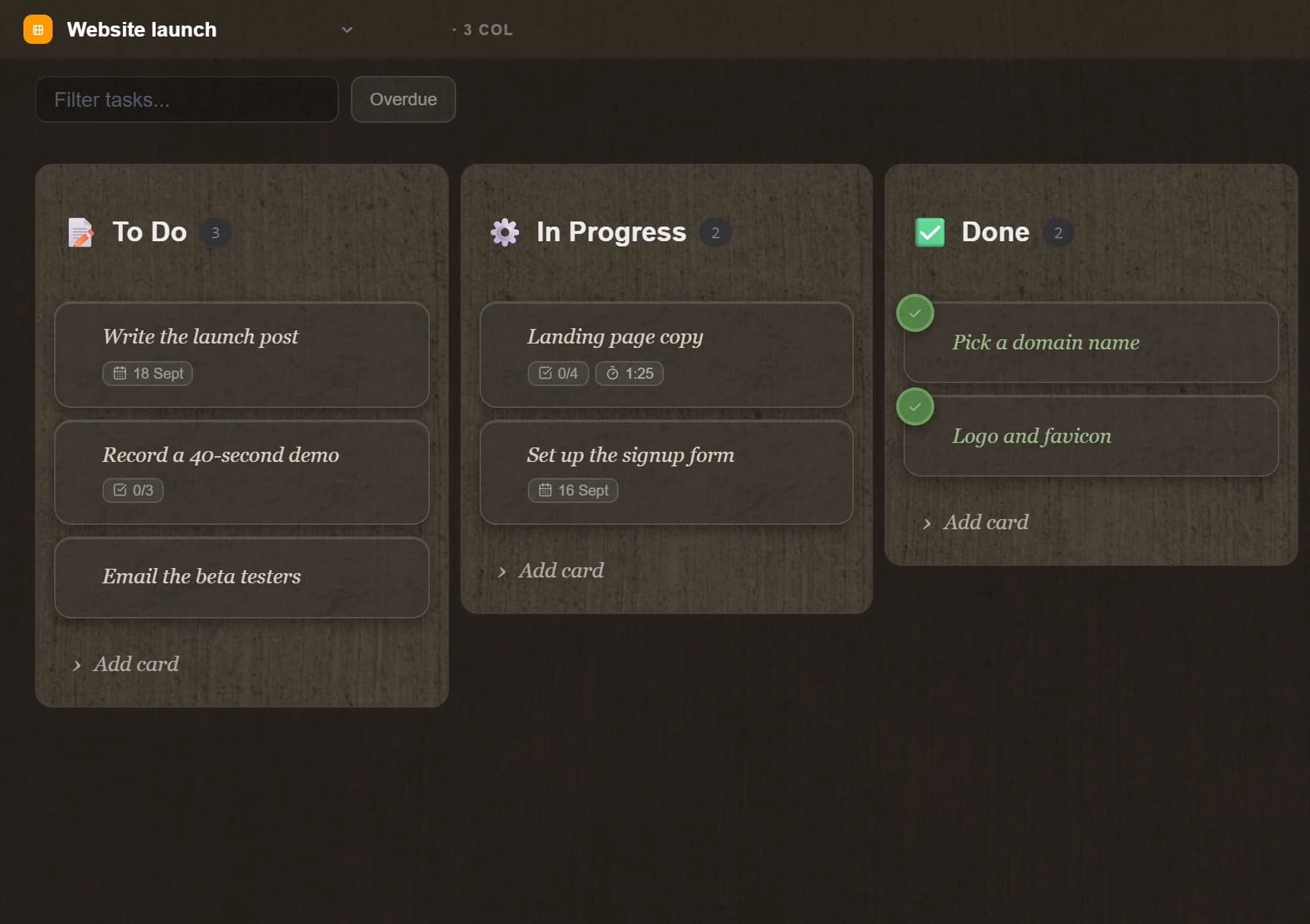
The Windows app is free to use, with limits: 50 notes, 10 folders, 50 tasks, three boards and 10 reminders, with no account and no card to start. Lifting the limits is $49 once, with no renewal, and the licence activates in the app with a key. There is no account, no sync and no server: notes, the kanban board and reminders come from one file on your own disk, the installer is 17.9 MB, and the window is up in about nine tenths of a second from cold on the machine this was written on. See pricing for the current terms rather than trusting a blog post's numbers a year from now.
The web app is a subscription: $19.99 a month or $199.90 a year. That is not a contradiction of everything above, it is the rule applied to us. The web version syncs across devices and encrypts your notes on your device before they reach us, and servers cost money every month whether or not you open the app. A one-time price for that would be a promise we could not keep.
Two things we will not dress up. Your notes on the desktop are not plain files in a folder: they are rows in a SQLite database beside the app, and the export writes real .md files, which is the part that matters if you leave. And the free tier is not a charity: it is there because a tool you cannot try for a month is a tool you cannot judge, which is the same argument this piece makes about the break-even.
The short version
The subscription model is not a scam, it is a mismatch. It is the right shape for shared work and for anything with a server in it, and the wrong shape for one person writing text.
Price your stack over three years rather than per month, ask of each row what breaks without it, export before you cancel, and move one tool at a time. Then pay once for the parts that are yours alone, and keep renting the parts where somebody else is genuinely doing work for you every month.
Questions
- Is pay-once software actually cheaper than a subscription?
- Over a long enough period, usually yes, and the break-even is easy to work out: divide the one-time price by the monthly fee and you get the number of months after which you are ahead. A 49 dollar licence against a 10 dollar month pays for itself in five months. It is worse value if you abandon the tool in a fortnight, which is the honest risk.
- What does a lifetime licence actually mean?
- The lifetime of that product, not yours. In practice it means the version you bought keeps working and you stop paying, and the fair reading is that a major new version may cost again one day. It is not a promise that a company will exist in ten years, which is why an export matters more than the wording.
- What happens to my notes if I stop paying?
- In a subscription, most apps keep your data readable and take away write access, so you can export but not work. In a local pay-once tool the question does not arise: the app keeps opening the file you already have. Check which of the two you are in before the renewal, not after.
- Can local tools really replace Notion and Trello?
- For one person, usually yes: notes, a board and reminders cover what most people actually used those for. What you give up is real-time collaboration, shared databases and comment threads, which is exactly what those tools are good at. If nobody else edits your boards, you are paying for the hard part and not using it.
- How do I audit my software subscriptions?
- Read the card statement rather than your memory, list every charge with its yearly figure, and sort by cost. Then for each one ask what breaks if it is gone next month. Export your data before you cancel, because access usually ends at the end of the period and the export is the only part you cannot get back.
local-firstworkflowminimalism