TaskNote vs. Evernote: why it is time to leave the digital attic
In short:
Evernote was great in 2010. Today it is slow, expensive, and technically able to read your notes. TaskNote is what Evernote used to be: fast and simple, with modern encryption that puts you in control.
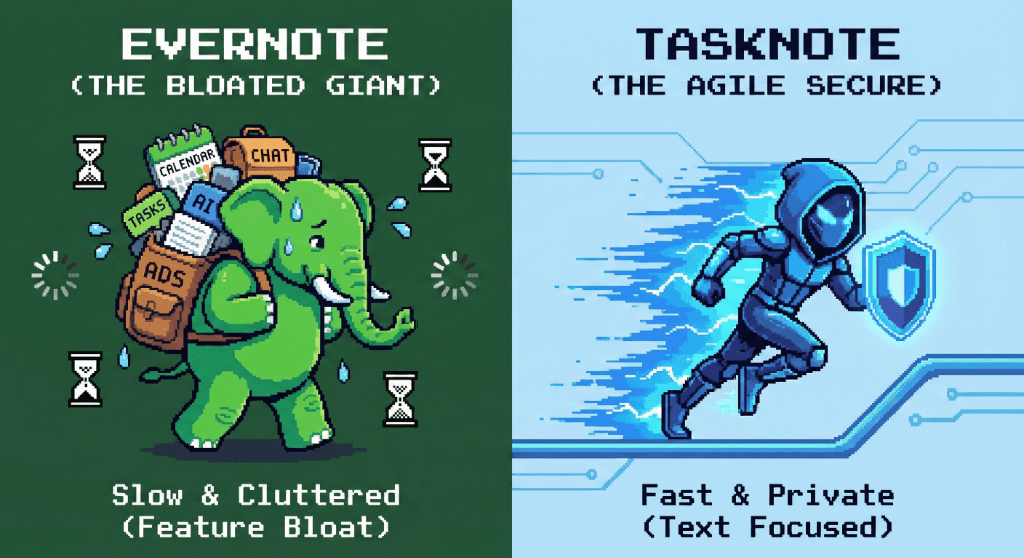
Performance: the bloat problem
Evernote tries to do everything: tasks, calendars, scanning, chat, dashboard widgets.
- The result: it feels heavy. Opening the app can take seconds, and searching thousands of notes feels sluggish.
- The feeling: a cluttered attic where everything gets dumped and nothing is easy to find.
TaskNote focuses on one thing: text.
- Instant: a lightweight architecture means the app opens at once and search answers immediately.
- Offline first: no loading spinners, because your data is already on your machine.
Privacy: the 2016 incident
In 2016 Evernote proposed a policy change that would let employees read your notes to train their machine learning. They backed down after the outcry, but the architecture that made it possible never changed.
Evernote
- Server-side encryption: they hold the keys. If the servers are breached, or an employee decides to look, your notes are readable.
- No end-to-end encryption for the body of a note.
TaskNote
- Client-side encryption in the web app: the note is locked before it leaves your device.
- No training on your content. We cannot read your notes, so they cannot become training data.
Cost and limits
Evernote free plan: sharply limited. Two devices, 60 MB of uploads a month, and a steady stream of prompts to upgrade.
TaskNote: no device limit and no cap on how much you write. You pay to remove limits, never to make the basics usable.
Side by side
| Feature | Evernote | TaskNote |
|---|---|---|
| Feel | Everything sink, cluttered | Focused workspace, clean |
| Privacy | Standard, the company has access | Zero-knowledge, only you have access |
| Speed | Slow and heavy | Instant and lightweight |
| Format | Proprietary HTML, hard to leave | Universal Markdown, easy to export |
| Free plan | Two devices | Unlimited devices |
So, should you switch?
Stay with Evernote if:
- You use it as a filing cabinet for PDFs and web clippings you rarely reopen.
- You depend on its scanning and text recognition for receipts.
Switch to TaskNote if:
- You actually want to write and think, not manage an archive.
- You are tired of waiting for an app to load.
- You want your personal journal to stay personal for good.