Kanban Board App
with Encrypted Notes
TaskNote is a kanban board app that keeps your tasks and notes encrypted on your device. Drag cards, attach notes, set reminders. The key never leaves you.
Free forever · No credit card required
What you get with TaskNote's kanban board
A visual kanban board app with notes and reminders built in. Everything encrypted on your device.
Drag-and-drop columns
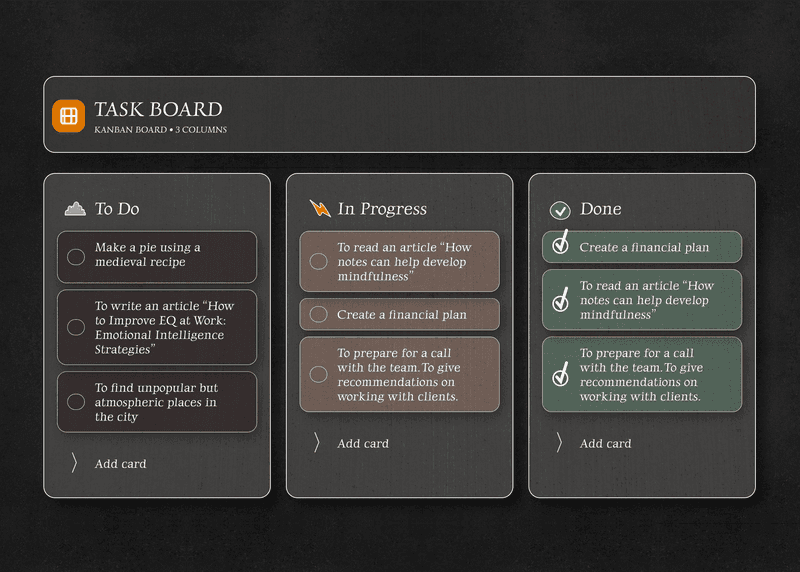
Move tasks between To Do, In Progress, and Done. Rearrange cards the way your brain works.
Notes beside every task
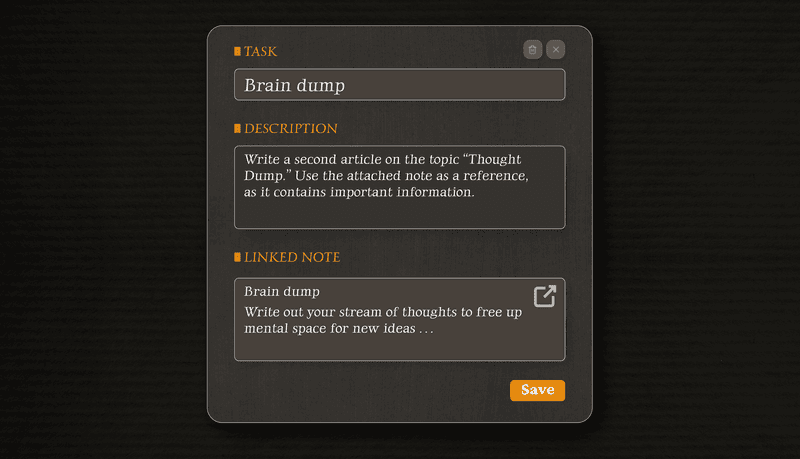
Write context directly inside a task card. Meeting notes, links, ideas. All in one place.
Reminders on cards
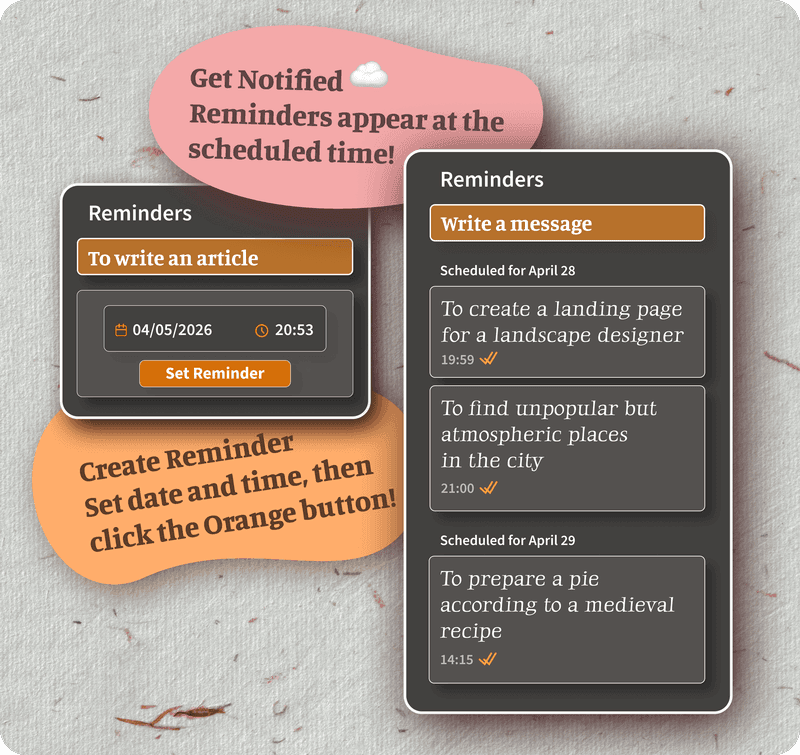
Set a date and time on any task. Get notified when it matters. No separate calendar app needed.
Encrypted on your device
Every card, every note is encrypted locally. The key never leaves you. Not even TaskNote can read it.
Command bar actions
Run /download all notes directly from search. Export, encrypt, act. Without leaving the keyboard.
Dark mode included
Comfortable board view in low light. Switch anytime. Your preference is saved locally.
What the board looks like
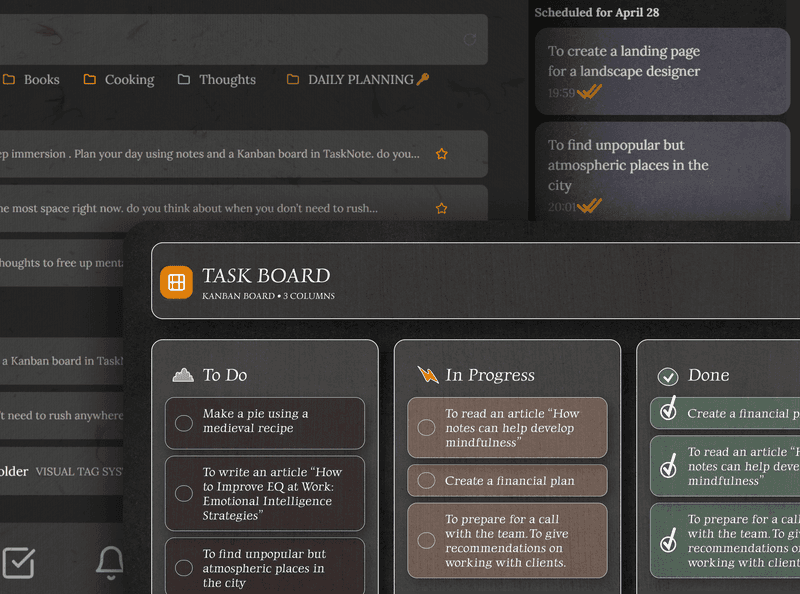
Screens from the web app. The same board runs in the Windows app.
TaskNote kanban vs other tools
Most kanban apps store your data on their servers. TaskNote does not.
| Feature | TaskNote | Trello | Notion |
|---|---|---|---|
| Kanban board | Yes | Yes | Yes |
| On-device encryption | Yes | No | No |
| Key stored only with you | Yes | No | No |
| Notes attached to tasks | Yes | Partial | Yes |
| Reminders built in | Yes | Partial | Partial |
| Markdown export | Yes | No | Partial |
| Free plan | Yes | Yes | Yes |
High-level comparison. Features may change over time.
See full comparisons: TaskNote vs Notion·TaskNote vs Evernote·TaskNote vs Obsidian
How the kanban board works
Notes, tasks, and kanban in one private workspace. No switching apps.
Capture a note
Write a quick idea, meeting recap, or research note in Markdown. Encrypted instantly.
Turn it into a task
Convert any note into a task with one action. Assign it a due date or reminder.
Move it on the board
Drag the task card to In Progress. Attach the note for context. Stay in flow.
Export when done
Use /download all notes to export everything as Markdown files. Your data, always yours.
Kanban board app FAQ
Common questions about TaskNote's kanban board.
Is the kanban board free?+
Yes. The kanban board is included in the free plan. No credit card required.
Is my kanban data encrypted?+
Yes. TaskNote encrypts all data, including task cards and notes, on your device using end-to-end encryption. The encryption key is never stored on our servers. It stays only with you.
Can I attach notes to kanban tasks?+
Yes. TaskNote combines notes and kanban in one workspace. You can write Markdown notes, attach them to task cards, and add reminders. All without switching apps.
What happens if I lose my encryption key?+
Download your key from encryption settings and keep it in a password manager or on an encrypted drive. Without it nobody can decrypt your notes, not even us, and that is exactly what makes the encryption worth having.
Does TaskNote have a kanban subscription plan?+
The kanban board is available on the free plan, and so are formatting and themes. The paid tier lifts the limits on boards and tasks: $19.99/month or $199/year on the web, or a one-time $49 Lifetime licence for the Windows app.
Can I export my kanban tasks?+
Yes. Use the /download all notes command to export everything as Markdown files. No lock-in.
Get the kanban board app free
Encrypted notes, tasks, and kanban in one workspace. No credit card required.
Free forever · Export anytime