
Deep Productivity: Writing Notes for Your Future Self
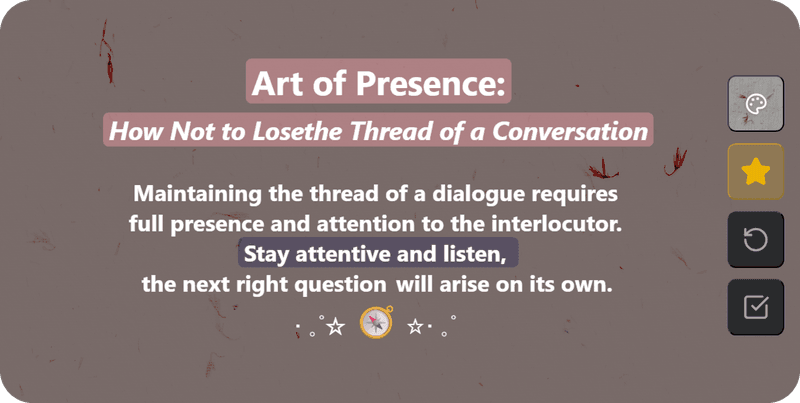
Don't clutter notes, avoid mindless copying. Simple tools instead of overloaded systems; structure text into blocks for your future self.
More »Write notes in Markdown, plan on a kanban board and set reminders in one free app for Windows and the web, encrypted on your device.
Start on the web in a minute, or install the Windows app and keep everything on your PC. No account needed on Windows.
A dedicated native .exe that lives in your taskbar. Local, offline-first storage that never leaves your PC, plus reminders and quick capture from anywhere in Windows.
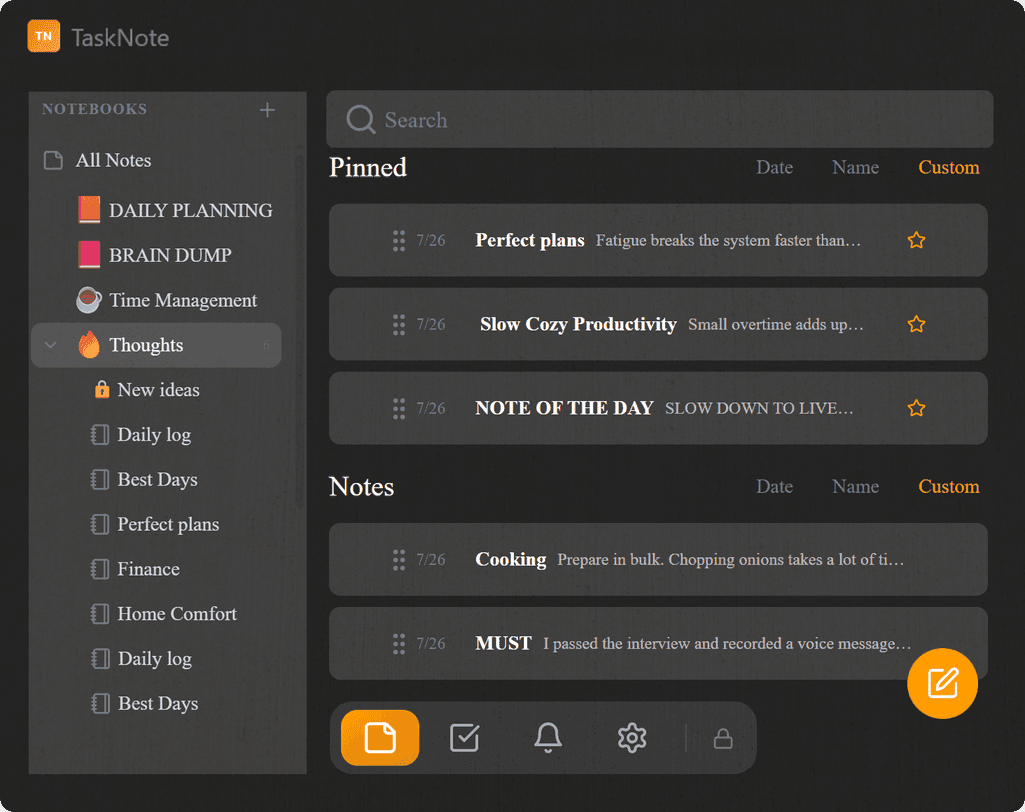
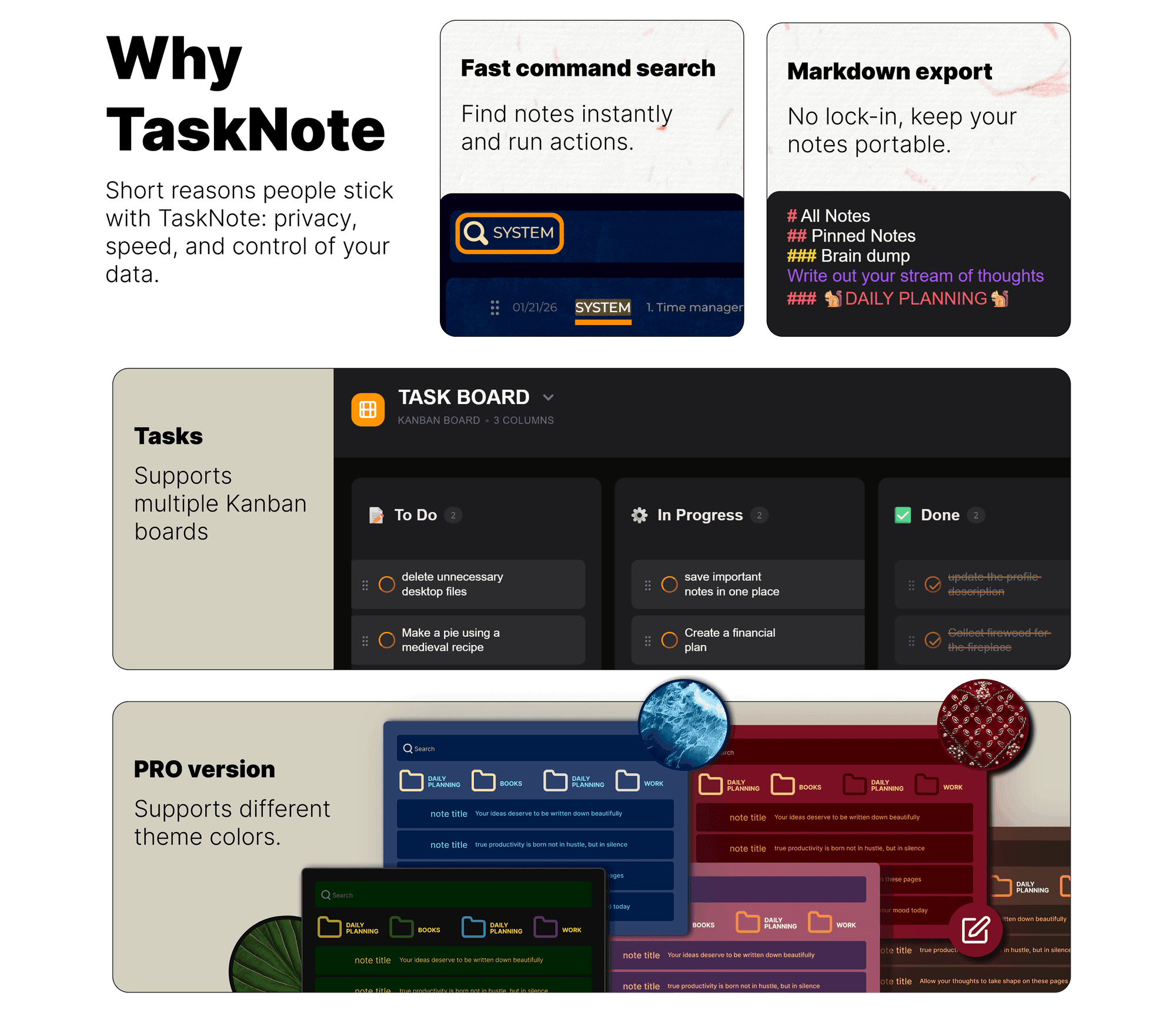
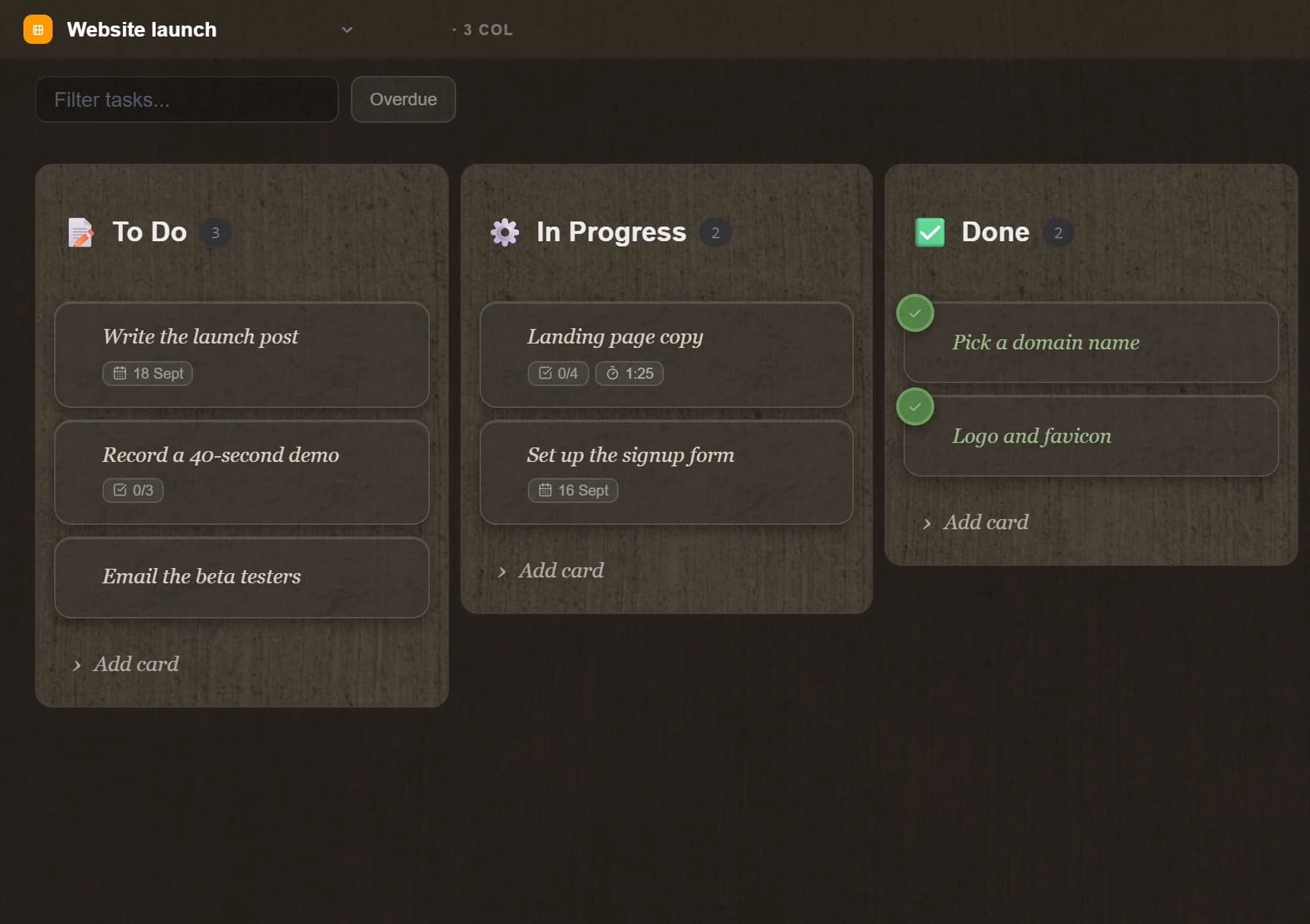
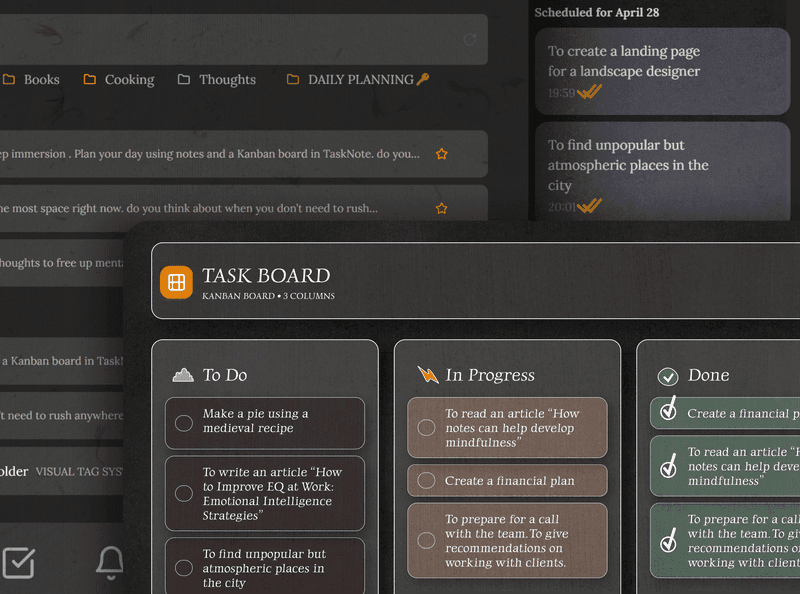
Tasks and kanban boards live in the same workspace as your notes. Write a note, turn it into a task, drag it across the board.
Move cards between To Do, In Progress, and Done. Write context directly inside any task card. Set a due date or reminder without switching apps.
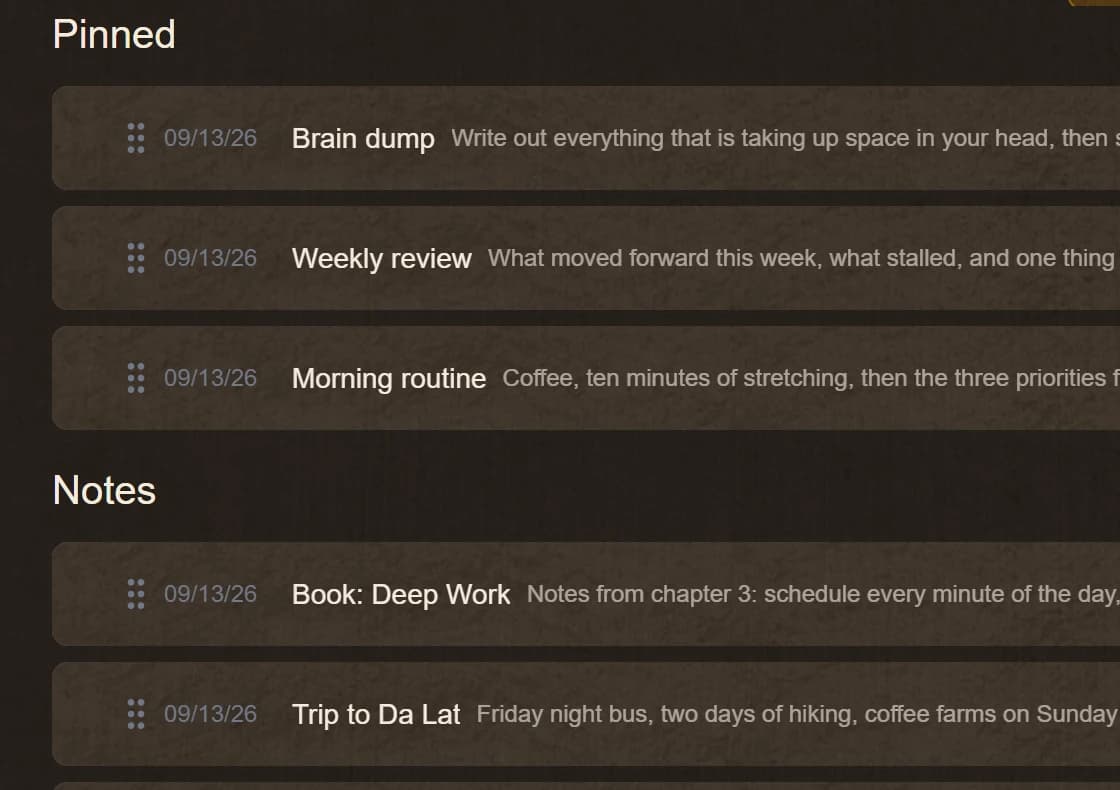
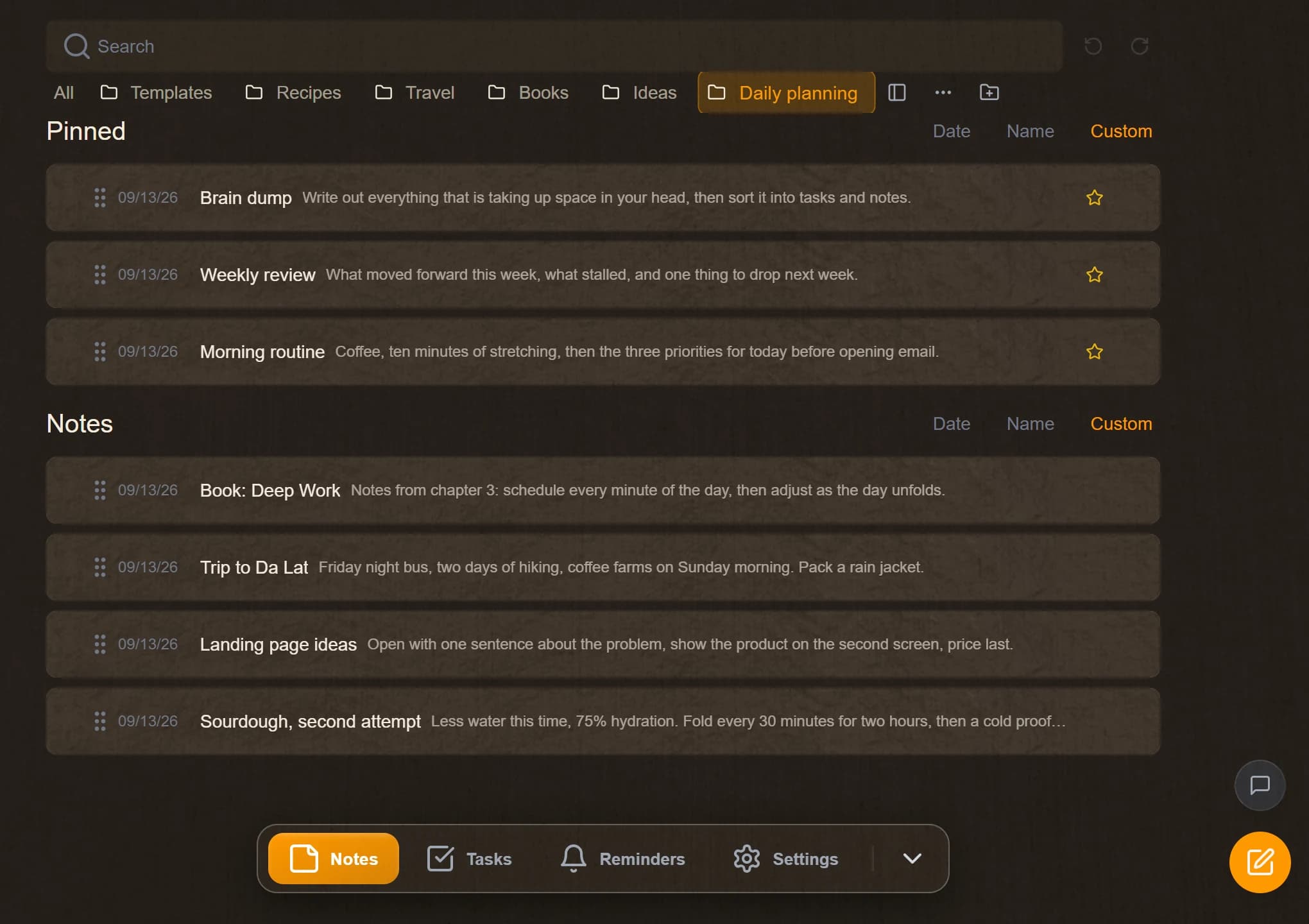
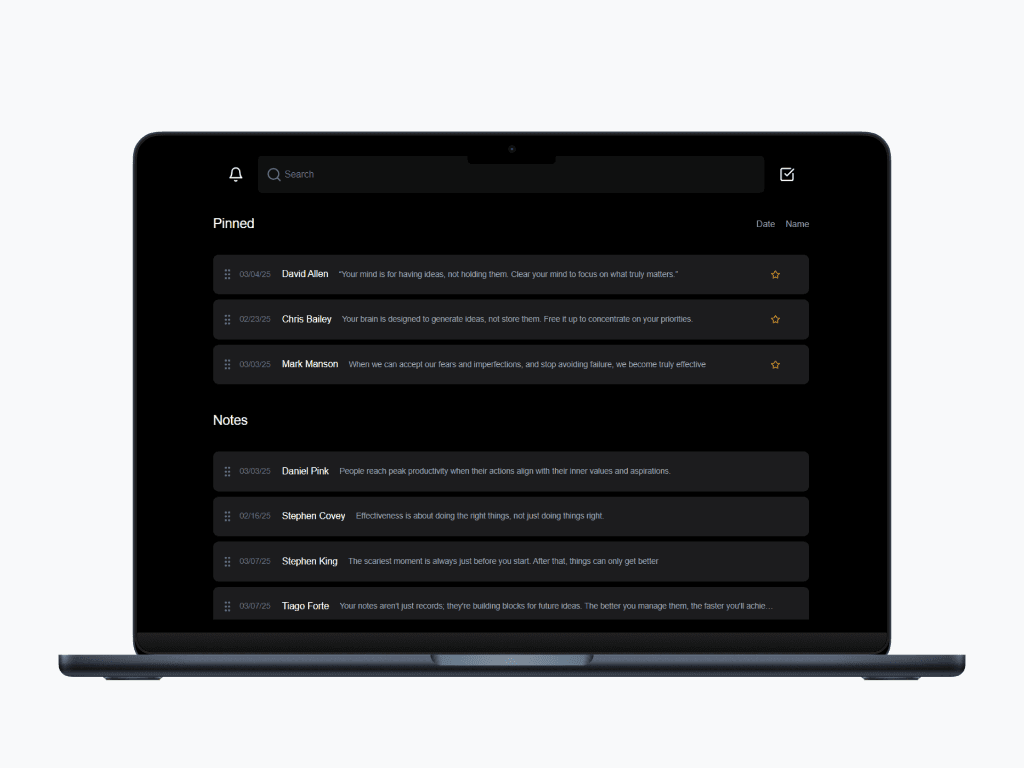
TaskNote offers flexible ways to organize your notes with pinning, search functionality, and filtering.
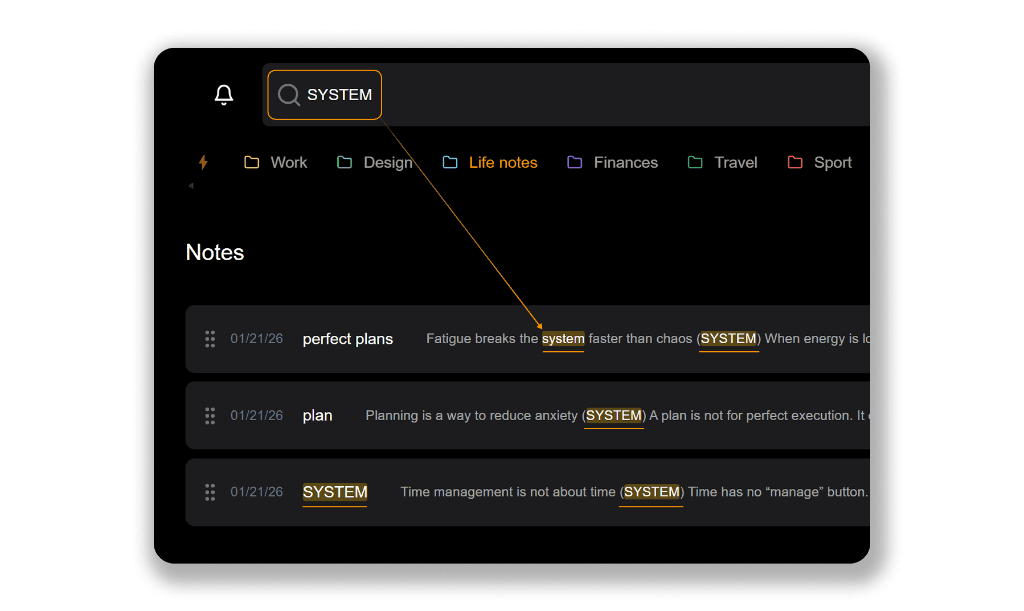
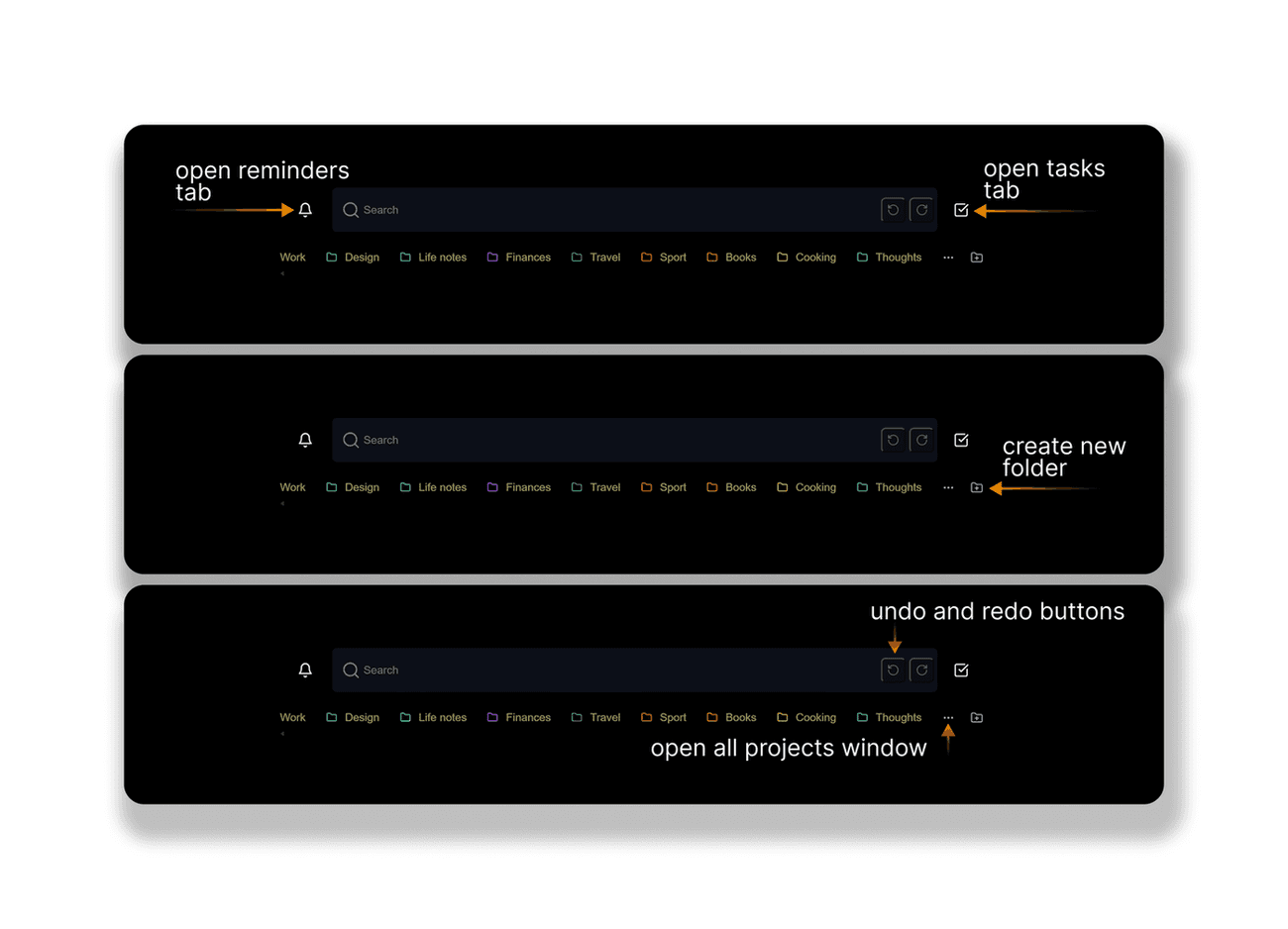
Use powerful commands like /download all notes to quickly perform actions directly from the search bar.
Your notes are always yours. With our command system, you never have to worry about data lock-in or losing your valuable information.
Easily export all your notes to your computer as Markdown files with a single command, keeping your data portable and secure. Whether you need a backup or want to migrate to another platform, your notes are always accessible and under your control.
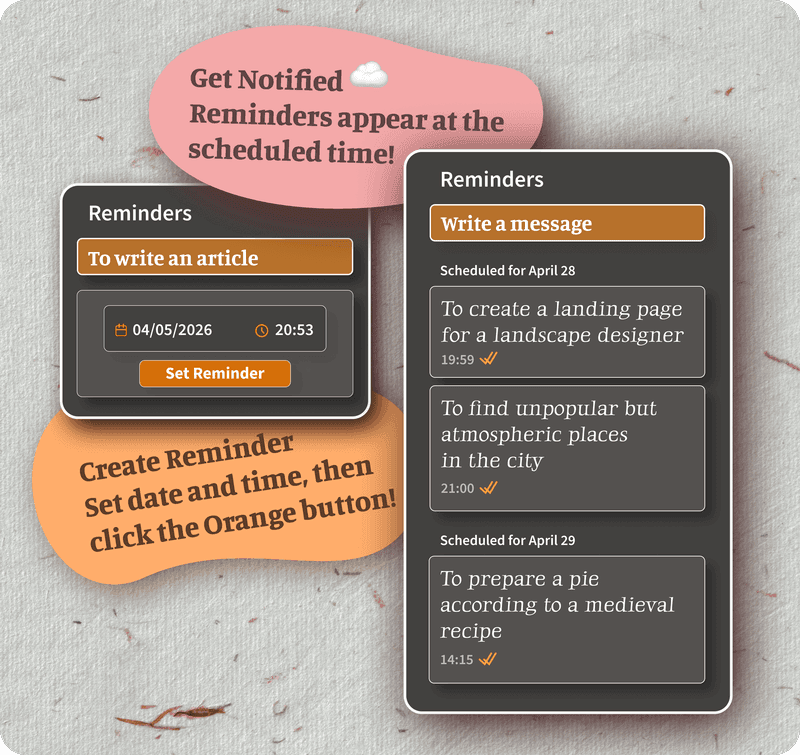
Never miss an important moment with scheduled reminders. Pick a date and time, add a short message, and save it in seconds.
Reminders show up at the scheduled time so you can act right away.
Use reminders for meetings, follow ups, deadlines, and quick personal notes. It is a lightweight system that keeps you on track without adding noise.
Switch to dark mode for comfortable note-taking sessions in low-light environments.
TaskNote encrypts notes on your device. The encryption key is never stored on our server. To use TaskNote on a new device, you import your key file. If the key is lost, encrypted notes cannot be recovered.
The key is stored on your side only. The server never receives it.
Notes are decrypted locally, so your content remains private even while syncing.
Export your notes as Markdown and keep your data portable.
The free plan, Windows, the kanban board, export, and how encryption works.
Yes, and the free plan has no time limit: up to 50 notes and 3 kanban boards, with folders, reminders, search and on-device encryption included. Pro removes the limits on notes, boards, folders and reminders.
Yes. The Windows app keeps your notes in a local database on your PC and works without an internet connection. It does not need an account. The web app runs in any browser and syncs between devices.
Yes. Free accounts get up to 3 boards with To Do, In Progress and Done columns, drag and drop, due dates, a timer and reminders on cards.
Yes. One command saves all your notes to your computer as Markdown files, so nothing is locked in.
Your encryption key is stored only on your device. TaskNote never stores your key on the server.
Download your key file on your current device, then import it on the new device. Your notes will decrypt locally.
No, and that is the whole point. A key we could recover would be a key we could read your notes with. So the key stays yours: download it from encryption settings and keep it in your password manager. One minute, once, and this stops being something to worry about.
Tip: Save your key file in a safe place, like an encrypted drive or a password manager that supports files.
A quick, honest comparison of features that matter for private note-taking.
| Feature | TaskNote | Notion | Apple Notes | Google Keep |
|---|---|---|---|---|
| Kanban board | Yes | Yes | No | No |
| Windows app that works offline | Yes | Partial | No | No |
| On device encryption | Yes | No | Partial | No |
| Key stored only on user side | Yes | No | Partial | No |
| Tasks and reminders | Yes | Yes | Basic | Basic |
| Command-based actions | Yes | No | No | No |
| Export to Markdown | Yes | Partial | No | No |
| Fast search across notes | Yes | Yes | Yes | Basic |
| Distraction-free writing | Yes | Depends | Yes | Yes |
– Capture ideas and information quickly and efficiently
> Never miss important dates and deadlines
● Organize and track your action items
In our application, we've thoughtfully organized functionality into three distinct modules: Notes, Reminders, and Tasks. This modular structure significantly enhances efficiency by allowing you to focus exclusively on the task at hand, minimizing distractions, and simplifying management.
TaskNote is FREE to use, upgrade to unlock Pro features
Perfect for getting organized
Free forever.
No credit card required
No limits on notes, tasks, boards, folders and reminders.
Formatting and themes are already free
Everything in Free, plus:
The web app: your account, notes encrypted with your key and synced between browsers and devices. Pro removes the limits. $19.99 a month or $199.90 a year.
A separate program with its own local database on your PC. No account, no sync, nothing leaves the computer. Free with the same limits; Lifetime removes them for $49, once.
The two do not share notes. Pick the one that fits how you work, or use both: each has a free plan.
❤️ Growing better together
Practical ideas from our use cases hub: structure your notes and write for your future self.
Don't clutter notes, avoid mindless copying. Simple tools instead of overloaded systems; structure text into blocks for your future self.
More »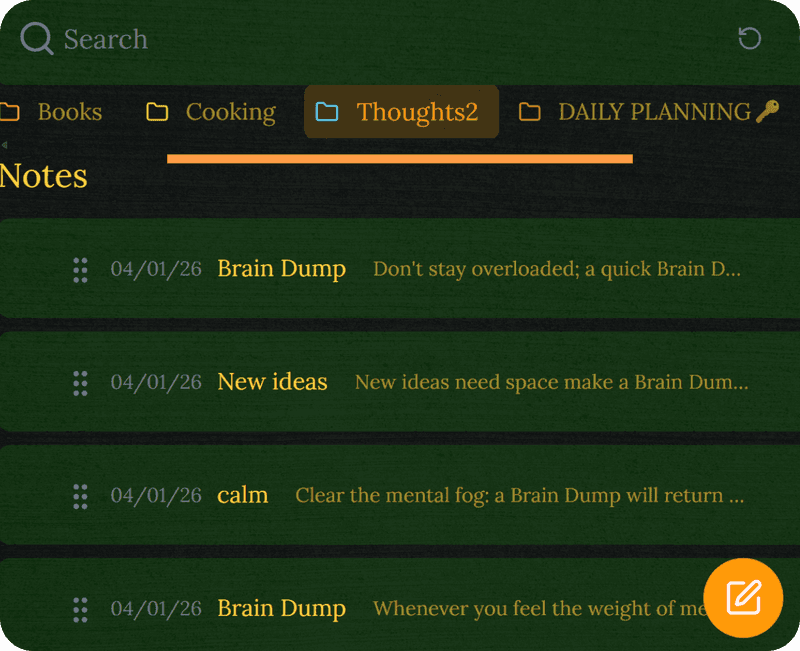
Stop losing ideas: folders, pinning, and summaries to keep your notes clear and useful.
More »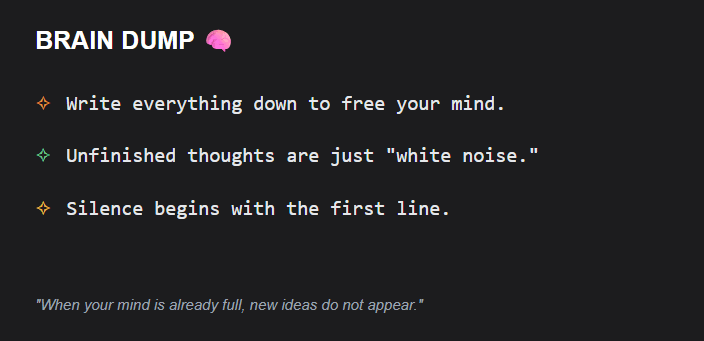
Quickly clear your head: reliably save any thoughts before they disappear.
More »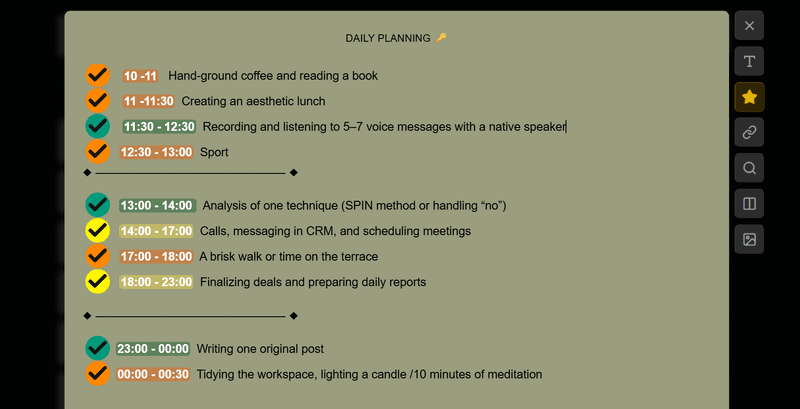
A balanced three-level system (Must, Want, Grow) to avoid burnout and stay focused on just 10 tasks a day.
More »Click a button to see what they say about us