TaskNote vs. Obsidian: stop configuring, start writing
In short:
Obsidian is a superb tool if you enjoy tuning settings, installing plugins and untangling sync. TaskNote offers the same local-first privacy, but it works the moment you open it, on every device, without a manual.
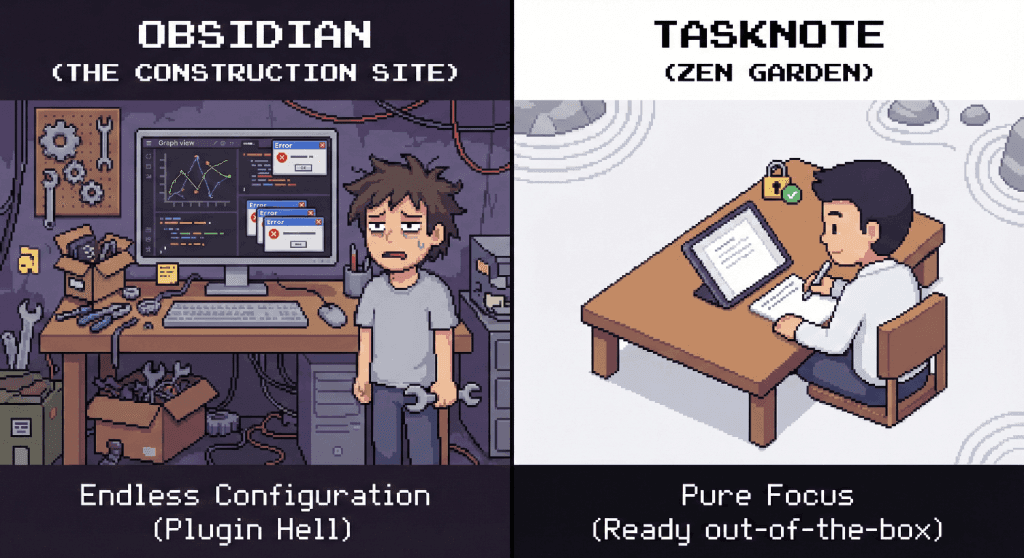
Setup as a hobby
Obsidian is empty when you install it. To make it useful you usually add:
- Community plugins, each of which is code you now trust
- A theme, then adjustments to the theme
- Hotkeys, configured by hand
The trap is spending more time building the system than using it. The tinkering feels like progress, which is what makes it so easy to keep doing.
TaskNote has opinions so you do not have to:
- Fonts, spacing and security defaults are already chosen.
- Open it and write. Nothing to update, nothing that breaks after an update.
Sync
Obsidian keeps sync at arm's length:
- Do it yourself with iCloud, Dropbox or Git, and deal with the conflicts and the slow phone.
- Or pay for Obsidian Sync on top of the app.
TaskNote includes it:
- Encrypted sync is part of the web app, not a paid extra, and it runs quietly in the background.
- No conflict files to resolve by hand on a Sunday evening.
On a phone
Obsidian on mobile
- Often feels like a desktop app folded into a phone screen.
- Slow to launch once a few plugins are enabled.
- Small targets and deep menus.
TaskNote on mobile
- Built for touch: large targets, swipe gestures.
- Opens immediately, which is the only way a thought actually gets captured.
Side by side
| Feature | Obsidian | TaskNote |
|---|---|---|
| Philosophy | Build your own tool | Just write |
| Setup time | Hours of plugins and themes | None |
| Sync | Paid add-on, or do it yourself | Included and automatic |
| Mobile | Heavy and cluttered | Fast, made for touch |
| Encryption | End-to-end, only with paid sync | End-to-end, always on |
Are you a tinkerer or a writer?
Choose Obsidian if:
- You enjoy customising CSS and writing your own scripts.
- You want an elaborate second brain with fifty plugins and a graph view.
- Resolving your own sync conflicts does not bother you.
Choose TaskNote if:
- You want the safety of local files without the maintenance.
- You want to open your phone and be writing a second later.
- Your time is worth more than your configuration.