Turn a note into a shareable image in one tap
Write it once, pick a format, and the note becomes a PNG ready for Threads, Instagram, X or a group chat. No screenshots, no cropping, no messy backgrounds. A long note splits into carousel cards by itself.
Free on the web and in the Windows app. Formatting, themes and export are not Pro features.
Screenshots were never made for this
You write something worth posting, screenshot it, and the picture arrives with a status bar, half a toolbar, a cropped last line and whatever colour the app happened to be that day. Then it goes through a photo editor, then a design tool, and by the time it is a clean square the thought has cooled.
Share as image skips the whole chain. The note is already the design: the text, the font, the background you chose. The export renders exactly that, at social media resolution, and hands you a PNG.
Three steps, no design tool
The whole flow happens inside the note you already wrote.
Write the note
Or select a passage: the bubble menu has a share button, so one paragraph can become a card without touching the rest of the note.
Choose a format and a look
Post, portrait, story, classic or wide. A background colour or gradient, a pattern, grain, one of four fonts, your logo on or off.
Copy, save or share
Copy the PNG to the clipboard and paste it straight into the post, download it, or send it through the phone's share sheet. About 1440 pixels wide, sharp on every feed.

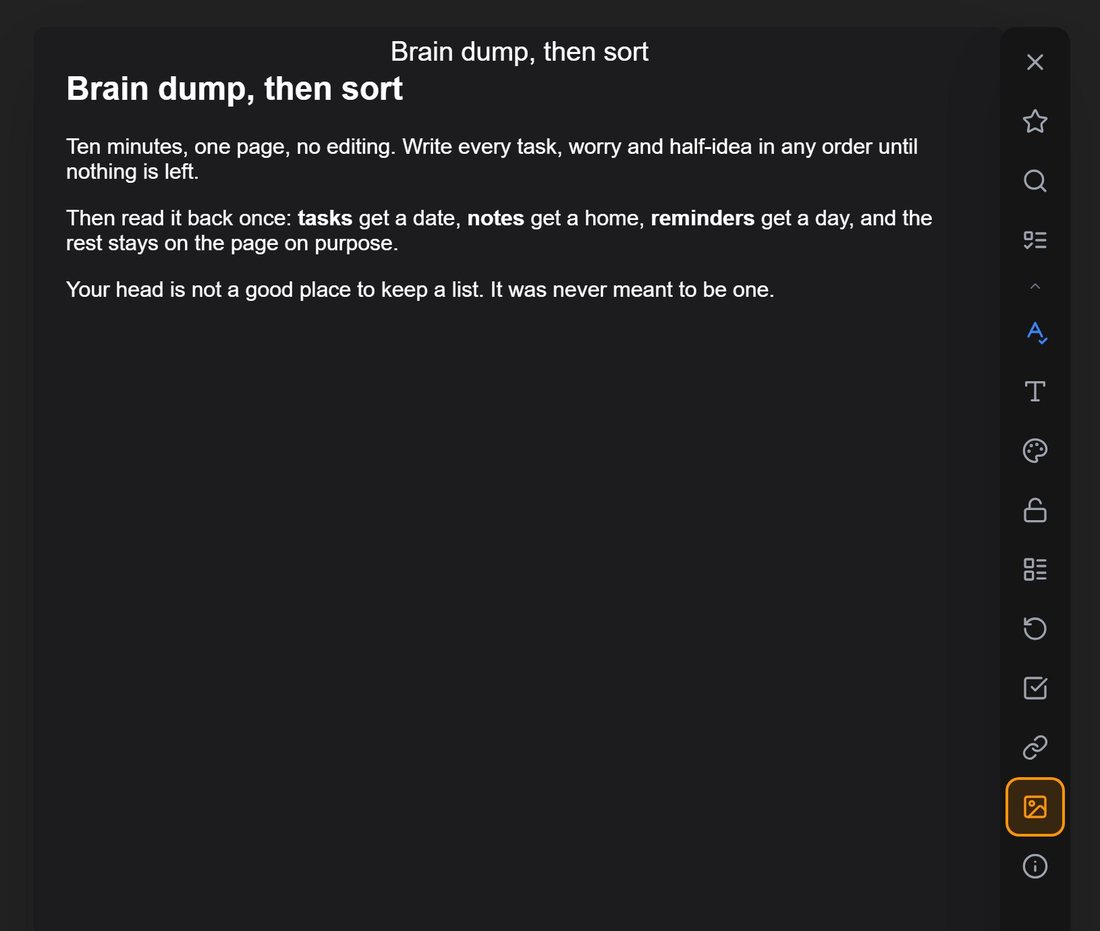
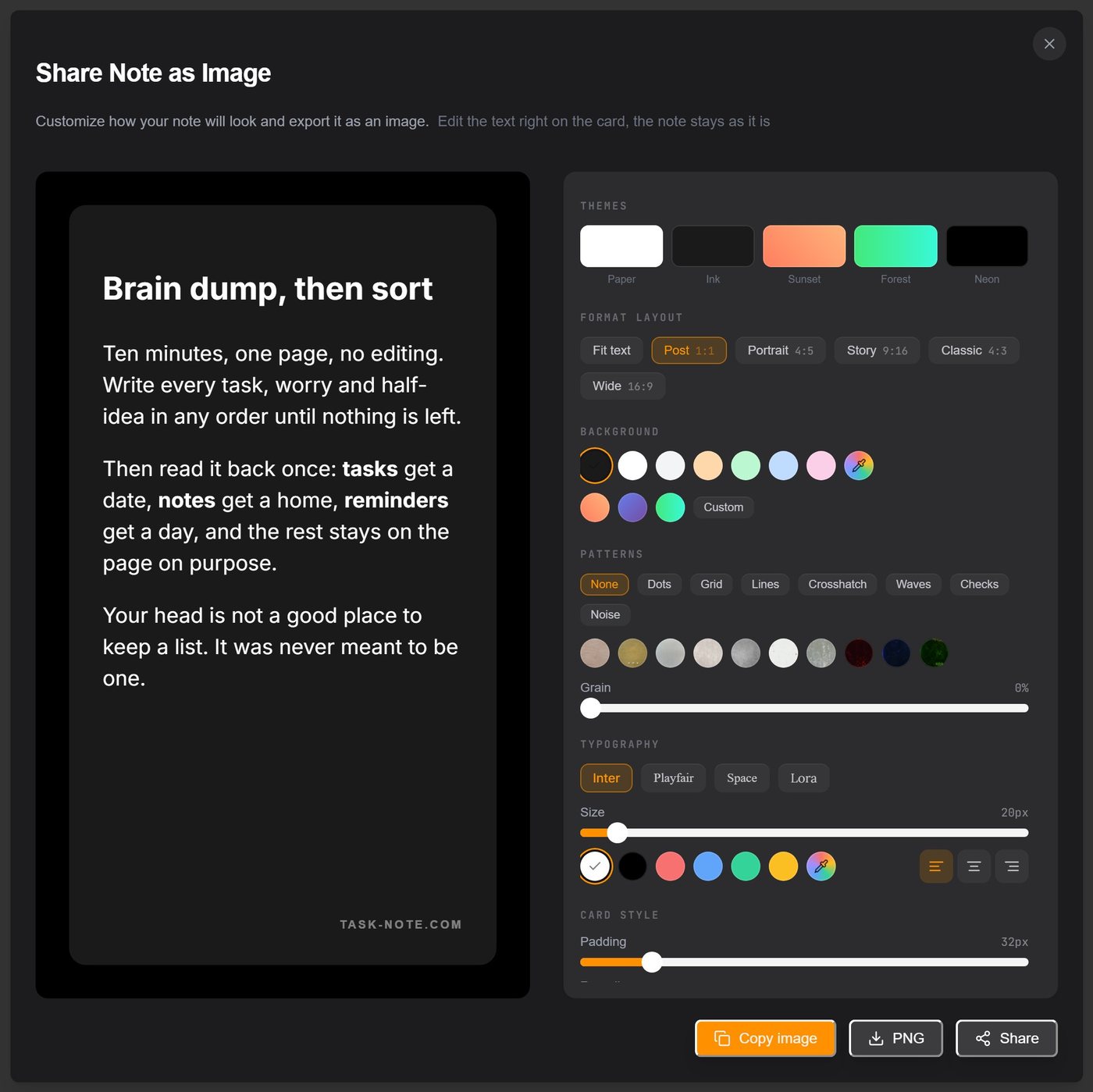
One note, every format
Pick the shape by where the picture is going. The text reflows to fit; you never drag a crop box.
| Format | Ratio | Pixels | Where it fits |
|---|---|---|---|
| Post | 1:1 | 1440 × 1440 | Instagram feed, Threads, LinkedIn, Facebook |
| Portrait | 4:5 | 1440 × 1800 | Instagram and Threads carousels, the tallest a feed allows |
| Story | 9:16 | 1440 × 2560 | Stories, Reels covers, TikTok, WhatsApp status |
| Classic | 4:3 | 1440 × 1080 | Slides, blog images, email |
| Wide | 16:9 | 1440 × 810 | X, LinkedIn link cards, YouTube community posts |
| Fit text | auto | as tall as the note | Group chats, Telegram, a quick reply |
Sizes are approximate: the export renders at three to six times the on-screen size, which lands around 1440 pixels across.
A long note becomes a carousel
Turn on Split into cards and the note is cut into pages of the format you chose. Each page is one image and the order follows the text. Ten paragraphs become a ten-slide carousel without a template, a grid or a second app.
This is how the TaskNote account posts on Threads and Instagram: the post is written as a note, split into square cards, exported page by page and uploaded in order. The carousel below went to both from a single note.
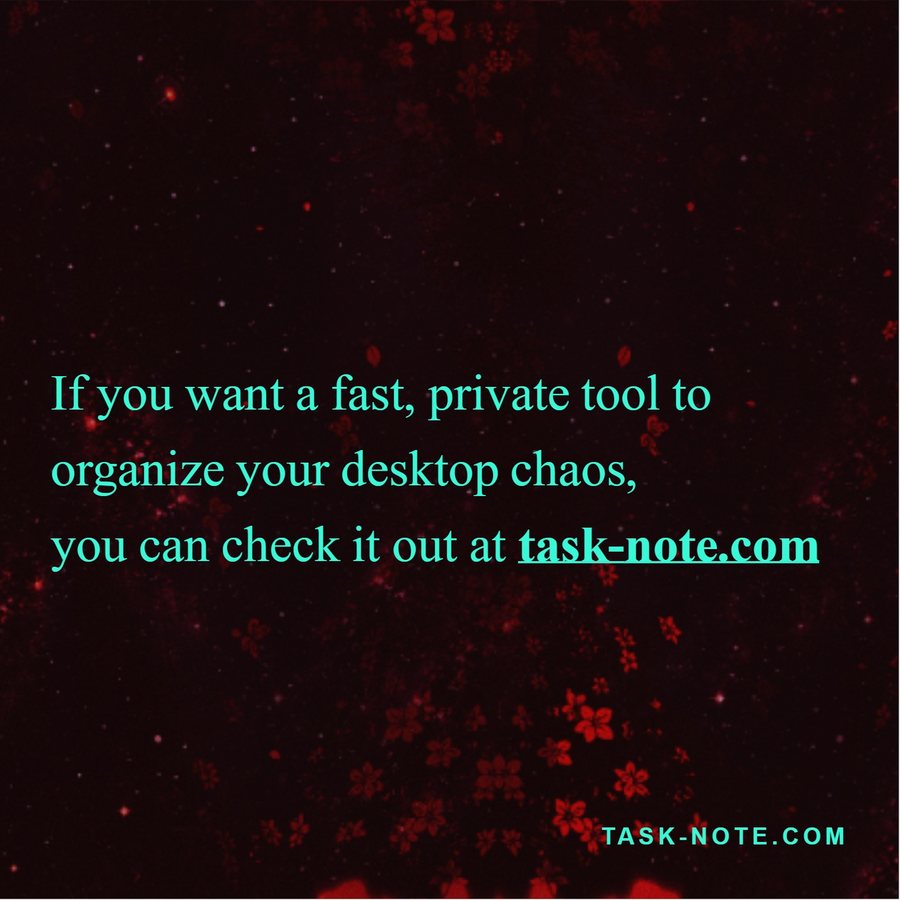
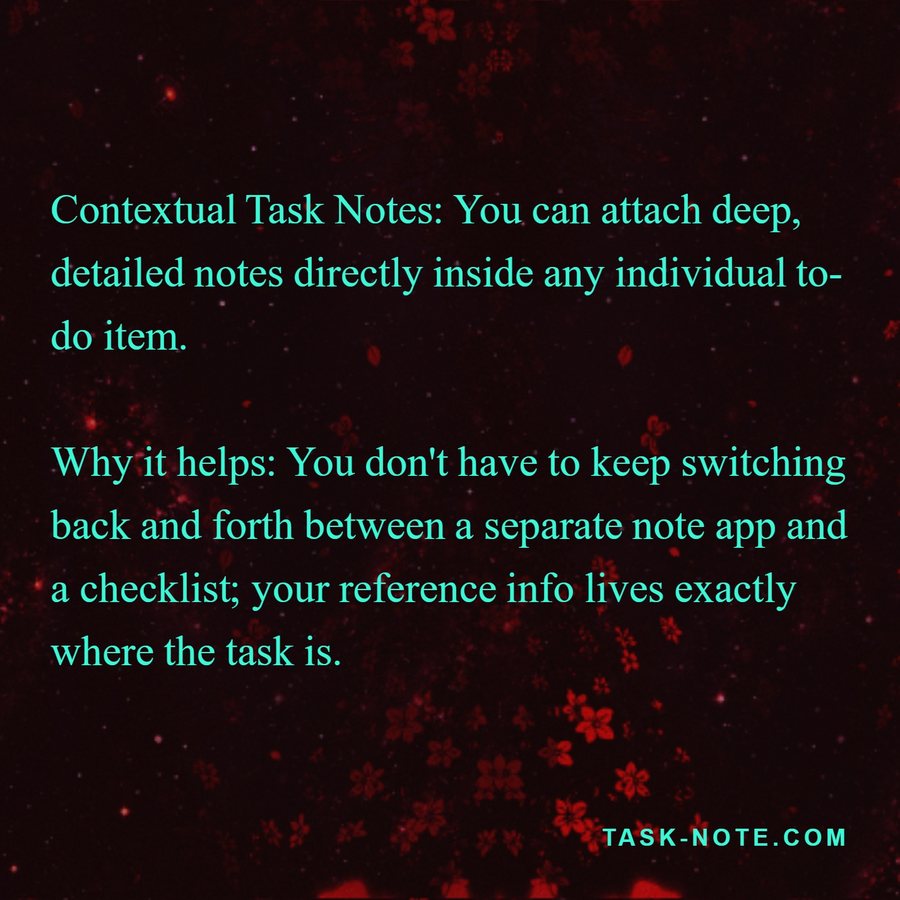
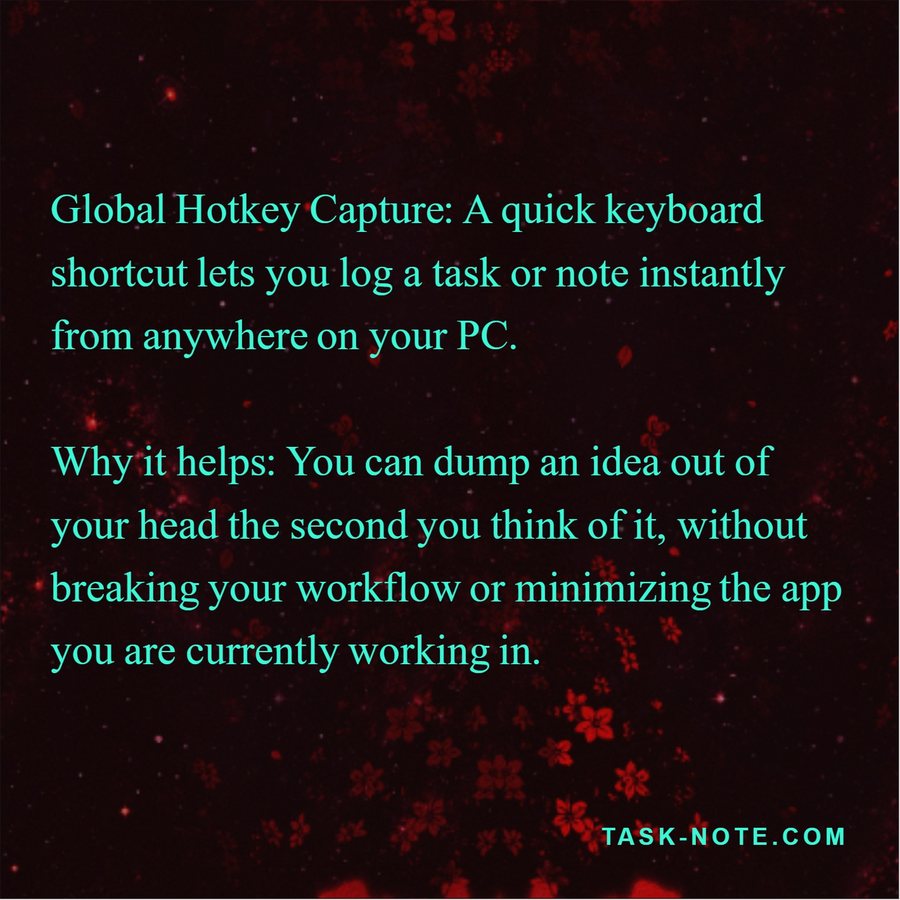
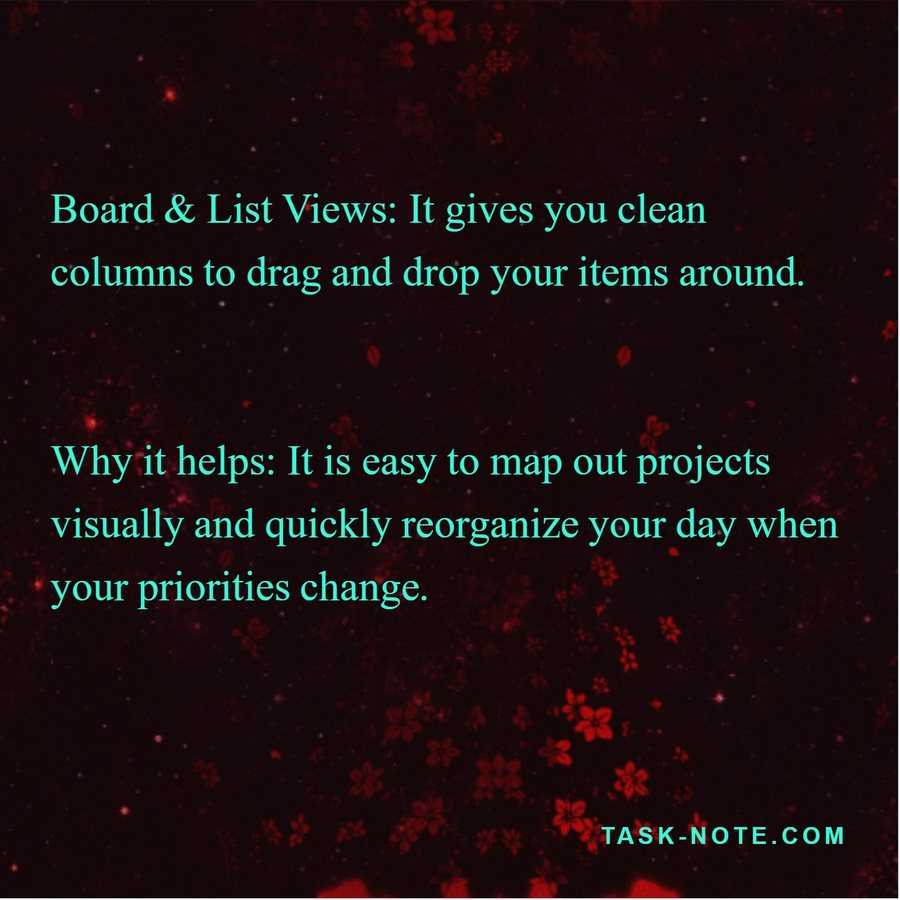
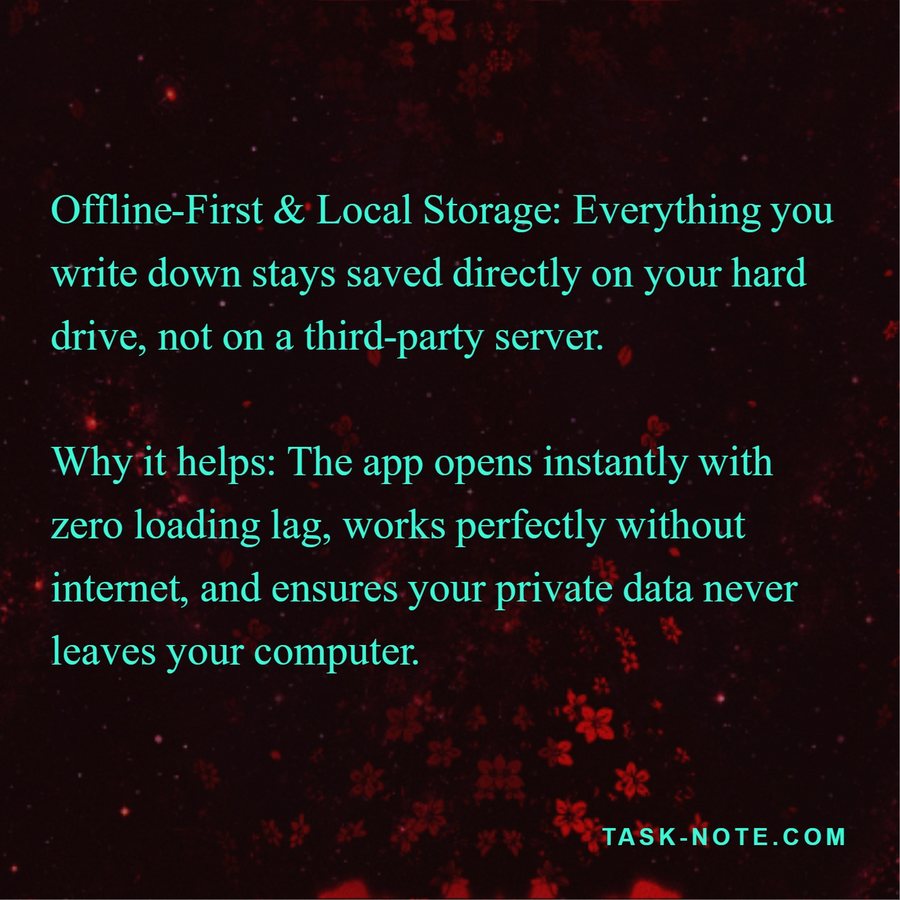
The five cards of the carousel, exported from one note
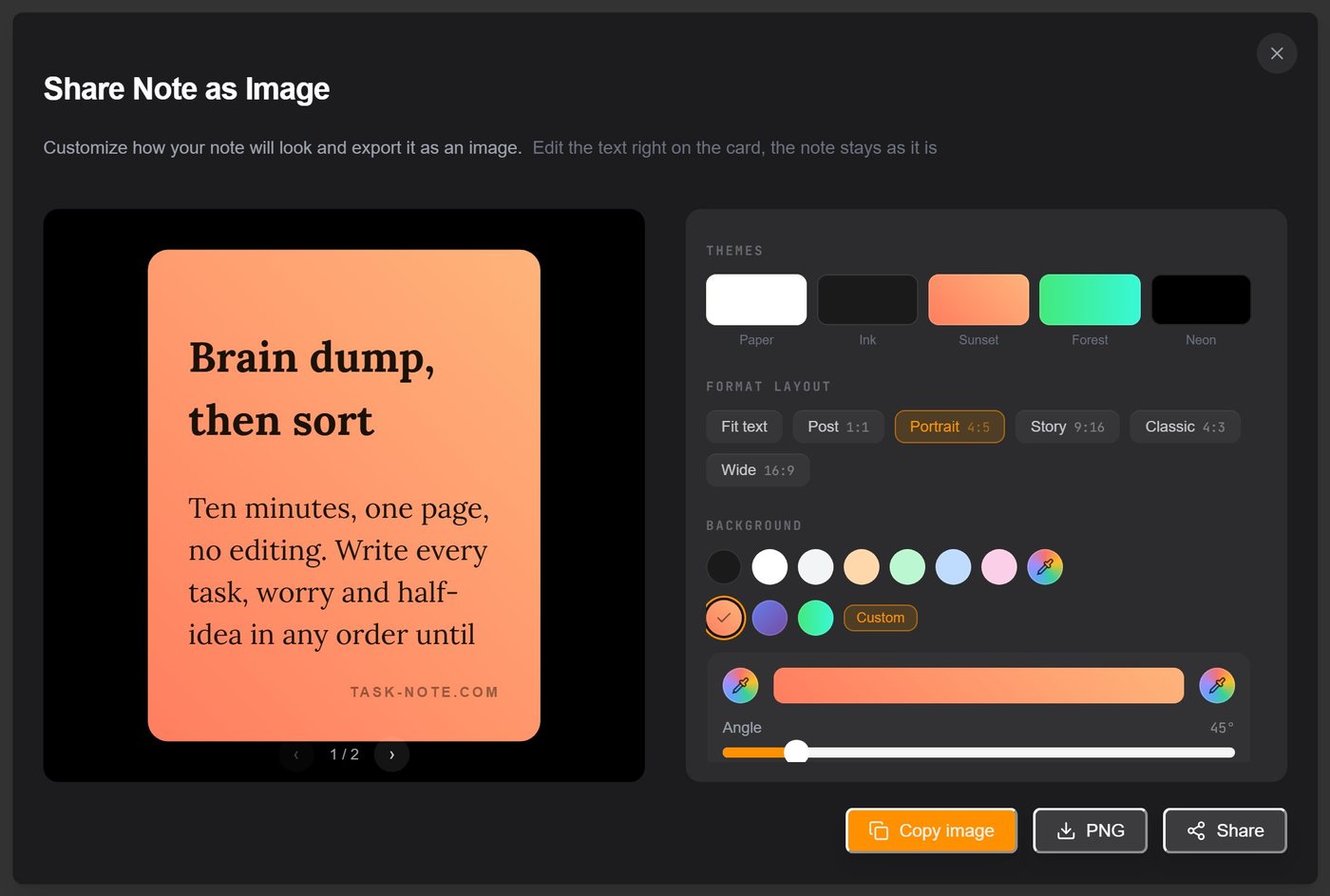
Tip: keep paragraphs under about sixty words so each card has room to breathe, and put the line you want read first at the top of the note. It becomes the first slide.
It looks like your notes
Every control sits in one panel beside the live preview, and what you see is what the PNG will be.
Five presets or your own gradient
Paper, Ink, Sunset, Forest, Neon, or two colours and an angle of your own. The gradient is rendered into the image, not laid over it.
Patterns and grain
Linen, kraft, paper: the same textures the app uses for notes, with an opacity slider and optional film grain.
Four fonts
Inter, Lora, Playfair Display and Space Mono, with size and colour. Bold, italics, lists and highlights from the note carry over.
Your logo, or none
Show the TaskNote mark, the note title and the date, or switch each one off. There is no forced watermark.
Padding and rounding
Tight for a quote, generous for a page of text. Corners from square to pill.
Split into cards
A fixed format plus this switch turns one note into an ordered set of images, with arrows to flip between pages.
Against a screenshot and a design tool
Where the export sits between the two ways people usually do this.
| What you get | TaskNote | Screenshot | Design tool |
|---|---|---|---|
| Clean edges, no app chrome | Yes | No | Yes |
| The right size for the platform | Yes | No | Yes |
| Text stays editable afterwards | Yes | No | Partly |
| Long text splits into slides | Yes | No | Partly |
| Text never leaves your account | Yes | Yes | No |
| No extra app to open | Yes | Yes | No |
Design tools do far more than this. The point is that a text card should not need one.
Who reaches for it every week
Threads and Instagram writers
Text posts and carousels straight from the draft, in the account's own look, every time.
Teachers and coaches
A quote, a definition, a checklist for the class chat, readable on a phone.
Teams
A paragraph from the meeting notes pasted into the channel as a picture nobody has to scroll for.
Anyone with a family chat
The recipe, the packing list, the address: one card instead of a wall of text.
Brain Dump: What It Is, How to Do It in 10 Minutes, and What to Do After · Web note taking app that opens in any browser
Questions about sharing as an image
Short answers, the long ones are above.
Is Share as image free?+
Yes, on the web and in the Windows app. Pro on the web lifts the limits on notes, boards, tasks, folders and reminders; it does not gate formatting, themes or export.
What size is the PNG?+
About 1440 pixels wide, with the height set by the format: 1440 by 1800 for a 4:5 portrait, 1440 by 2560 for a story. It is rendered from the live preview, so what you see is what you get.
Can I remove the TaskNote logo?+
Yes. The logo, the note title and the date are each a switch in the card panel. Turn them off and the card carries only your text.
How do I make an Instagram or Threads carousel from a note?+
Choose the 4:5 format, turn on Split into cards, then flip through the pages and export each one. Upload them together in order and the post is a carousel.
Does it keep bold, lists and highlights?+
Yes. The card is rendered from the note's formatting, so bold, italics, lists, highlights and headings appear as they do in the editor.
Can I turn text into an image without signing up?+
The Windows app needs no account: install it and the export works offline. The web app asks for a free account so notes can sync between devices.
The next post is already written
It is sitting in a note. Open it, tap Share as image, and it is ready.
Free. No card, no watermark you cannot switch off.