Web note taking app that opens in any browser
Write, organise and encrypt in a browser on whatever machine is in front of you. No download, no installer, and no argument about which operating system you run.
Sign up with Google or any email and start straight away. The core is free. No card details, and it works on Windows, Mac, Linux, Chromebook, iPhone and Android.
Free plan included · No card details · Windows, Mac, Linux, iPhone, iPad, Android
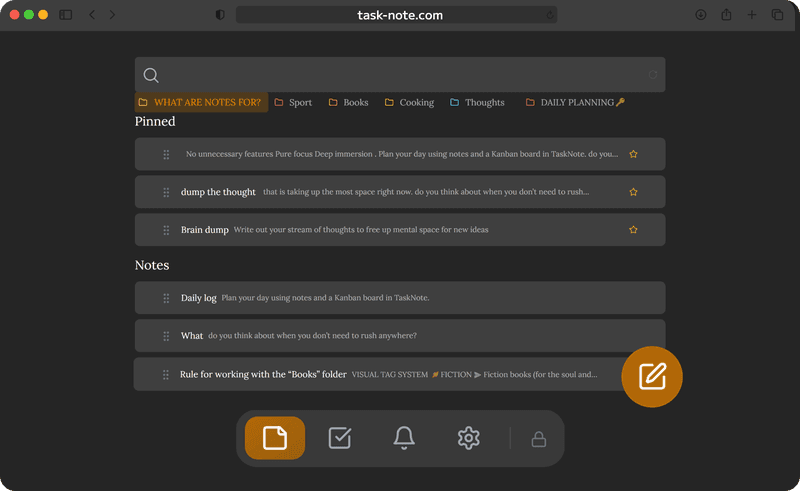
Any browser will do, and nothing needs installing
It runs in Chrome, Firefox, Safari, Edge and Brave, on whatever the machine happens to be running. Nothing to download, no plug-in, no extension. Open the address and your notes are already there, already current.
- Windows, Mac, Linux and Chromebook
- Chrome, Firefox, Safari, Edge, Brave
- Nothing to install and no updates to chase
- Add it to the home screen and it behaves like an app

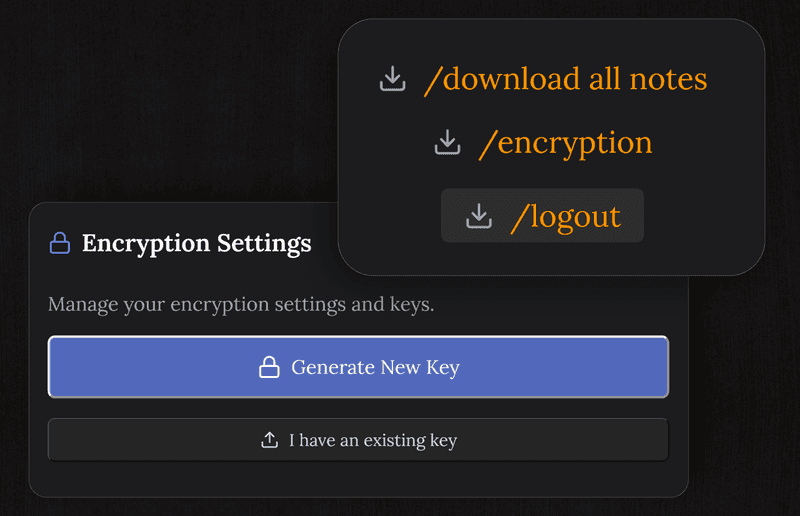
Encrypted end to end, browser or not
Most web apps send your text to the server in readable form. Here every note is encrypted on your device first, so the server only ever holds ciphertext. A breach at our end exposes nothing worth reading.
- Every note encrypted, with the key held by you
- Locked before it leaves the browser
- No advertising, no tracking, nothing sold on
- Fine for a journal or anything else private
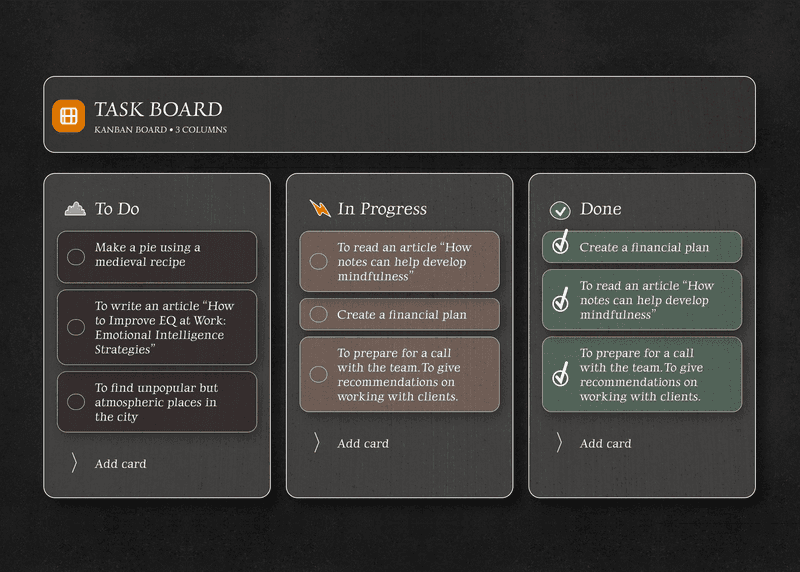
Notes and a board, in the same tab
Stop moving between a notes app and a task manager. Here the writing and the board sit together: put the idea down, plan what it needs, then watch it cross the board.
- A proper editor in the browser
- A board you can drag things across
- Reminders that notify you in the browser
- Full text search across everything
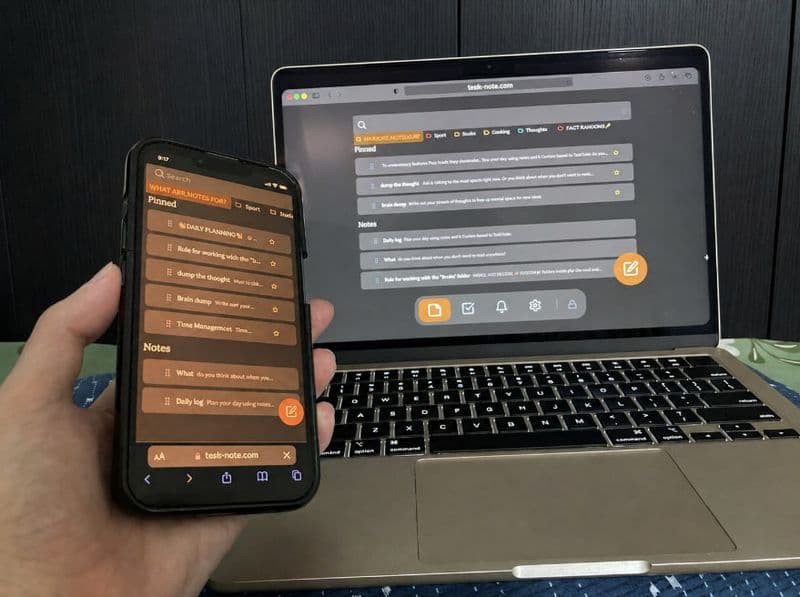
Ready when the connection is not, and syncs once it returns
Web apps usually stop dead without a network. This one keeps a copy on your device, so a dropped connection does not interrupt the sentence you are writing. Everything goes up on its own once you are back.
- A local copy for reading and writing offline
- Syncs by itself when you reconnect
- A dropped connection costs you nothing
- The same notes on all your devices
Questions about the web app
Do I have to install anything?
No. It runs entirely in the browser, whether that is Chrome, Firefox, Safari, Edge or Brave. No download, no plug-in, no extension. Open the site and write.
Is a web app safe for private notes?
This one is, because the encryption happens before anything leaves the browser. The server never sees your content, and we cannot read it either.
Does it work on any device?
Any modern browser on Windows, Mac, Linux, Chromebook, iPhone, iPad or Android. There is no platform we hold back from.
Does it work offline?
Yes. Notes are kept on your device, so you can read and write with no connection. Changes sync once it comes back.
Is it free?
The core is: notes, the board, reminders and end to end encryption, with no card details asked for.
How does it compare with Google Docs?
Docs is built for documents and for working on them together. This is built for your own notes: quicker to open, with a board for the work attached, and encrypted so the contents are not readable by the company hosting them.
The web note taking app that works wherever you are
Open a browser, sign up, start writing. Encrypted, ready offline, free to start.
Get it for freeFree plan included · No card details · Windows, Mac, Linux, iPhone, iPad, Android