An alternative to Obsidian, with sync already included
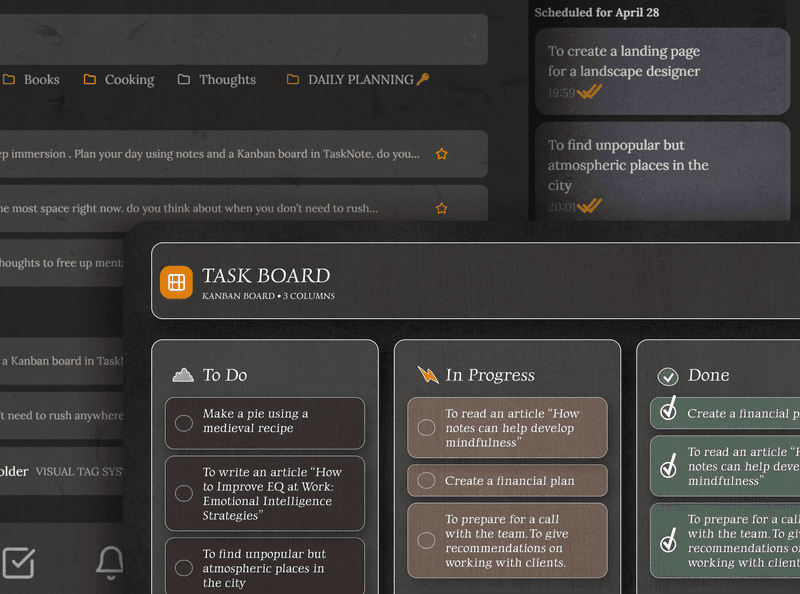
Markdown notes, a kanban board and end to end encryption, without a paid sync add-on, a plugin to configure or a vault to wire up yourself.
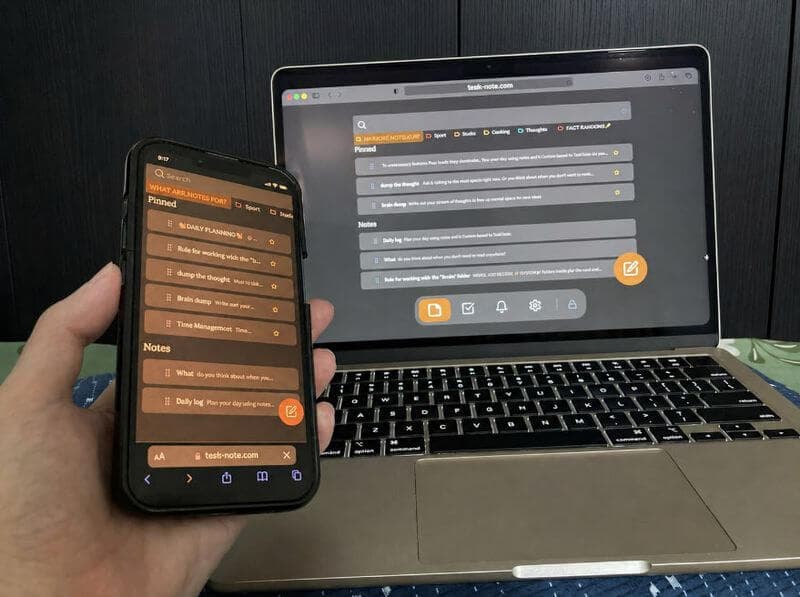
Sign up with Google or any email and start straight away. The core is free, sync included, and it works on the phone as well as the desk.
Free plan included · No card details · Windows, Mac, Linux, iPhone, iPad, Android
Side by side
| Feature | TaskNote | Obsidian |
|---|---|---|
| Sync between devices | Included | Paid add-on or set it up yourself |
| On a phone | Free in any browser | Needs the paid sync to be useful |
| Kanban board | Built in free | A plugin |
| Reminders | Built in free | A plugin |
| Encryption while syncing | Free | With the paid sync |
| Time before you can write | None | Plugins to configure |
| Runs in a browser | Yes | Desktop app |
Full comparison: TaskNote vs Obsidian →
Sync at no extra cost, no plugin and no paid plan
Obsidian charges for its sync service. Getting notes onto the phone for nothing means wiring up iCloud, Dropbox or Git yourself and living with the conflicts. Here sync is part of the thing: sign up and your notes are on every device.
- Sync on every plan, at no extra cost
- No iCloud, Dropbox or Git to set up
- Mac, Windows, Linux, iPhone, Android
- Changes appear on the other devices as you go
A board built in, with no plugin to keep working
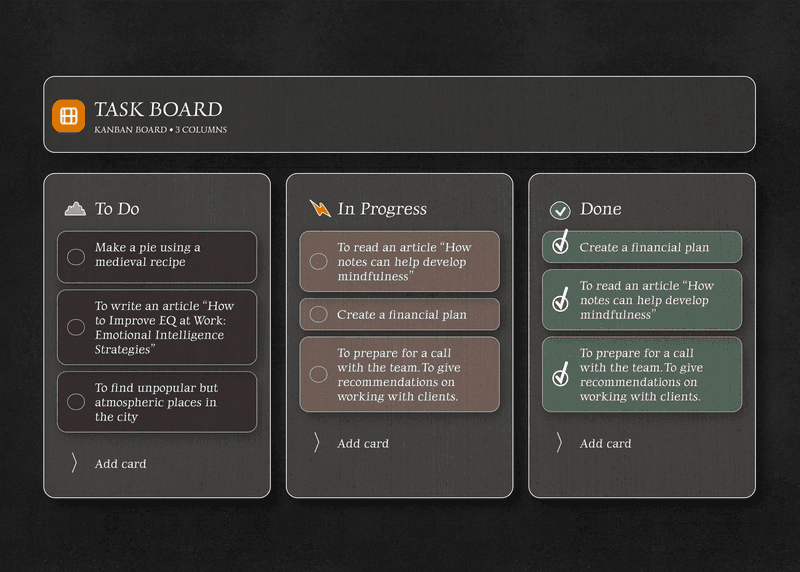
In Obsidian a board comes from a community plugin, which means configuring it and maintaining it as both move on. Here the board is part of the app. Nothing to install, nothing to keep up with, no markdown files to hand edit.
- The board is built in, no plugin needed
- Drag tasks between columns
- A full note behind every card
- Columns named the way you work
TaskNote and Obsidian
How is it different from Obsidian?
Obsidian keeps files on your machine and sells sync separately, with much of its power coming from plugins you choose and maintain. This arrives assembled: sync, a board, reminders and end to end encryption, with nothing to configure first.
Is sync really included?
Yes, on the free plan, with no card details. Obsidian's own sync service is a paid add-on on top of the app.
Does it do Markdown?
The editor takes Markdown shortcuts as you type, a hash for a heading, two stars for bold, a dash for a list, backticks for code. Notes export as standard Markdown, so nothing is trapped here.
Is it encrypted the way Obsidian is?
Everything synced here is encrypted end to end, on the free plan. Obsidian offers that through its paid sync. A local vault, meanwhile, is exactly as safe as the machine it sits on.
Does it work on a phone?
Yes, in any browser on iPhone, iPad or Android, with nothing to buy. Obsidian's mobile app needs the paid sync before your notes reach it.
Is it free?
The core is: notes, sync, the board, reminders and end to end encryption, with no card details asked for.
The alternative to Obsidian with sync included and no plugins
Markdown notes, sync at no extra cost, a board built in, encrypted end to end. Free to start.
Get it for freeFree plan included · No card details · Windows, Mac, Linux, iPhone, iPad, Android