
Note: Prices change. Verify on each app's official pricing page before purchasing. Last updated April 2026.
The Right Way to Think About Price
Price is not the main question. The main question is: does this app save you more time than it costs?
A $15/month app that saves you 20 minutes a day pays for itself many times over. A free app that buries notes in a slow search and a messy folder tree is not actually free. It costs you attention and time every day.
That is the framework I use when evaluating note app pricing: not what the subscription costs, but what bad tooling costs.
Note Taking App Market
The note taking app market splits into four clear price tiers. Most apps land in one of these ranges:
| Tier | Price | Who it's for |
|---|---|---|
| Free | $0 | Light personal use, low note volume |
| Individual Pro | $4-$10/month | Daily users who need better search, sync, or formatting |
| Team | $8-$20/user/month | Small teams needing shared notes and permissions |
| Enterprise | $20+/user/month | Organizations needing compliance, audit logs, admin controls |
Note-Taking App Reviews and Pricing
Here is how the major apps line up. Prices are approximate. Confirm on each product's site before buying.
| App | Free Plan | Paid Plan | Notes |
|---|---|---|---|
| Apple Notes | Full-featured | None (built into Apple) | Requires Apple device; no Windows |
| Bear | Basic notes | ~$2.99/month or ~$29.99/year | Clean editor; Apple-only |
| Obsidian | Full local vault | ~$10/month (Sync) / ~$8/month (Publish) | Local-first; large plugin ecosystem |
| Notion | Limited blocks | ~$12/month (Personal Pro) | All-in-one workspace; heavy for notes only |
| Evernote | Very limited | ~$14.99/month (Personal) | Long-running platform; rich history |
| Roam Research | None | ~$15/month or ~$165/year | Graph-based; steep learning curve |
| TaskNote | Full-featured + E2E encryption | $19.99 (Pro upgrade) | Notes + tasks + reminders; privacy-first |
Key observation: most apps gate usability features behind the paid tier. TaskNote is an exception: the free plan includes end-to-end encryption, unlimited notes, and full search, which is unusual at that price point.
What You Are Actually Paying For
When you upgrade from free to paid, you are almost never paying for more storage. You are paying for:
- Faster search: finding a note in a large archive without digging through folders
- Better sync: reliable, fast sync across phone, tablet, and desktop
- Richer formatting: tables, code blocks, nested lists, markdown support
- Export options: getting your notes out in usable formats if you ever switch
- Privacy controls: knowing who can read your data and under what conditions
Free tiers typically give you enough to try the app. They rarely give you enough to rely on it daily.
Free vs Paid: A Practical Decision Guide
Stay on the free plan if:
- You take notes occasionally, not daily
- You have fewer than a few hundred notes
- You don't share notes with anyone
- You're not storing anything sensitive
- Basic text formatting is enough
Upgrade to paid if:
- You use notes every day for real work
- You switch between devices frequently and need instant sync
- Your archive is growing and search is getting slow
- You need notes, tasks, and reminders in one place
- Privacy matters: you don't want your notes readable by the app company
Hidden Costs of Cheap or Free Apps
The sticker price is not the full cost. Cheap and free apps often shift costs onto your time:
- Slow search: spending 3 minutes finding a note you need right now
- Poor export: being locked in because migrating your archive would take days
- Fragmented workflow: keeping notes in one app, tasks in another, reminders in a third
- Add-on fees: a cheap base plan with paid sync, paid backup, paid export stacked on top
- Privacy risk: using a free app that monetizes your data
I have made the mistake of switching apps after two years because export was terrible. That migration cost more than two years of a paid subscription would have.
TaskNote Pricing: What You Get at Each Level
TaskNote uses a straightforward two-tier model.
Free plan includes:
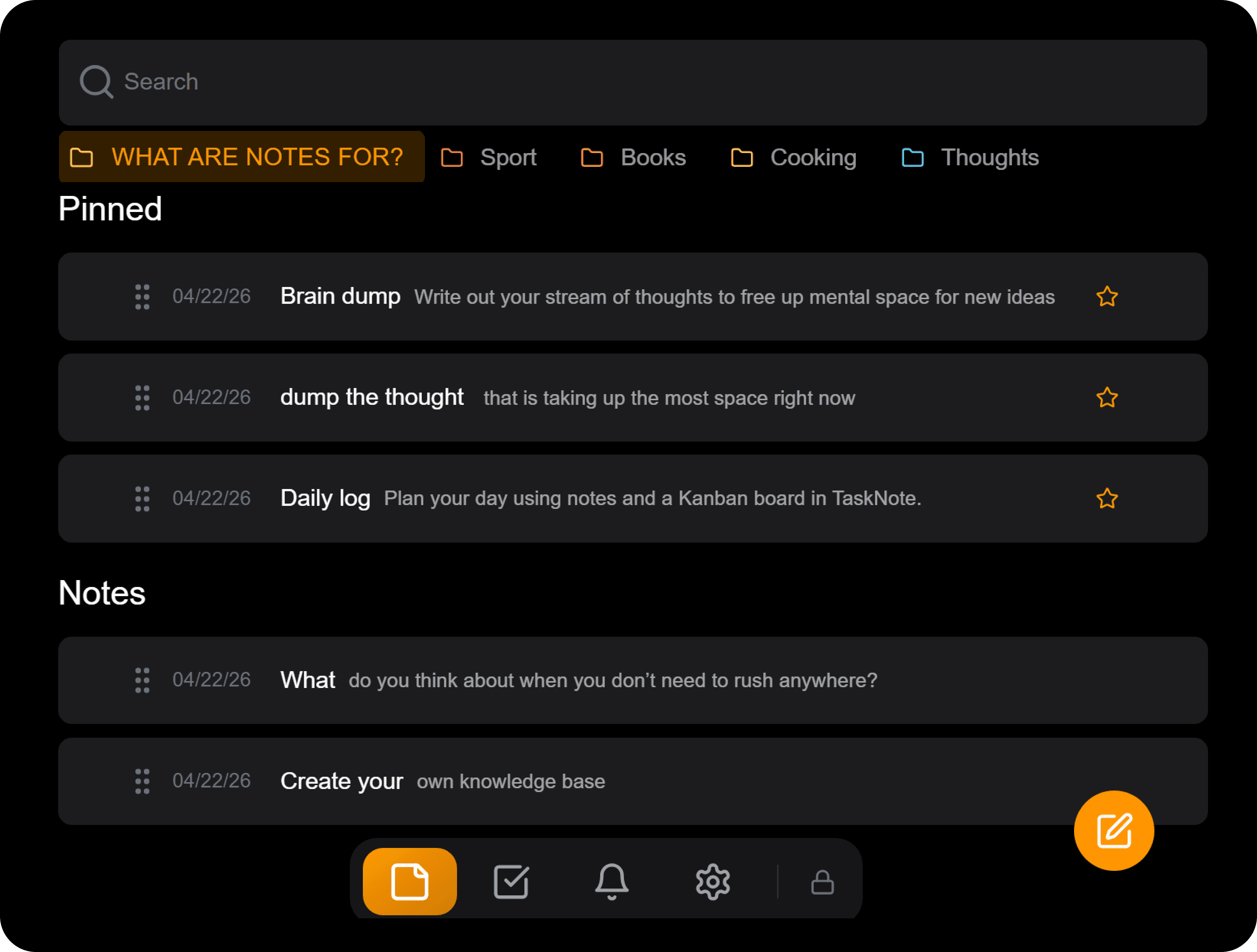
- End-to-end encryption on all notes (zero-knowledge: TaskNote cannot read your notes)
- Unlimited notes
- Full search
- Tasks and reminders
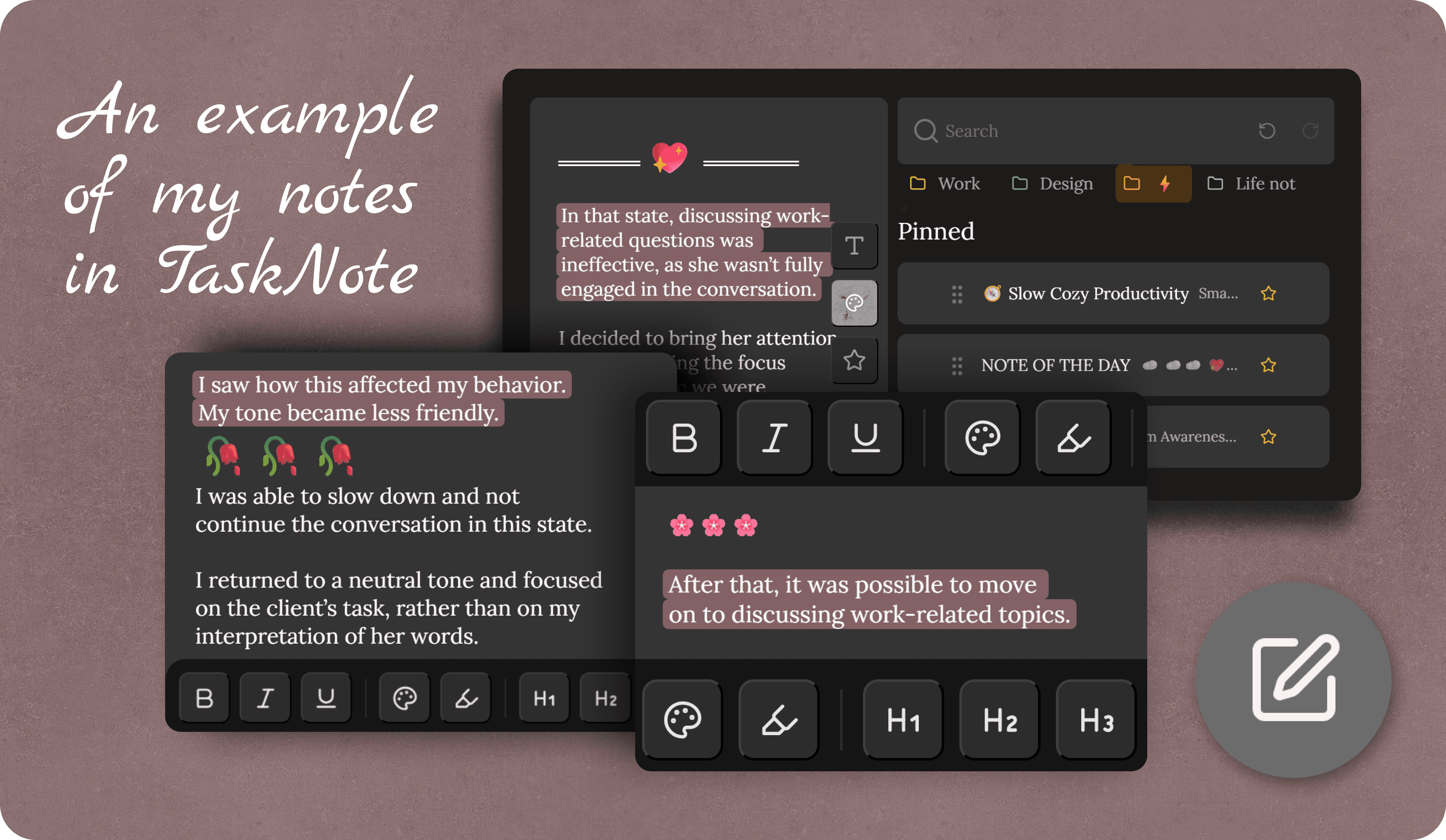
- Folders, pinning, drag-and-drop organization
Pro plan ($19.99 one-time):
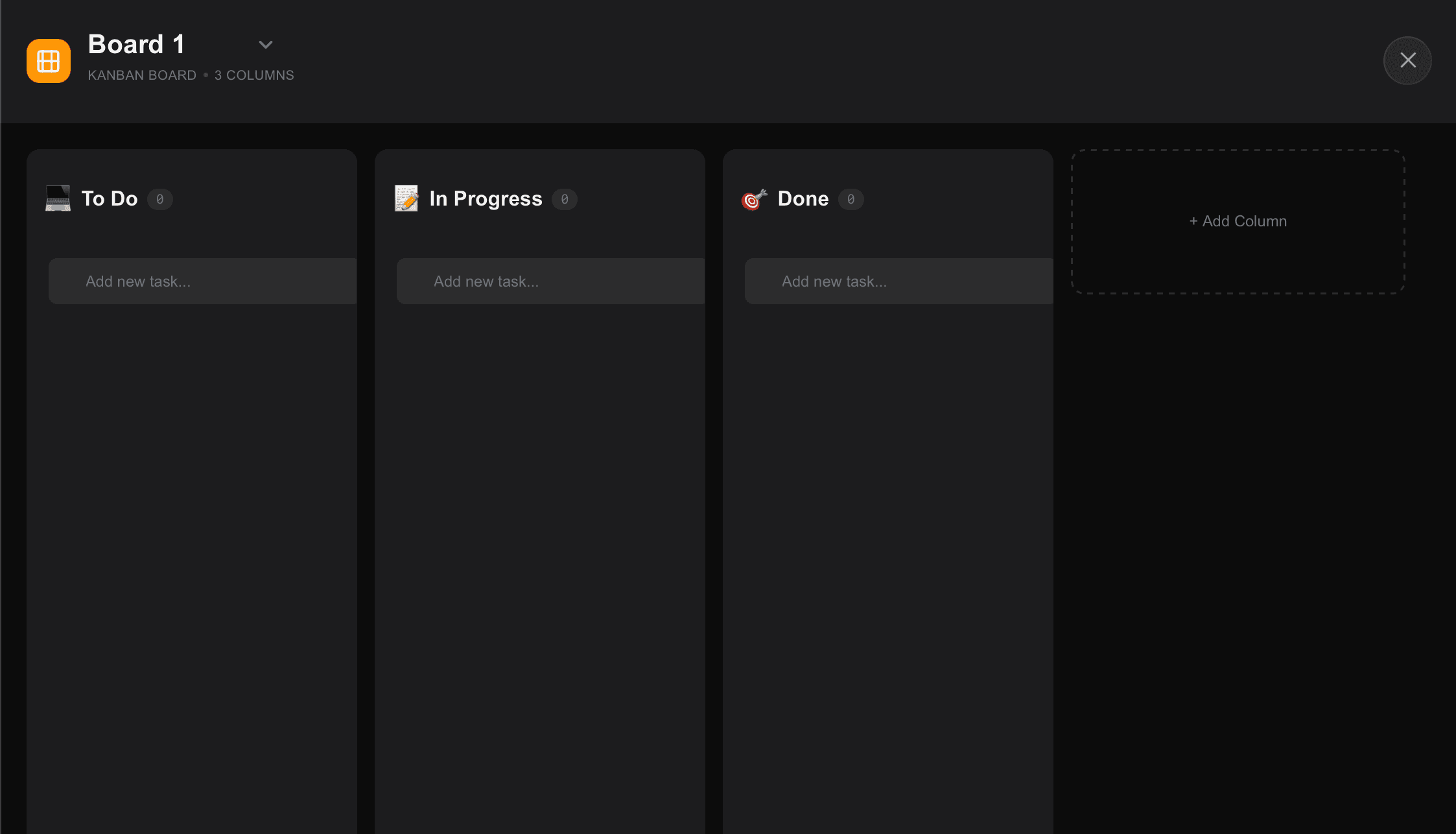
- Unlimited kanban boards and tasks
- Rich text formatting
- Custom themes. Any palette colors
- Early access to new features
TaskNote does not limit the core functionality to push you toward a paid upgrade. The free plan is genuinely usable for serious work. The Pro layer is for people who want more customization and want to support continued development.
Note Taking Software Pricing
Note taking software pricing varies more than any other productivity category. The same core feature - saving and retrieving text - costs anywhere from $0 to $30 per month depending on the vendor's business model, target market, and infrastructure costs.
Three factors drive price differences that most comparisons ignore. First, storage and sync infrastructure: apps that sync across devices in real time carry higher backend costs than local-only tools. Second, encryption: zero-knowledge end-to-end encryption requires the app to process and store data in a way that prevents the company from reading it - this is technically harder and more expensive to maintain than standard cloud sync. Third, team features: per-seat billing for collaboration tools inflates apparent cost for solo users even when they do not need the team layer.
For personal use, the practical price ceiling is around $5-10 per month for a well-built app with sync and search. Above that, you are paying for collaboration infrastructure you are unlikely to use alone. Apps with encryption built in by default - rather than as an add-on - tend to hold their value longer because the data stays yours regardless of what happens to the company.
Apple Notes Pricing
Both apps support focused note-taking. The difference is in what surrounds the notes.
Choose TaskNote when:
- Privacy is non-negotiable: you want encryption you control
- You want notes, tasks, and reminders in a single app
- You use Windows, Android, or non-Apple devices
- You want markdown and structured formatting
- You are building a long-term personal knowledge system
Choose Apple Notes when:
- You are entirely inside the Apple ecosystem and want zero setup
- iCloud sync across your Apple devices is all you need
- You use Apple Pencil and want native handwriting support
- You prefer a built-in app with no subscription at all
Both are solid. The choice depends on whether you prioritize ecosystem convenience or workflow control and privacy.
Why People Actually Start Paying
Most people upgrade after hitting a specific frustration, not because of marketing. The common triggers:
- Search takes longer as the archive grows, and finding old notes becomes a chore
- Notes and tasks are in separate apps, and context gets lost in the transfer
- A privacy concern: realizing a free app stores notes in plaintext on the company's servers
- Sync breaks, meaning a note edited on phone does not appear on laptop reliably
- Export fails: trying to move data out of the app and finding the output is unusable
If you have hit any of these, a paid plan is worth testing.
ROI: The Math on Whether a Paid Plan Is Worth It
A paid note app justifies itself if it saves you enough time each month.
Simple calculation assuming your time is worth $25/hour (a conservative estimate for knowledge work):
| Time saved/day | Time saved/month | Dollar value | Worth $10/mo plan? | Worth $15/mo plan? |
|---|---|---|---|---|
| 5 minutes | ~2.5 hours | ~$62 | Yes | Yes |
| 10 minutes | ~5 hours | ~$125 | Yes | Yes |
| 2 minutes | ~1 hour | ~$25 | Marginal | No |
The 10-minute test: if a paid plan saves you 10 minutes a day, through faster search, fewer app switches, or better organization, it pays for itself at virtually any price in this market. Most users who upgrade report saving 10-15 minutes daily within the first week.
Before You Buy: A Trial Checklist
Run a real 7-day trial before committing. Sample data gives misleading results. Before starting, scan note-taking app reviews and pricing pages to shortlist two or three candidates worth testing.
- Import your actual existing notes, not test content
- Search for something you wrote 6 months ago, and measure how long it takes
- Test sync: edit a note on your phone, check how fast it appears on your laptop
- Try exporting a batch of notes, and verify the output is usable
- Check the privacy policy: who can read your notes, and under what conditions
- Track time spent in the app vs time wasted on it, and keep a simple log for 7 days
If the app passes this test on your real workflow, buy it. If it does not, no amount of good marketing copy changes that.
Final Recommendation
For light, occasional note-taking: stay on a free plan. Apple Notes, Obsidian (local), or TaskNote's free tier all work well.
For daily, structured knowledge work, especially if you care about privacy, need tasks alongside notes, or switch between devices, upgrade after the trial. At $10-$20/month, the math works if the app genuinely fits how you work.
For TaskNote specifically: the free plan is unusually capable. Start there. Upgrade to Pro if you want custom themes, rich formatting, and early access to new features.
FAQ
What is a fair price for a note taking app?
For individual use, $4-$10/month is the normal range for a solid paid plan. At that price, you are paying for better search, reliable sync, and more formatting options. If an app charges more than $15/month for a solo user, it should offer a meaningfully stronger feature set: better collaboration, more integrations, or enterprise-level privacy controls.
Is a free note taking app good enough for long-term use?
It depends on how you use it. Free plans work well for light, infrequent note-taking. Once your archive grows, once you rely on notes daily, or once you store anything sensitive, free tiers tend to fall short, either through slow search, weak sync, or privacy limitations. The exception is apps like Obsidian (local-only, no sync needed) or TaskNote's free tier, which include stronger features than typical free plans.
Why do some note apps cost more than others?
Higher prices usually reflect stronger infrastructure: better sync reliability, clearer privacy models, richer formatting, and lower lock-in risk. You are also often paying for a sustainable business. Apps that are perpetually free have a history of being shut down, acquired, or degraded. A reasonable subscription is often a sign the company can keep running.
What is the cheapest note app worth using?
Bear (~$2.99/month) is the most affordable serious paid app for Apple users. Obsidian is free with local storage and charges only for sync. TaskNote's free plan covers more than most free tiers, including encryption and tasks. For zero cost with no compromises, Apple Notes remains a legitimate option for anyone in the Apple ecosystem.
What is better in TaskNote than Apple Notes?
TaskNote is stronger for privacy-first work and cross-platform use. It includes end-to-end encryption by default, integrates tasks and reminders with notes, and works outside the Apple ecosystem. Apple Notes is better if you want deep iOS/macOS integration, native Apple Pencil support, and zero subscription cost. Both handle everyday note capture well. The difference shows in workflow depth and privacy architecture.
Is Notion worth the price for notes?
Notion is a powerful all-in-one workspace, but it is heavier than most people need for notes alone. If you are already using it for project management or team wikis, the note-taking value is effectively bundled in. If you only want notes, Notion is more app than you need, and performance and search can feel slow compared to dedicated note apps.
What note app do most professionals use?
There is no single answer. Usage splits across Notion (teams and project work), Obsidian (knowledge management and researchers), Bear (writers on Apple devices), and Evernote (legacy users). Privacy-focused professionals increasingly look at apps with end-to-end encryption. TaskNote targets this segment with its zero-knowledge model.
Recent articles
Comments
Public discussion. Submissions are moderated before they appear.
Loading comments…