What is a recovery key?
In short:
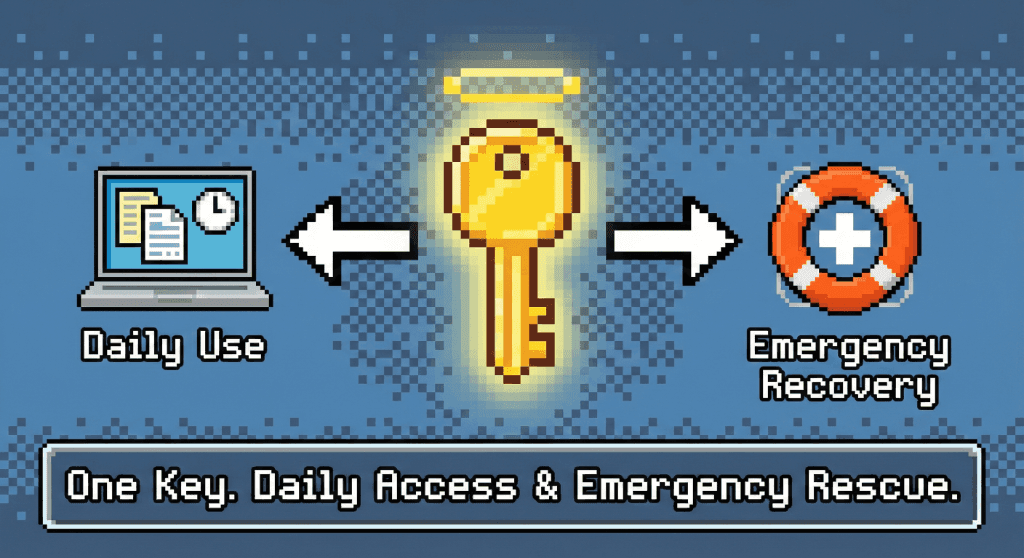
In TaskNote, recovery key is what we call your encryption key when it is used to get back into your account. Other apps hand you a separate backup code. We keep it to one secret: if you lose your password, this key is the only thing that can save your notes.
🔄 One key, two roles
The vocabulary is what confuses people, so here it is plainly. There is one key, a file or a string of text, that unlocks your notes. What it is called depends on when you reach for it:
- Encryption key: the everyday name, when you use it to open your notes on a new device.
- Recovery key: the same key, on the day you have forgotten your password and need your locked notes back.
We say recovery key to make one point: keep a copy somewhere else. It is the glass you break in an emergency.
🆘 How getting back in actually works
Because of the zero knowledge design, we cannot reset anything on your behalf. The sequence goes like this:
- You forget the password. You can reset it by email and sign in again, but the notes look like nonsense, because a new password does not open old locks.
- You fetch your copy of the encryption key from wherever you put it.
- You load it back in. TaskNote recognises the key at once, unlocks the notes and carries on.
If no copy of that key exists outside the app, recovery is not difficult. It is mathematically impossible.
📝 Where to keep it
This key is the only lifeline, so a copy has to live outside the app.
- A USB stick. Keep the file on a drive in a drawer.
- Cloud storage. Google Drive or Dropbox will do, ideally inside an archive with its own password.
- On paper. If your key is a string of text, print it and file it with your documents.
The one rule: never keep the only copy inside TaskNote. Locked out of TaskNote means locked out of the key as well.
⚠️ If both are gone
Honesty here is worth more than comfort.
Lose the password and the key together, and:
- The account still opens, after a password reset.
- The notes do not. They are gone for good.
- They stay on our servers as encrypted blocks until you delete them.
Which is the proof, unpleasant as it is, that nobody but you ever had access.
❓ Questions people ask
Why is there no separate recovery code, the way Apple does it?
To keep the number of secrets down. Two things to guard means two things to lose, and the second one is always the one people misplace. Here, if you have your key, you have everything.
What happens when I change my password?
Changing the password changes how you sign in. It does not change your encryption key, so the backup you saved stays valid.
Can I generate a new key?
Yes. If you think the old one was seen by someone else, generate a new encryption key in settings. Everything is re-encrypted, and every older backup file stops working the moment you do it.