What is an encryption key?
In short:
In TaskNote the encryption key is a secret separate from your password. The password gets you into the app. The key is the only thing that opens your notes. Keep it somewhere safe: lose it and the notes stay locked for good.
🔑 Two locks, not one
Picture a bank vault.
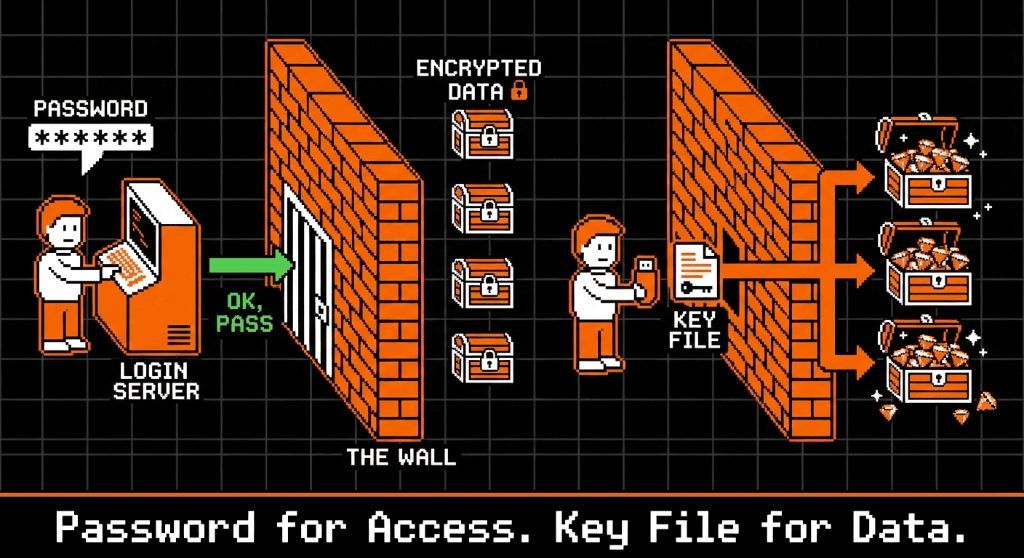
- The front door, your password. You show identification and the guard lets you into the building.
- The deposit box, your key. Inside the vault sits a box with your things in it. The guard has no key to it. You brought that from home. Standing in the bank is not enough to open it.
⚙️ How it works
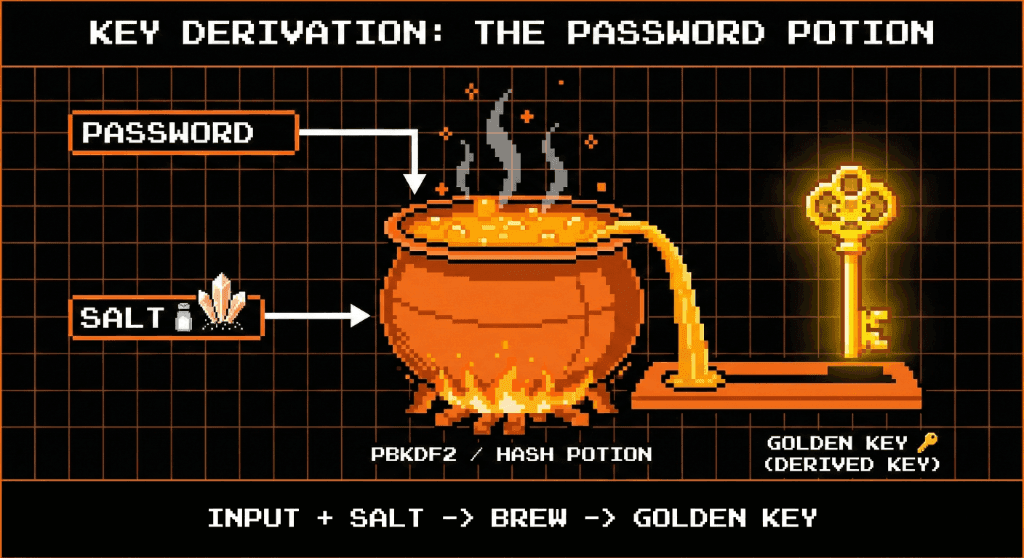
Many apps derive the key from your password by running it through a formula. We keep the two apart, which is stronger.
- It is generated. When you sign up, your device produces a random key that no one predicted.
- You save it. You are asked to keep it, as a file or as a string, on your device or in a password manager. We keep no copy.
- You load it. Sign in on a new device and the notes appear locked. They open when you load the key.
One useful consequence: changing your password has no effect whatsoever on your encrypted notes.
⚠️ The real risk is losing it
Because the key does not come from your password, knowing the password is not enough to get your notes back on a new device.
- You forget the password. Reset it by email, sign in, load your saved key. The notes are fine.
- You lose the key file. You can still sign in, but every note reads as nonsense. We do not have the key, and no password can recreate it. The notes are gone.
So treat the key as a physical object. Put a copy somewhere you would put a spare house key. See recovery key.
🛡️ Why it matters that the key lives with you
Where a key is kept changes everything about who can read your notes.
- The usual arrangement. The key lives in the cloud. You sign in and the cloud unlocks your data for you, which also means the cloud can unlock it without you.
- Ours. The key lives in your hands, on a drive or in your password manager. Our servers never touch it. It is held in the browser's memory only while you are reading, and it goes when you close the tab.
❓ Questions people ask
Can I change my key?
Yes, though it is real work, called key rotation: everything is decrypted with the old key and encrypted again with the new one. For most people, keeping the original safe is the better plan.
Do I have to enter it every time?
No. On a device you trust, the app can keep the key in the browser's own encrypted storage, so opening a tab just works. A new phone or laptop will ask for it.
What does it look like?
A long run of random characters, or a small file you download. It is not something anyone guesses, and not something you will memorise.