
Note: Prices change. Verify on each app's official pricing page before subscribing. Last updated April 2026.
The Core Problem With Kanban App Pricing
Most kanban board apps are priced for teams, not individuals.
You are shopping for a personal productivity tool, and you keep landing on pricing pages built around per-seat billing, enterprise add-ons, and annual contracts. The solo user is often an afterthought.
This article breaks down what kanban board subscriptions actually cost, what you get at each tier, and when a lighter tool (one that combines tasks and notes without the complexity of a full kanban setup) is the smarter choice.
What Kanban Board App Subscriptions Cost in 2026
The market splits into four tiers:
| Tier | Price | Who it's for |
|---|---|---|
| Free | $0 | Light personal use, small boards, limited cards |
| Individual / Pro | $5–$12/month | Solo users needing more boards, automations, or integrations |
| Team / Business | $10–$20/user/month | Teams needing shared boards, permissions, and reporting |
| Enterprise | $20+/user/month | Organizations needing SSO, audit logs, compliance, admin controls |
The biggest pricing cliff is between Individual and Team tiers. Per-seat billing makes team plans expensive fast.
Kanban App Subscription Comparison
Here are the major kanban and task management apps with approximate 2026 pricing. Confirm exact prices on each product's official page.
| App | Free Plan | Paid Plan | Best for |
|---|---|---|---|
| Trello | Unlimited cards, 10 boards | ~$5/month (Standard) / ~$10/month (Premium) | Simple visual boards; teams |
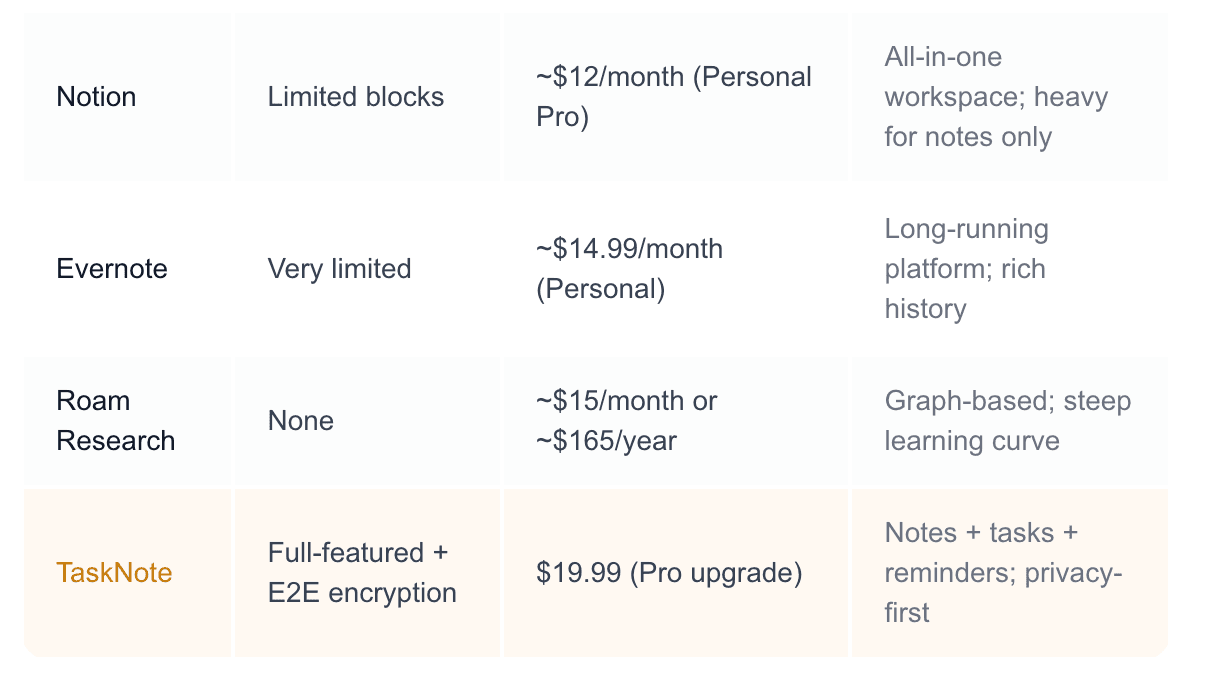
| Notion | Limited blocks | ~$12/month (Personal Pro) | All-in-one workspace; kanban is one view among many |
| Asana | Up to 10 users, basic | ~$13.49/user/month (Premium) | Team task management with timelines |
| Monday.com | None (trial only) | ~$9–12/user/month (min. 3 seats) | Team workflows; not ideal for solo use |
| ClickUp | Generous free tier | ~$7/month (Unlimited) / ~$12/month (Business) | Power users; feature-dense |
| Linear | Free for small teams | ~$8/user/month | Software teams; engineering-focused |
| Jira | Up to 10 users | ~$8.15/user/month (Standard) | Software development; very complex |
| TaskNote | Full-featured + E2E encryption | $19.99 (Pro upgrade) | Personal tasks + notes + reminders; privacy-first |
Key observation: most dedicated kanban tools are priced per seat and designed for teams. If you are an individual user, you are often paying for infrastructure you do not need. Apps like ClickUp and Trello offer usable free tiers for personal use. TaskNote offers a different angle: combining tasks, notes, and reminders without the overhead of a full kanban system.
What a Kanban Board Subscription Actually Buys You
When you pay for a kanban app, you are typically paying for:
- More boards and workspaces: free tiers often cap at 5–10 boards
- Automations: trigger actions when cards move between columns
- Integrations: connect to Slack, GitHub, Google Calendar, and more
- Timeline and reporting views: Gantt charts, workload views, analytics
- Admin controls: permissions, member management, audit logs
- Priority support: faster response times from the support team
For solo users, most of this is irrelevant. You do not need Slack integrations or admin controls. You need a clean way to track what you are working on, what is waiting, and what is done.
Free vs Paid Kanban: A Practical Decision Guide
Stay on the free plan if:
- You manage your own tasks, not a team's
- You have fewer than 10 active boards or projects
- You do not need automations or integrations
- Basic column-based organization is enough
- You do not store sensitive information in task cards
Upgrade to paid if:
- You hit board or workspace limits on the free tier
- You need automations to reduce repetitive manual work
- You collaborate with a team and need shared permissions
- Reporting and timeline views matter for your workflow
- You want priority support
Consider a different tool entirely if:
- You mostly need to capture tasks alongside notes and context
- You find kanban boards too rigid for how you actually think
- You want privacy guarantees: most kanban apps store data in plaintext on the company's servers
- You are paying for team features you use alone
Hidden Costs of Kanban App Subscriptions
The per-seat price is not the full number. Watch for:
- Minimum seat requirements: Monday.com charges for at least 3 seats even for solo use
- Annual billing that inflates monthly pricing: monthly pricing is often 20–40% higher; the “discount” is just paying upfront
- Integrations gated behind higher tiers: the automation you need is in Business, not Standard
- Storage limits: attachments and files fill up quickly; more storage costs more
- Guest access fees: some apps charge for external collaborators at full seat price
I have seen users paying $30–40/month for a team plan on an app they use alone, because the solo tier did not include the one feature they needed. That is a common trap worth checking before subscribing.
When a Kanban Board Is More Than You Need
Kanban boards are a powerful format. They are also often overkill for personal task management.
If your workflow looks like this:
- A to-do list with due dates and reminders
- Tasks linked to notes or reference material
- Context switching across different projects
Then you do not need a board with swimlanes, automations, and Gantt charts. You need a focused task manager that does not require learning a new system.
This is where TaskNote fits. It is not a kanban app. It is a privacy-first tool that combines notes, tasks, and reminders in one place, without the complexity of board-based project management.
TaskNote as a Kanban Alternative: What It Offers
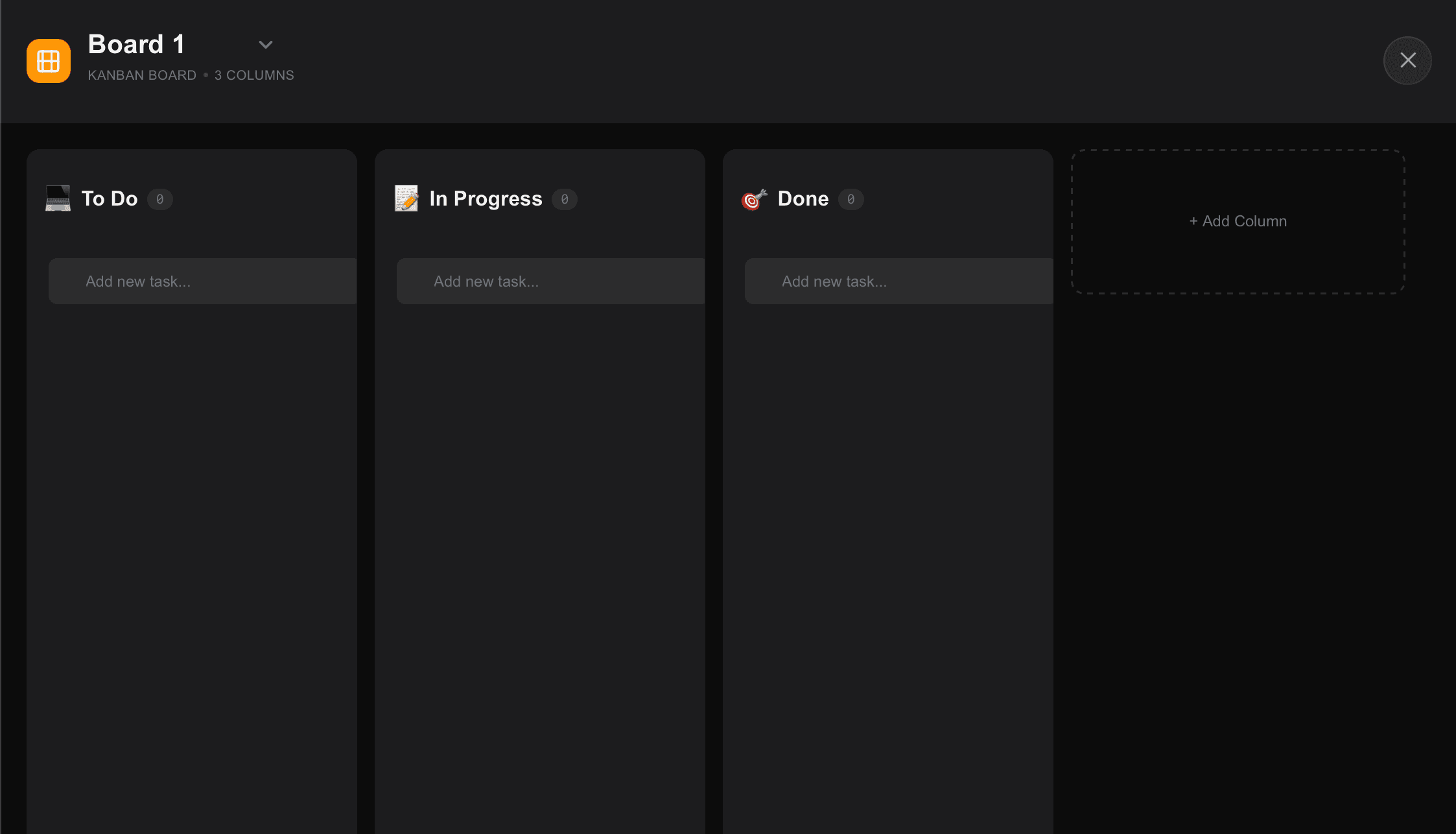
TaskNote is built for personal knowledge work, not team project tracking.
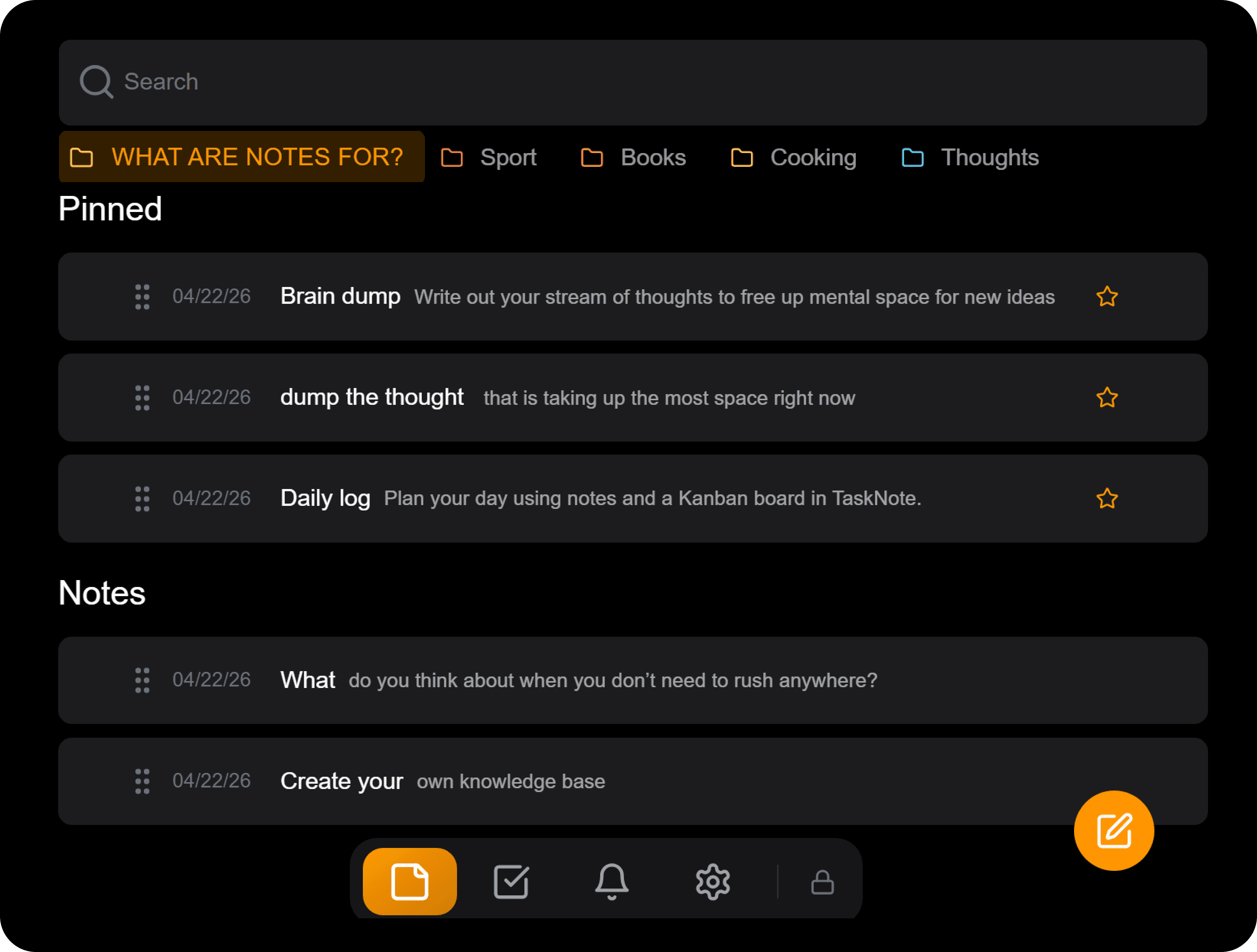
Free plan includes:
- Unlimited tasks and reminders
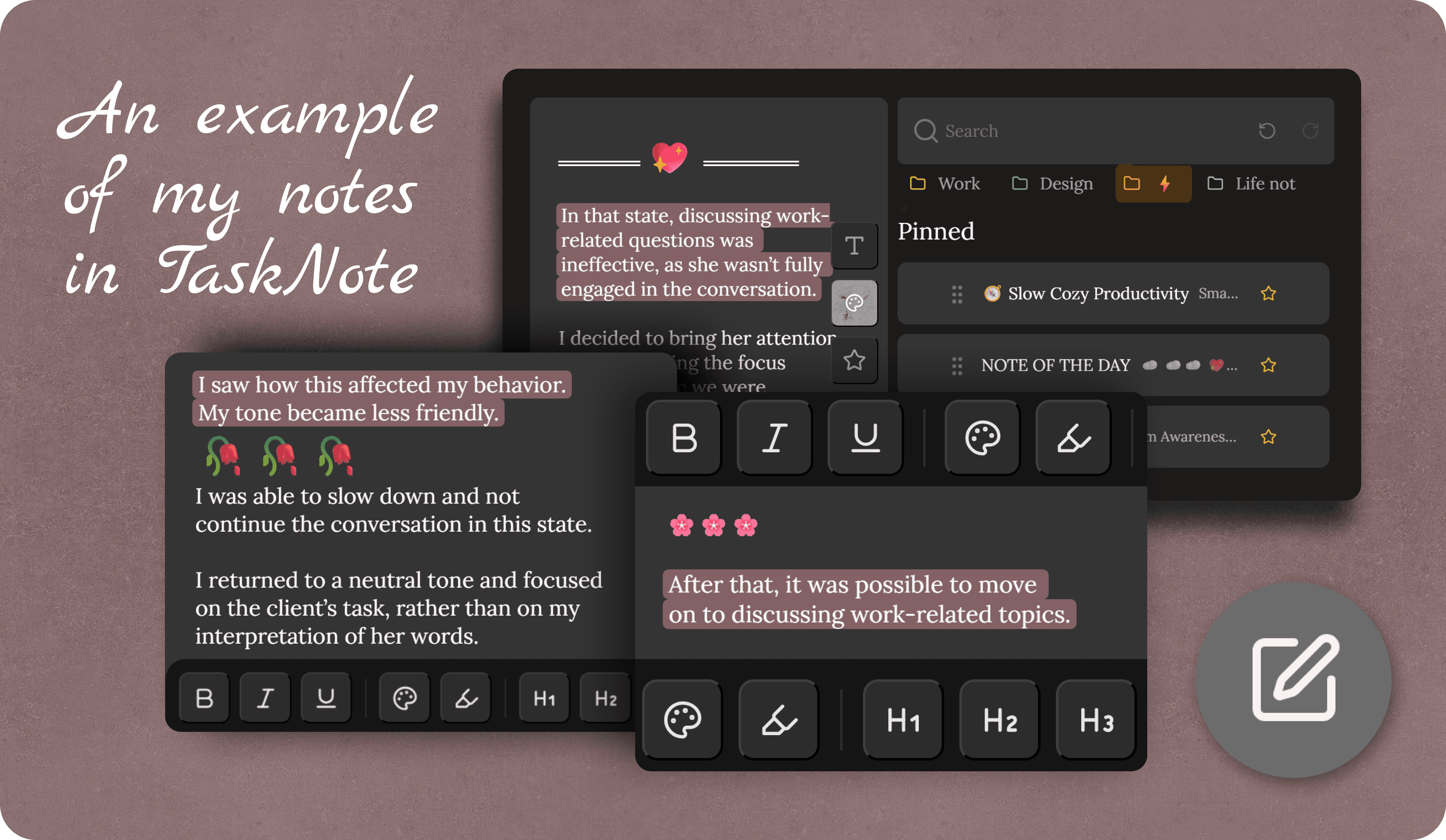
- Notes linked to tasks: capture context alongside what you need to do
- Full search across notes and tasks
- Folders and pinning for organization
- End-to-end encryption (zero-knowledge: TaskNote cannot read your data)
- Sync across devices
Pro plan ($19.99 one-time):
- Custom themes
- Rich text formatting
- Priority feature requests
- Early access to new features
Trial: 7-day Pro trial, no credit card required. If you are managing personal tasks and want your data encrypted and portable, TaskNote is a simpler and more private alternative to a full kanban subscription. It does not replace Trello or Asana for team work. It replaces the habit of keeping notes in one app and tasks in another.
Kanban App vs TaskNote: Decision Guide
Choose a dedicated kanban app (Trello, ClickUp, Asana) when:
- You manage work across a team, not just your own tasks
- You need visual board views with multiple status columns
- Automations and integrations with other tools matter
- You track projects with dependencies and timelines
Choose TaskNote when:
- You manage personal tasks alongside notes and reference material
- Privacy is non-negotiable: you want encryption by default
- You want one app instead of a notes app plus a task app
- You do not need team collaboration features
- You want a simple, fast interface without project management overhead
ROI: Is a Kanban Subscription Worth It?
The math depends on what you are actually using.
Simple calculation assuming your time is worth $25/hour:
| Time saved/day | Monthly value | Worth $10/mo plan? | Worth $15/mo plan? |
|---|---|---|---|
| 5 minutes | ~$52 | Yes | Yes |
| 10 minutes | ~$104 | Yes | Yes |
| 2 minutes | ~$21 | Marginal | No |
The honest test: run the paid plan for 7 days on your real workflow. If you are not using automations, integrations, or advanced views by day 5, you do not need the paid tier. The feature list on a pricing page is not the same as the feature list you will actually use.
Most individual users who upgrade kanban apps report using 20–30% of paid features. That is a sign the app is built for a different use case.
Before You Subscribe: A Checklist
Go through this before committing to any paid plan.
- List the specific features you need that are not in the free plan
- Check whether those features are in the lowest paid tier or a higher one
- Confirm whether you are billed per seat, and what the minimum seat count is
- Run a 7-day trial on your real projects, not sample boards
- Test export: can you get your data out in a usable format if you leave?
- Check the privacy policy: where is your data stored, and who can access it?
- Compare the total annual cost against alternatives that might already do the job
Final Recommendation
For team project management: Trello (Standard tier) or ClickUp (Unlimited tier) offer the best value for small teams. Both have strong free plans worth fully testing before upgrading.
For solo task management with heavy context switching: ClickUp's free tier or Notion's personal plan handles most personal kanban needs without a subscription.
For personal tasks and notes with privacy: TaskNote's free plan is worth trying before subscribing to any kanban tool. If your main use case is tracking what you need to do alongside what you know, you do not need a kanban subscription.
FAQ
How much does a kanban board app subscription cost?
Individual plans typically run $5–$12/month. Team plans range from $8–$20/user/month, often with minimum seat requirements. The cheapest serious individual option is Trello Standard at around $5/month. ClickUp's free plan is one of the most generous in the market for solo use.
Is a free kanban board app good enough?
For personal use, yes, often. Trello's free tier covers unlimited cards and 10 boards, which is enough for most individuals. ClickUp's free tier is even more capable. Free plans become limiting when you need automations, more than 10 boards, or team collaboration features.
Why are kanban apps so expensive for teams?
Per-seat pricing multiplies fast. A $10/user/month plan for a team of 5 is $600/year. Apps like Monday.com also require minimum seat counts, which means small teams pay for capacity they do not use. The pricing model is designed for business budgets, not individual buyers.
What is the best free kanban board app?
ClickUp has the most capable free tier for solo users: unlimited tasks, multiple views, and basic automations. Trello is simpler and easier to start with. Notion's free plan includes a kanban view but limits block count. For personal task management without board complexity, TaskNote's free tier includes tasks, reminders, and notes with end-to-end encryption.
Do I need a kanban board or just a task manager?
If you track work across multiple people or need to visualize project stages, a kanban board makes sense. If you manage your own tasks and want to keep context alongside them (notes, links, reference material), a combined tasks and notes tool is often faster and simpler. The overhead of maintaining a board is real; not every workflow benefits from it.
Is TaskNote a kanban app?
No. TaskNote is a privacy-first app that combines notes, tasks, and reminders in one place. It does not use a board-based layout. It is a strong alternative for personal task management when you want task tracking integrated with your notes, without the complexity of kanban project management.
Which kanban app has the best privacy?
Most major kanban apps (Trello, Asana, Monday.com, ClickUp) store data on company servers without end-to-end encryption. Your boards and task content are readable by the provider. For users who need genuine privacy, TaskNote's zero-knowledge encryption model makes it the strongest privacy option for personal task and note management, though it is not a kanban app.
Recent articles
Comments
Public discussion — submissions are moderated before they appear below.
Discussion
Loading comments…