Alternativa gratuita a Notion que sí cifra tus notas
Notas y tablero kanban sin bases de datos que diseñar, sin bloques que contar y sin una IA que te intenten vender. Y con cifrado de extremo a extremo, que Notion no ofrece.
Regístrate con Google o cualquier correo y empieza al momento. Lo esencial es gratis. Sin datos de tarjeta, sin límite de bloques y sin nadie empujándote a mejorar el plan.
Plan gratuito incluido · Sin datos de tarjeta · Windows, Mac, iPhone, iPad, Android
Cara a cara
| Aspecto | TaskNote, gratis | Notion, gratis |
|---|---|---|
| Cifrado de extremo a extremo | Sí, con la clave en tu poder | No |
| Tablero kanban | Sí, tareas sin límite | Limitado, antes hay que montar una base de datos |
| Límites de cuánto escribes | Ninguno | Limitado al compartir, espacios gratuitos con más de una persona |
| Recordatorios | Gratis | Solo en planes de pago |
| Trabajar sin conexión | Sí, todo, sin red | Limitado |
| Funciones de IA | Ninguna, y nada que venderte | Complemento de pago |
| Tiempo hasta poder empezar | Ninguno | Montar la base de datos |
Más simple que Notion, y funciona al momento
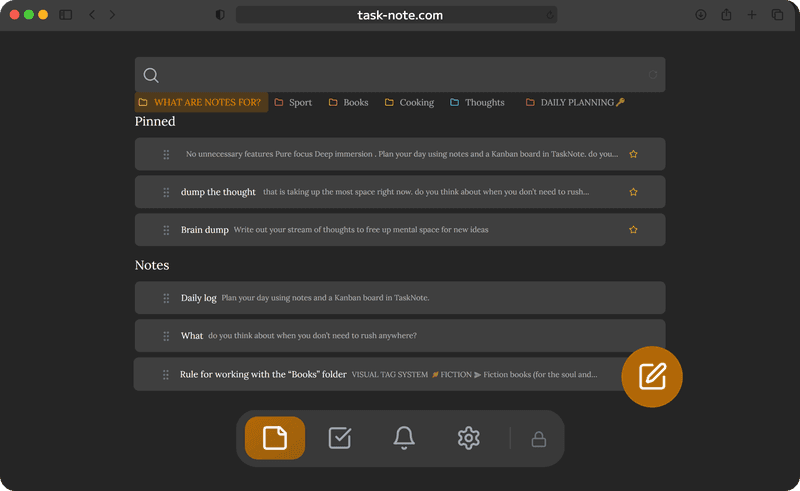
Notion pide bases de datos, plantillas y vistas antes de que puedas llevar una simple lista de tareas. Aquí se abre un editor y un tablero, los dos listos. Escribe una nota, añade una tarea, muévela a hecho.
- Sin bases de datos que diseñar primero
- El editor está listo en cuanto llegas
- Un tablero que no hay que configurar
- Un clic empieza una nota o una tarea
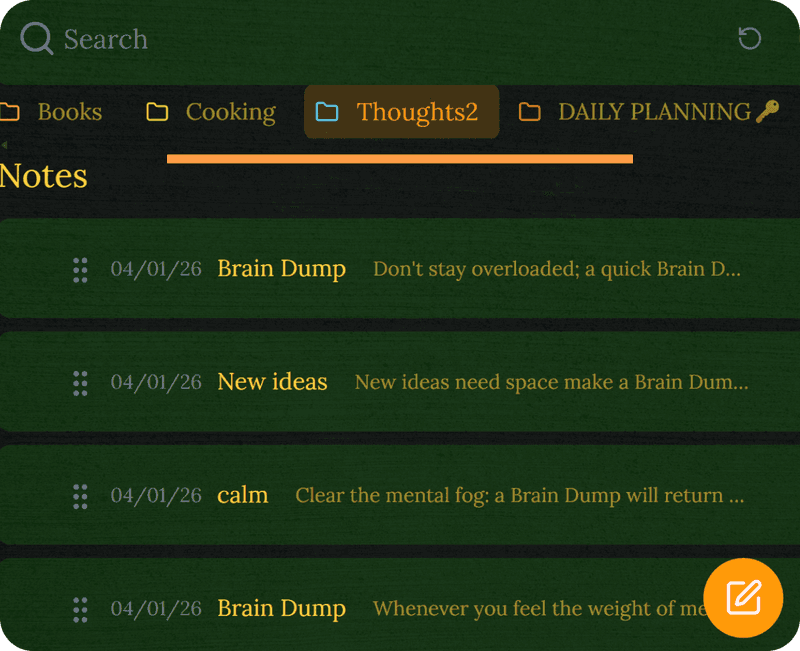
Notas cifradas, algo que Notion no tiene
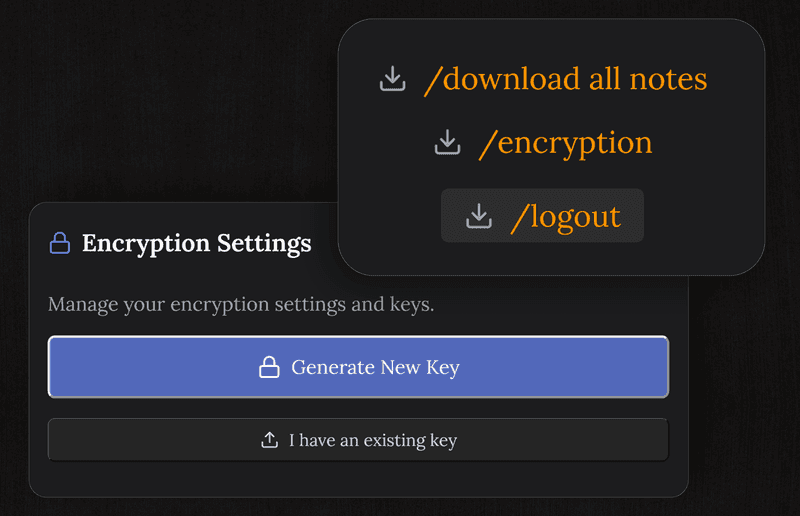
Notion no ofrece cifrado de extremo a extremo. Tus páginas son legibles para la empresa y una filtración las expondría. Aquí cada nota se cifra en tu dispositivo antes de sincronizarse, así que nosotros tampoco podemos leerla.
- AES-256-GCM, de extremo a extremo
- La clave se genera en tu dispositivo y nunca se envía
- Una brecha en nuestros servidores solo da texto cifrado
- No podemos leer tu contenido, por diseño
TaskNote y Notion
¿Es gratis de verdad, a diferencia de Notion?
El plan gratuito trae 50 notas, el tablero, recordatorios y cifrado de extremo a extremo, sin tope de bloques y sin empujones. El plan gratuito de Notion no tiene tope mientras trabajas solo, pero limita los bloques en cuanto entra una segunda persona, y vende su IA aparte.
¿Es más simple que Notion?
Bastante, porque hace menos a propósito. Sin bases de datos, sin mercado de plantillas, sin permisos y sin ajustes de espacio. Notas y tablero, útiles desde el primer minuto.
¿Tiene cifrado que a Notion le falta?
Sí. Notion no tiene cifrado de extremo a extremo, así que su personal puede leer tus páginas y una filtración las expondría. Aquí se cifra en tu dispositivo antes de sincronizar.
¿Puedo traerme mis páginas de Notion?
Sí. Expórtalas como Markdown e importa los archivos. El editor entiende el mismo formato que los bloques de texto normales de Notion.
¿Hay tablero como el de Notion?
Hay un tablero completo de arrastrar y soltar, con tantas tareas y columnas como quieras. A diferencia de una vista de base de datos en Notion, no hay que configurar nada.
¿Pasáis IA sobre mis notas?
No, y no podríamos aunque quisiéramos. Aquí no hay asistente y las notas van cifradas de extremo a extremo, así que no hay nada aprovechable para entrenar.
La alternativa gratuita a Notion con cifrado de verdad
Notas y tablero sin complejidad, sin límite de bloques y sin extras que venderte. Cifrado y gratis para empezar.
Empezar gratisPlan gratuito incluido · Sin datos de tarjeta · Windows, Mac, iPhone, iPad, Android
¿Lo quieres sin cuenta ninguna?
También hay una app nativa de Windows. Guarda todo en un archivo de tu PC, no pide cuenta y funciona sin conexión, aunque no sincroniza.
Ver la versión de Windows →