Note taking apps for iPad that work in Safari, no download needed

Note taking apps for iPad letting you write notes, manage tasks, and set reminders directly in Safari - no App Store install, no sign-up friction, syncs to your Mac and iPhone the moment you save.

Sign up with Google or any email and start right away. Free core features forever. No credit card, no install.

Free forever · No credit card · Mac, iPhone, iPad, Android

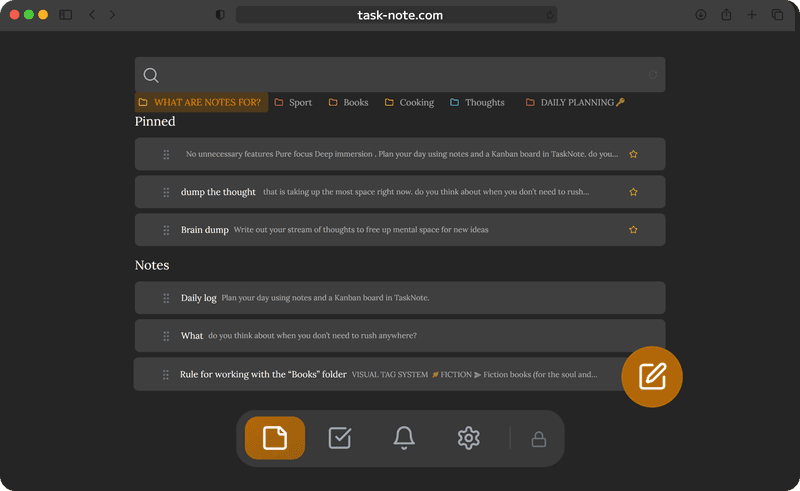
TaskNote running in Safari on iPad - notes and tasks

Open in Safari, no App Store needed

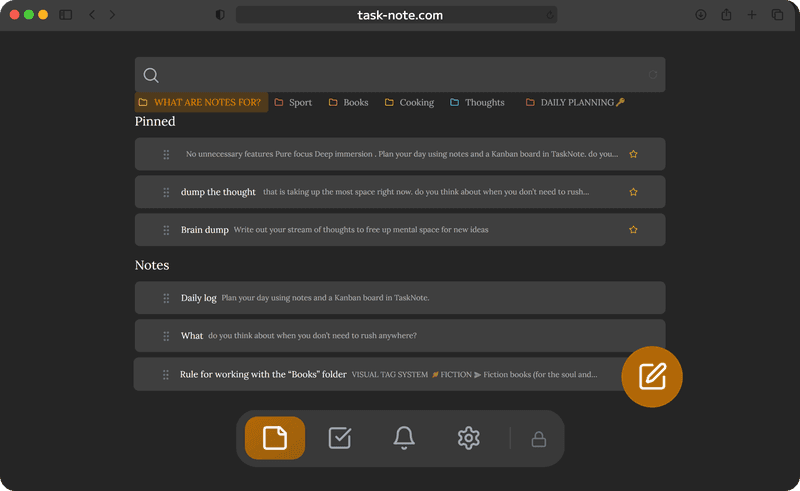
Most note taking apps for iPad require an App Store download and often a paid subscription to unlock the features you actually need. TaskNote runs entirely in Safari - open it, sign in, and start writing. Nothing to install.

  • Works in Safari on any iPad
  • No App Store download required
  • Add to home screen via Share - Add to Home Screen
  • Opens like a native app from your home screen
TaskNote open in Safari on iPad without App Store install

Write by hand with Apple Pencil and Scribble

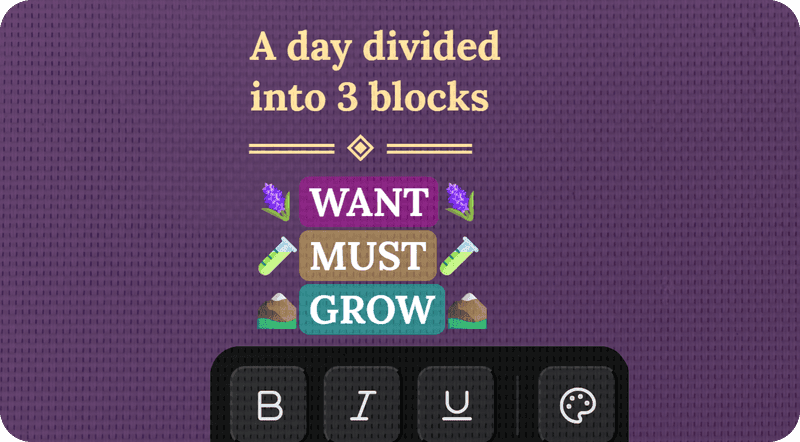
Pick up your Apple Pencil and write directly inside any note field. iPadOS Scribble converts your handwriting to text on the spot - no drawing canvas, no export, just write and it types for you.

  • Works with Apple Pencil 1st and 2nd gen
  • Scribble converts handwriting to text automatically
  • No extra setup or mode to switch on
  • Combine typed and handwritten notes freely
Apple Pencil Scribble handwriting in TaskNote on iPad

Notes on iPad, instant on Mac and iPhone

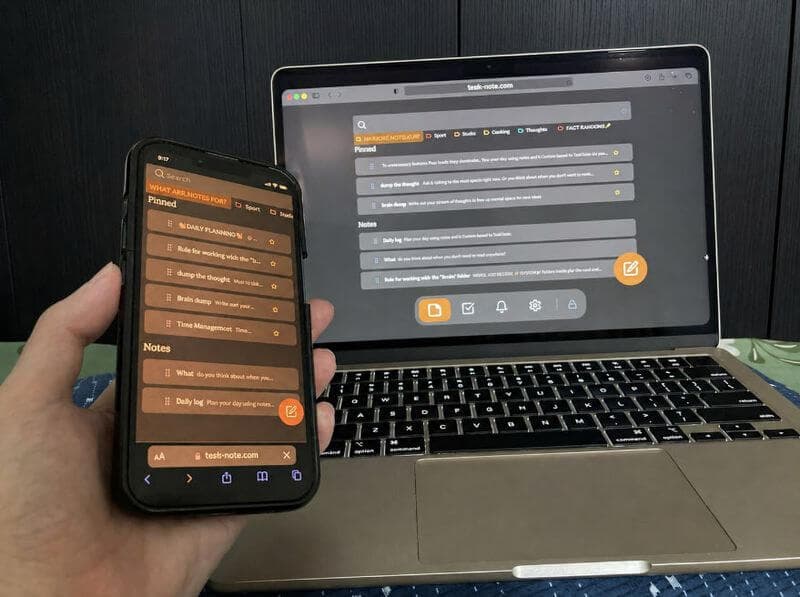
Write on your iPad in the morning and your notes are on your MacBook when you open it at your desk - and on your iPhone when you leave. One workspace, every device, always in sync.

  • Real-time sync across iPad, Mac, and iPhone
  • No manual export or AirDrop needed
  • Edit on any device, changes appear everywhere
  • Works on Android too
Notes synced from iPad to Mac and iPhone in TaskNote

Notes, tasks, and a kanban board built in

TaskNote is not just a notepad. Every note lives alongside tasks, a kanban board, and reminders - all in one encrypted workspace on your iPad. Capture ideas in a note, turn them into tasks, move them across the board.

  • Attach notes to any task
  • Kanban board for visual planning
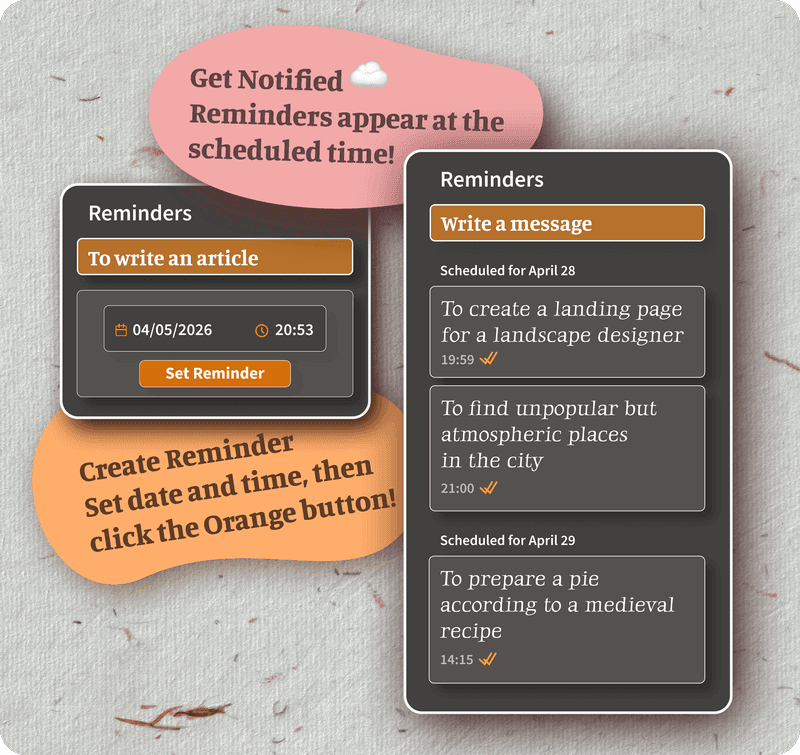
  • Reminders with notifications on iPad
  • Everything encrypted end-to-end
Notes, tasks, and kanban board in TaskNote on iPad

Start on iPad, continue anywhere

TaskNote follows you across every device. One account, everything in sync.

📱iPadSafari or home screen app
💻MacAny browser
📱iPhoneSafari or home screen app

Frequently asked questions

Does TaskNote work on iPad?

Yes. TaskNote runs in Safari on iPad with no App Store download required. Open the browser, sign in, and all your notes, tasks, and reminders are there.

Can I use Apple Pencil with TaskNote on iPad?

Yes. On iPad with Apple Pencil, iPadOS Scribble converts your handwriting to text directly inside TaskNote. Pick up your Pencil, write in any note field, and it types for you automatically.

Will my iPad notes sync to my Mac and iPhone?

Yes. TaskNote syncs in real time across all your devices. Write a note on iPad and it appears instantly on your Mac and iPhone.

Can I add TaskNote to my iPad home screen?

Yes. In Safari, tap Share - Add to Home Screen. TaskNote opens like a native app from your home screen without going through the browser each time.

Is TaskNote free on iPad?

Yes. The free plan includes unlimited notes, tasks, kanban board, reminders, encryption, and cross-device sync. No credit card required.

Are my iPad notes private?

Yes. All notes are encrypted end-to-end on your device before reaching our servers. Even TaskNote cannot read your notes.

The iPad notes app that just works

Free, encrypted, no install - open in Safari on your iPad and start writing in seconds.

Free forever · No credit card · Mac, iPhone, iPad, Android