Ứng dụng ghi chú cho Windows, không phải cài gì cả
Viết, sắp xếp và mã hóa trong bất kỳ trình duyệt nào, Chrome, Edge hay Firefox, mà chẳng phải tải thứ gì.
Đăng ký bằng Google hay email bất kỳ rồi bắt đầu ngay. Phần cốt lõi miễn phí. Không cần thẻ, không phải thiết lập, và sang điện thoại thì nó tự sang.
Có gói miễn phí · Không cần thẻ · Windows, Mac, iPhone, iPad, Android
Muốn mọi thứ nằm ngay trên máy và chạy được khi không có mạng? Tải TaskNote cho Windows →
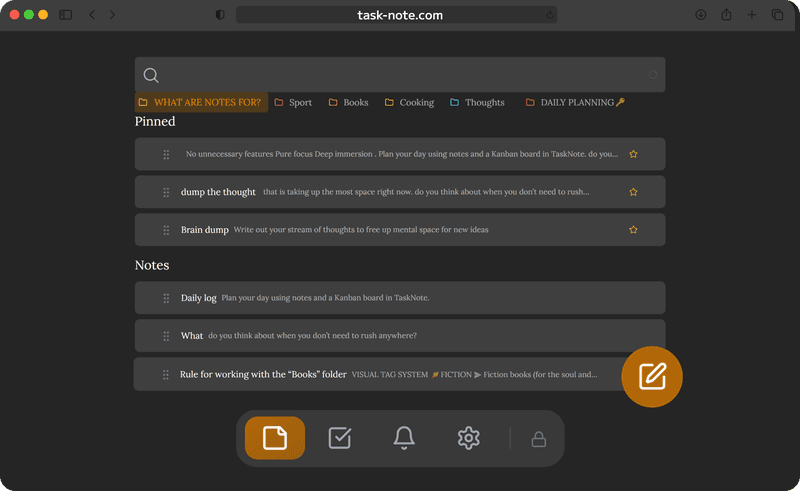
Không có trình cài đặt, trình duyệt nào cũng được
Không tệp cài, không hỏi quyền quản trị, cũng không phải ghé Microsoft Store. Nó mở ra ngay trong Chrome, Edge, Firefox hay Brave trên Windows 10 hoặc 11. Ghim vào thanh tác vụ từ trình duyệt là nó dùng y như mọi ứng dụng khác.
- Chrome, Edge, Firefox và Brave
- Không phải tải gì, cũng không cần quyền quản trị
- Ghim vào thanh tác vụ như một ứng dụng web
- Windows 10 và Windows 11 đều được
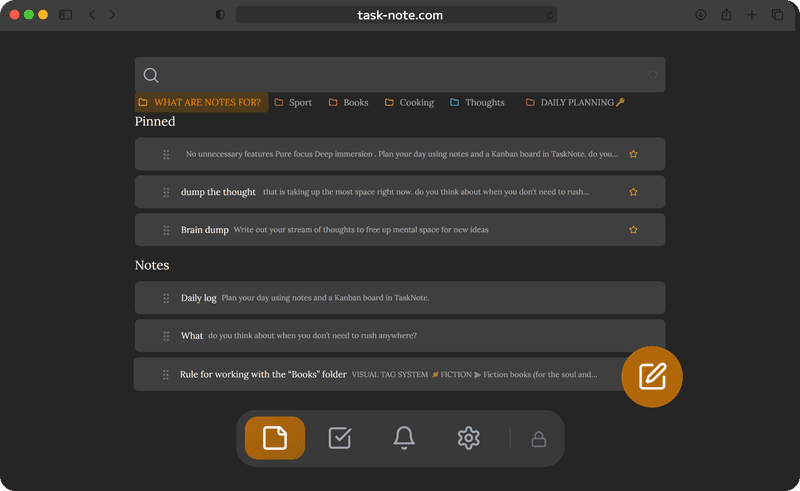
Ghi chú và công việc, chứ không chỉ chữ trơn
Notepad hợp để ghi vội một dòng. Ở đây có tiêu đề, danh sách, in đậm, ô đánh dấu và một tấm bảng ngay cạnh ghi chú. Viết bản yêu cầu xong thì kéo từng phần của nó sang đã xong.
- Một trình soạn thảo đúng nghĩa, có định dạng
- Một bảng kanban cho những việc phải làm
- Nhắc việc trên bất kỳ ghi chú hay công việc nào
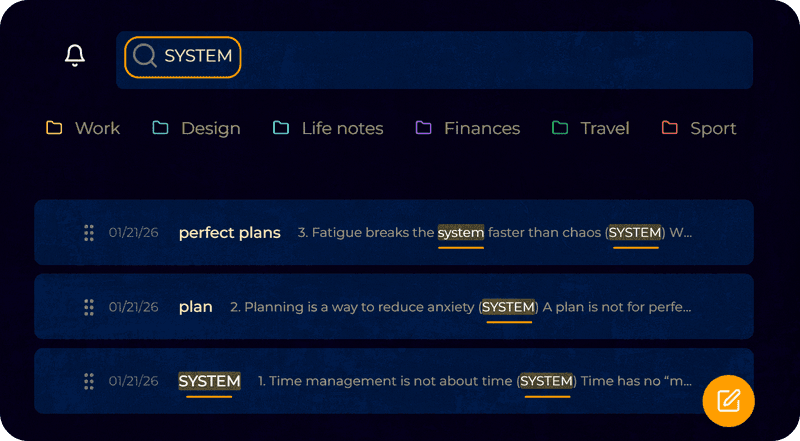
- Tìm kiếm toàn văn trên mọi thứ
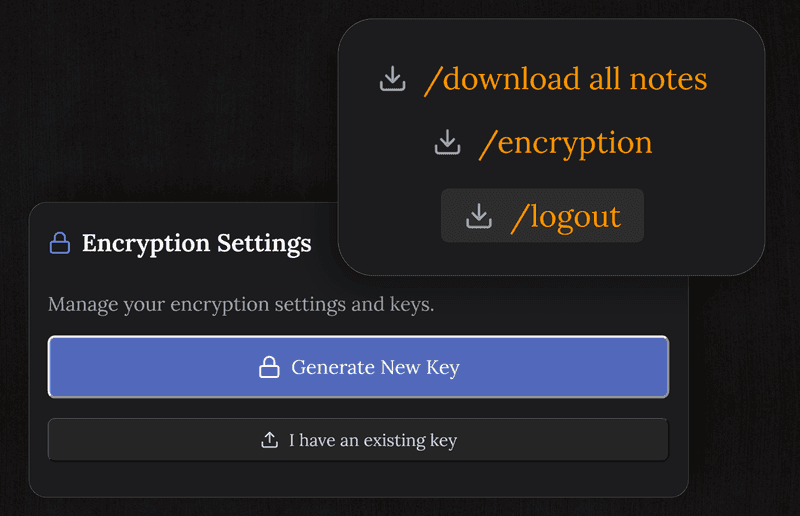
Mã hóa đầu cuối, và kín đáo ngay trên máy
Khác với Sticky Notes hay OneNote, ở đây mỗi ghi chú được mã hóa trên máy bạn trước khi đồng bộ. Microsoft không đọc được, chúng tôi cũng vậy. Bản cài trên máy còn đi xa hơn: mọi thứ ở lại trong máy và không cần tài khoản nào cả.
- Mã hóa cho từng ghi chú, khóa nằm ở phía bạn
- Khóa ở lại trên máy của bạn
- Không thu thập số liệu sử dụng, không quảng cáo
- Viết nhật ký hay chuyện riêng đều được
Cùng bộ ghi chú trên iPhone, iPad và Android
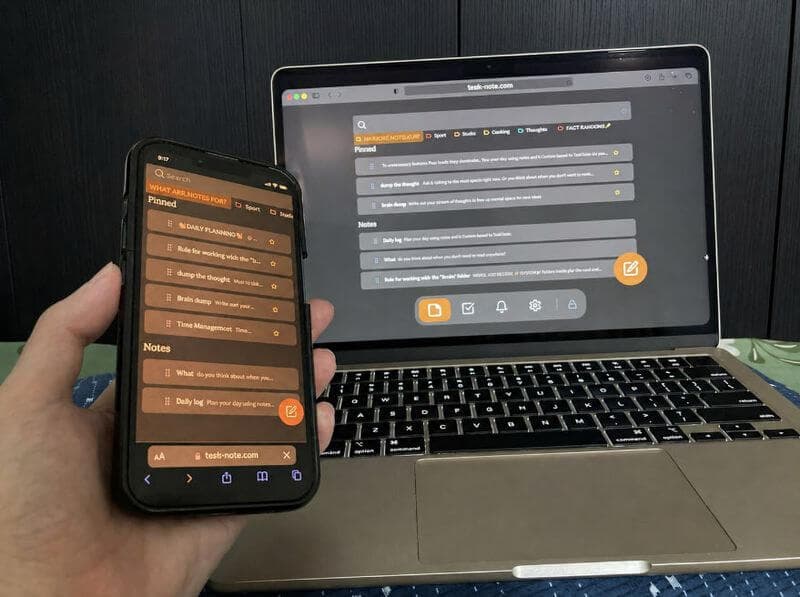
Viết ở bàn làm việc trên Windows rồi đọc trên điện thoại lúc về nhà. Mọi thứ tự khớp nhau giữa Windows, Mac, iPhone, iPad và Android, không phải xuất và cũng chẳng cần dây.
- Thay đổi hiện ra trên các máy khác ngay khi bạn làm
- Mac, Linux và Chromebook cũng vậy
- Không dây nhợ, không phải xuất tệp
- Một tài khoản, bao nhiêu máy tùy bạn
Câu hỏi về Windows
Tôi có phải cài gì không?
Với bản chạy trong trình duyệt thì không: Chrome, Edge, Firefox hay Brave, không tải về và không cần quyền quản trị. Nếu bạn thích một ứng dụng cài trên máy thì cũng có, và khi đó mọi thứ ở lại trong máy.
Có miễn phí không?
Phần cốt lõi thì có: ghi chú, bảng, nhắc việc và mã hóa đầu cuối, và không hỏi tới thông tin thẻ.
Chạy trên Windows 11 chứ?
Có, cả Windows 10, và cả những bản cũ hơn miễn là còn chạy được trình duyệt đời mới.
So với Notepad thì sao?
Notepad chỉ có chữ trơn, không tìm kiếm, không đồng bộ, cũng không có cách nào sắp xếp. Ở đây có định dạng, có bảng, có nhắc việc, tìm kiếm trên mọi thứ, và cùng bộ ghi chú trên các máy khác, lại còn được mã hóa.
Đồng bộ giữa máy tính và điện thoại được không?
Được. Bắt đầu ở bàn làm việc rồi tiếp tục trên điện thoại. Windows, Mac, iPhone, iPad và Android đều khớp nhau.
Ghi chú của tôi có kín không?
Ở bản web, chúng được mã hóa trên máy bạn trước khi đồng bộ, nên chúng tôi không đọc được. Bản cài trên máy thì giữ chúng ngay tại chỗ, tới chỗ chúng tôi còn chẳng tới.
Ứng dụng ghi chú cho Windows mà không cần trình cài đặt
Mở trình duyệt, đăng ký, viết. Đã mã hóa, bắt đầu miễn phí, và trên điện thoại cũng có.
Dùng miễn phíCó gói miễn phí · Không cần thẻ · Windows, Mac, iPhone, iPad, Android