Windows note taking app, nothing to install
Write, organise and encrypt in any browser, Chrome, Edge or Firefox, without downloading a thing.
Sign up with Google or any email and start straight away. The core is free. No card details, no setup, and it reaches your phone by itself.
Free plan included · No card details · Windows, Mac, iPhone, iPad, Android
Would rather have it on the PC itself, working offline? Download TaskNote for Windows →
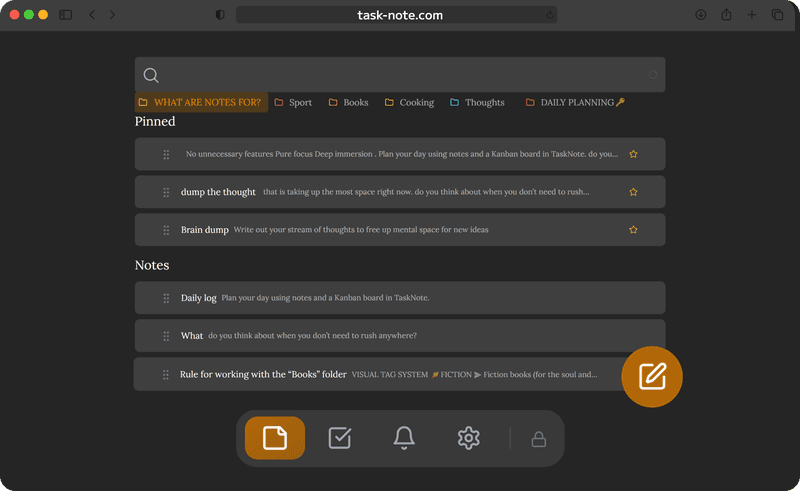
No installer, any browser will do
No setup file, no administrator prompt, no trip to the Microsoft Store. It opens at once in Chrome, Edge, Firefox or Brave on Windows 10 or 11. Pin it to the taskbar from the browser and it behaves like any other app.
- Chrome, Edge, Firefox and Brave
- Nothing to download and no administrator rights
- Pin it to the taskbar as a web app
- Windows 10 and Windows 11 alike
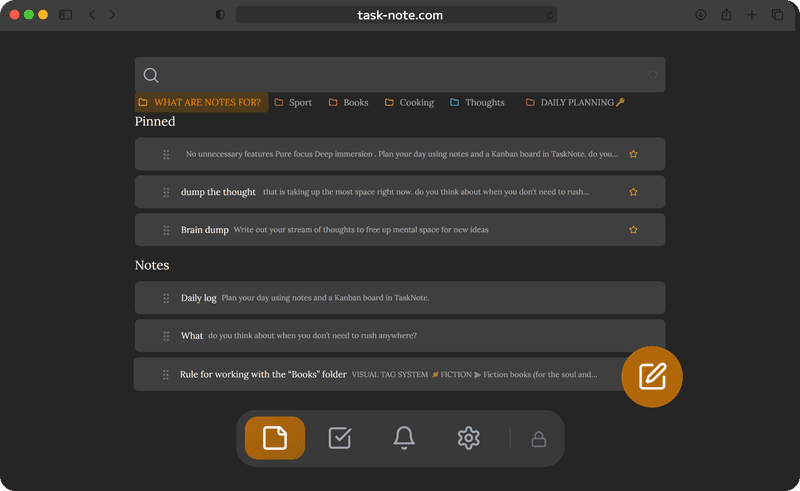
Notes and tasks, not just plain text
Notepad is fine for a quick line. Here you get headings, lists, bold, checklists and a board next to your notes. Write the specification, then drag the pieces of it across to done.
- A proper editor with formatting
- A kanban board for what needs doing
- Reminders on any note or task
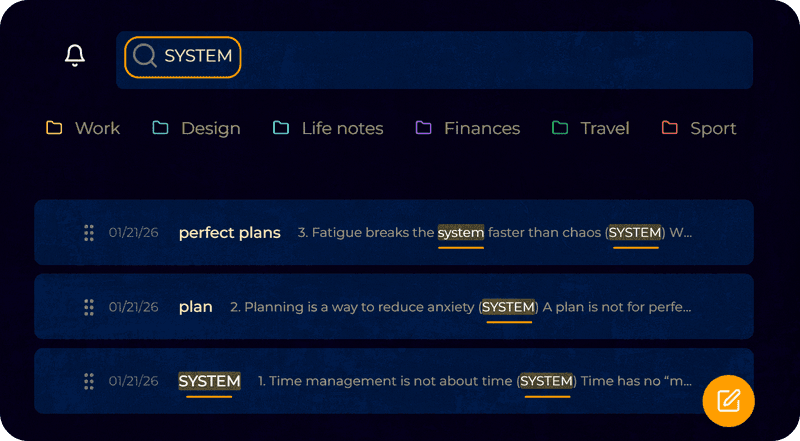
- Full text search across everything
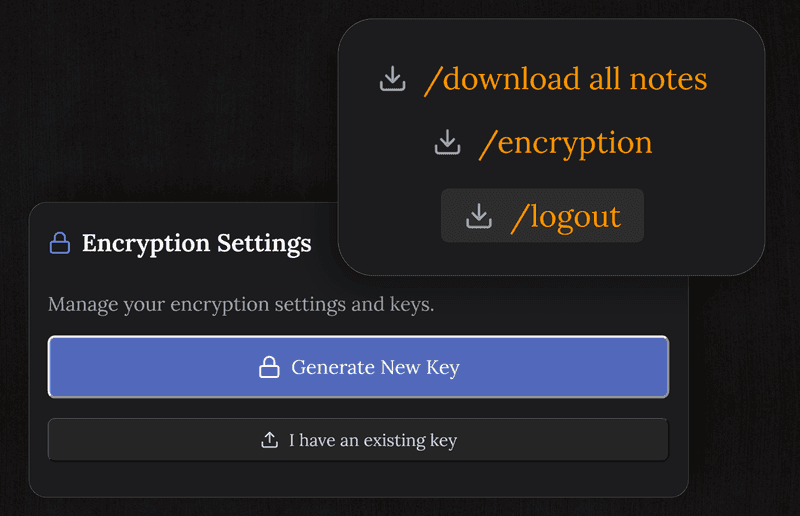
Encrypted end to end, and private on the machine
Unlike Sticky Notes or OneNote, every note is encrypted on your device before it syncs. Neither Microsoft nor we can read it. The desktop app goes further and keeps everything on the PC, with no account at all.
- Encryption on every note, with the key held by you
- The key stays on your device
- No telemetry and no advertising
- Fine for a journal or anything private
The same notes on iPhone, iPad and Android
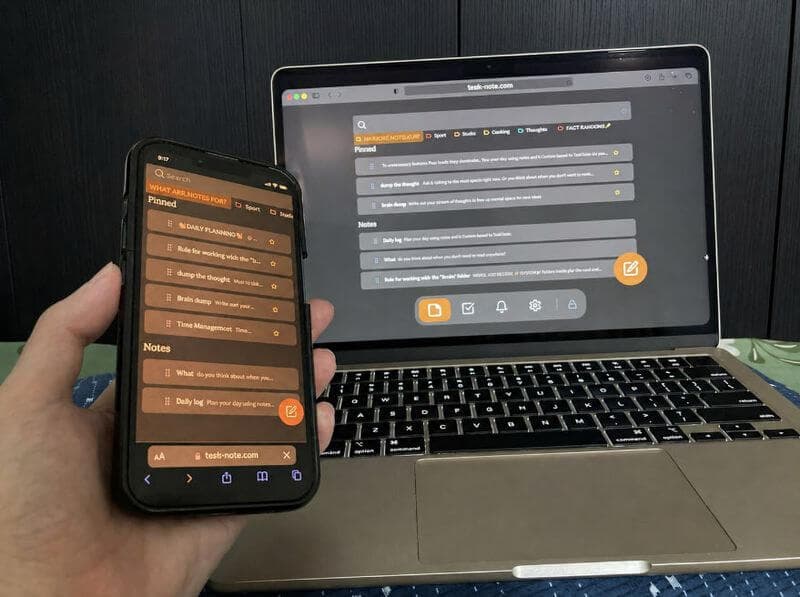
Write at the desk on Windows and read it on the phone on the way home. Everything keeps up by itself across Windows, Mac, iPhone, iPad and Android, with nothing to export and no cable involved.
- Changes appear on the other devices as you go
- Mac, Linux and Chromebook as well
- No cables and no exporting
- One account, as many devices as you like
Questions about Windows
Do I have to install anything?
Not for the browser version: Chrome, Edge, Firefox or Brave, with no download and no administrator rights. There is also a desktop app if you would rather have one, and it keeps everything on the PC.
Is it free?
The core is: notes, the board, reminders and end to end encryption, with no card details asked for.
Does it work on Windows 11?
Yes, and on Windows 10, and on any older version that still runs a current browser.
How does it compare with Notepad?
Notepad is plain text with no search, no sync and no way to organise anything. Here you get formatting, a board, reminders, search across everything and the same notes on your other devices, encrypted.
Can I sync between the PC and my phone?
Yes. Start a note at the desk and pick it up on the phone. Windows, Mac, iPhone, iPad and Android all stay in step.
Are my notes private?
In the web app they are encrypted on your device before syncing, so we cannot read them. The desktop app keeps them on the PC, where they never reach us at all.
The Windows note taking app that needs no installer
Open a browser, sign up, start writing. Encrypted, free to start, and on your phone as well.
Get it for freeFree plan included · No card details · Windows, Mac, iPhone, iPad, Android