Secure note taking app with AES-256 encryption
Keep the sensitive things here: credentials, private thoughts, the notes you would not leave open on a desk. Encryption no server, company or breach can undo.
Sign up with Google or any email and start straight away. The core is free, secure from the first note. No card details, and it works on everything you use.
Free plan included · No card details · Windows, Mac, iPhone, iPad, Android
Would rather nothing left your machine at all? Try the offline Windows app →
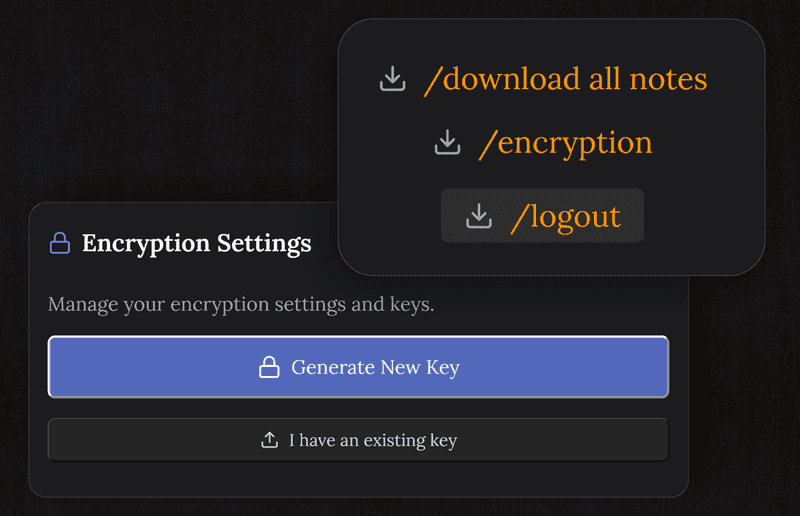
AES-256-GCM, the standard everyone serious relies on
Every note is encrypted with AES-256-GCM, the same cipher behind Signal, password managers and anything else built to keep secrets. The key is generated on your device and never sent to us, so what reaches the server cannot be opened there.
- AES-256-GCM on every note
- The key is generated on your device
- It is never transmitted and never stored on the server
- Tampering is detected, so an altered note refuses to open
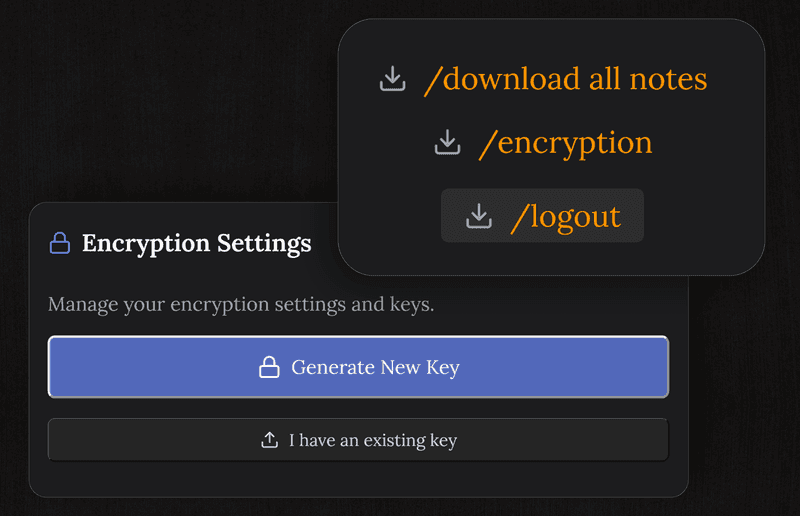
Safe on café Wi-Fi, and on a shared computer
Notes leave your device already encrypted, so anyone capturing traffic on an open network collects ciphertext. On a machine you do not own, closing the tab ends the session and leaves nothing readable behind.
- Only ciphertext ever travels
- The session closes cleanly on a shared machine
- No readable copy cached in the browser
- Every connection over HTTPS
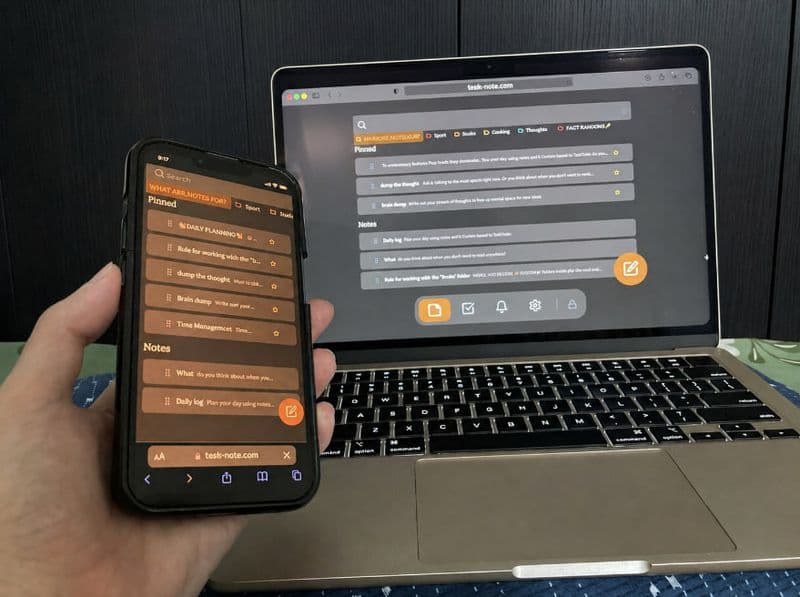
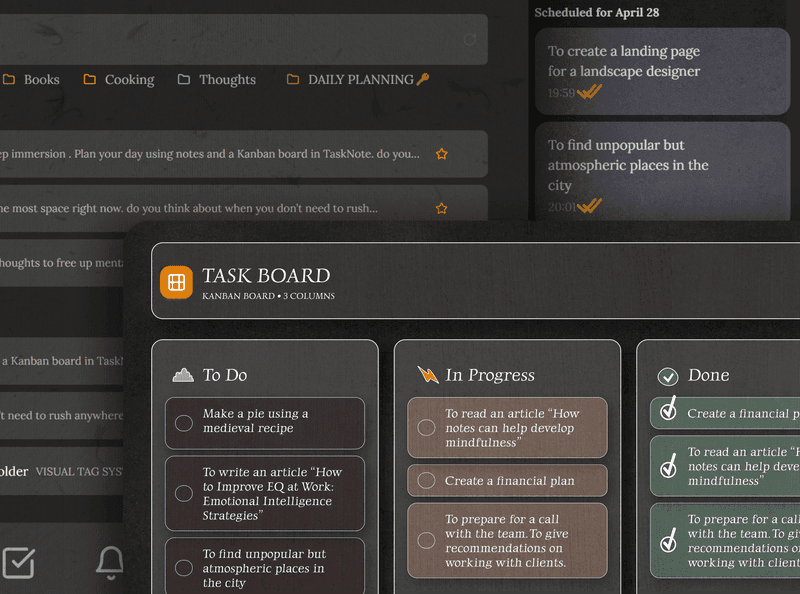
Notes, tasks and reminders, all under the same lock
Encrypted notes, a board for the work, reminders for the dates. Every one of them is encrypted the same way, so nothing leaks out through the feature nobody thought about.
- Encrypted notes, tasks and reminders
- A board that is encrypted like everything else
- A proper editor for sensitive material
- Readable offline, with no network needed
Take your data with you, nothing is locked in
Notes come out as plain Markdown whenever you ask. Leaving is a normal thing to want, and there is no proprietary format standing in the way.
- Export everything as Markdown
- No format that only we can read
- Download your data at any time
- Any Markdown editor opens it
Questions about security
How secure is it?
Notes are encrypted on your device with AES-256-GCM before they sync. The key is generated on the device and never sent, so the server holds neither readable text nor any way to produce it.
Can I keep passwords in it?
You can, and they are protected like everything else. For passwords specifically, a dedicated manager is still the better tool: it fills forms, warns you about breaches and rotates what it holds.
Do you store my key?
No. It is generated on your device and stays there. We have no copy and no way to derive one, which is why keeping your own backup of it matters.
Is it free?
Yes, encryption included. Notes, the board and reminders are free as well, with no card details asked for.
What happens to my notes if you disappear?
You export them, as plain Markdown, whenever you like. They stay readable in any editor without us, which is the point of not inventing a format.
Is it safe on public Wi-Fi?
Yes. Notes are already encrypted when they leave, so intercepted traffic gives up ciphertext and nothing more.
The secure note taking app where the key is yours
AES-256-GCM, encrypted on your device, free to start. Your notes, your key.
Get it for freeFree plan included · No card details · Windows, Mac, iPhone, iPad, Android
Or go fully offline: download the native Windows app →