Notepad free - encrypted notes that sync everywhere
Notepad free letting you write, organize, and sync notes across every device. Encrypted end-to-end, works in any browser. Sign up with Google or any email and start in seconds.
Free forever · No credit card · Works on all platforms
On Windows? Download the native app instead →
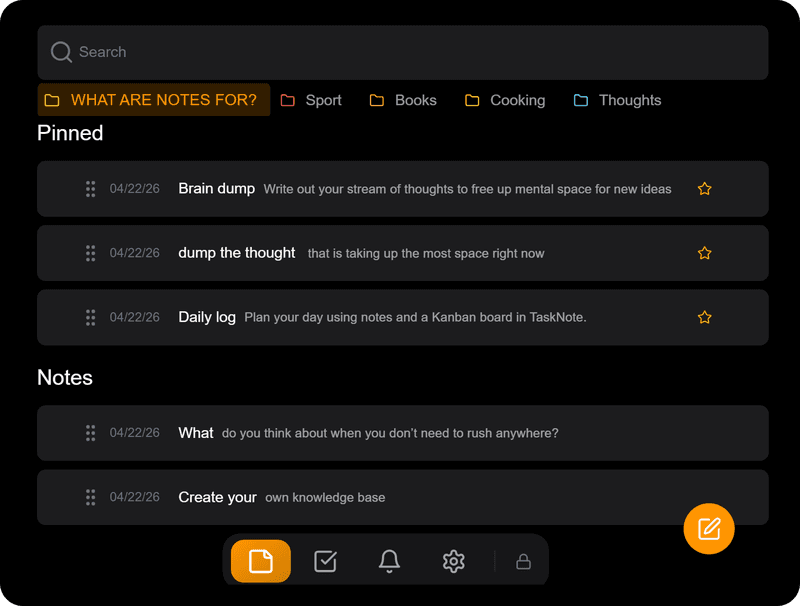
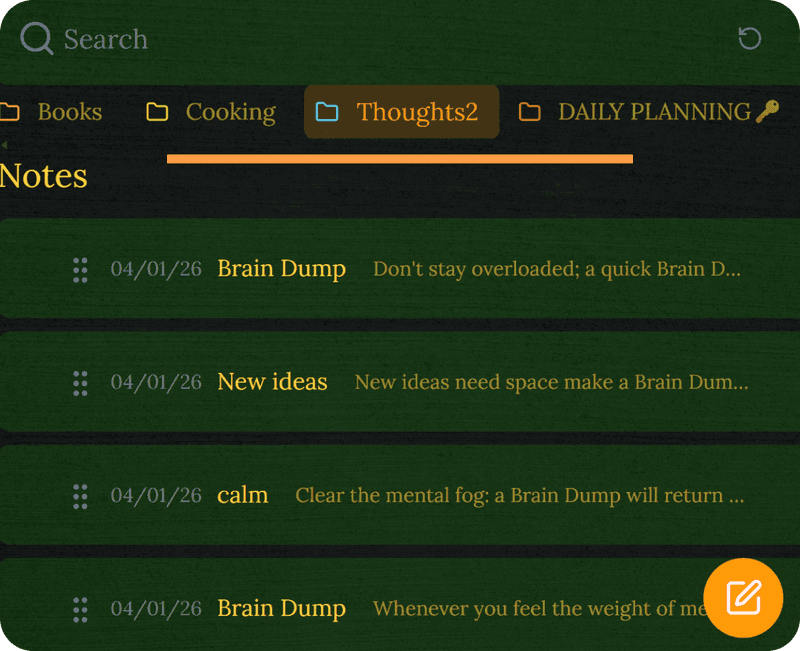
Write and organize everything
Create notes for any topic, group them into folders, and find anything in seconds with full-text search. Rich text with headings, lists, and highlights - just like a real notepad, but faster and smarter.
- Unlimited notes and folders
- Full-text search across everything
- Rich text: headings, lists, highlights
- Pin important notes to the top
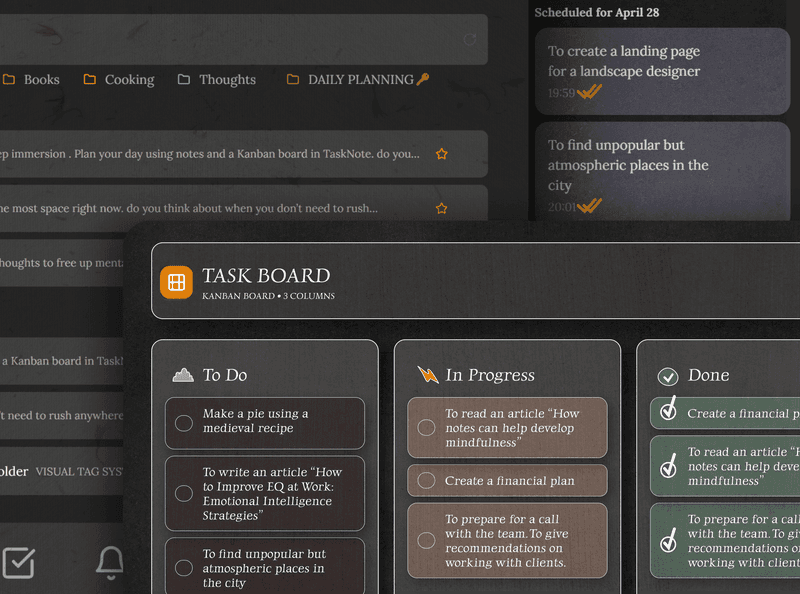
Tasks and notes in one place
Stop switching between apps. The built-in kanban board lets you plan, write, and track progress without leaving your notepad.
- Kanban board: To Do, In Progress, Done
- Attach notes to any task
- Reminders with due dates
- Everything in one tab
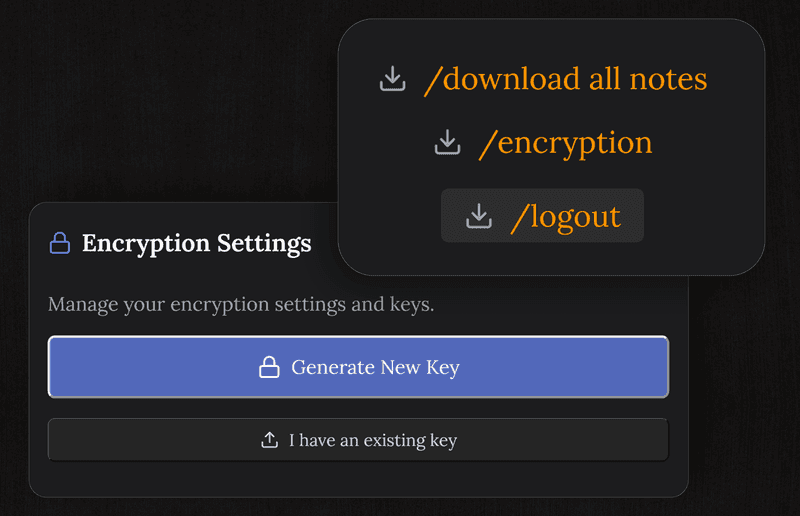
Your notes are private by default
Every note is encrypted on your device before it reaches our servers. Nobody - not even TaskNote - can read what you write.
Unlike Notepad++ or plain text files, your notes are safe even if your device is lost or stolen.
Pick up where you left off on any device
Write on your laptop, continue on your phone. Notes save automatically as you type and sync in real time - no manual save, no copy-pasting between devices.
Works on Windows, Mac, Linux, Android, iOS - anything with a browser.
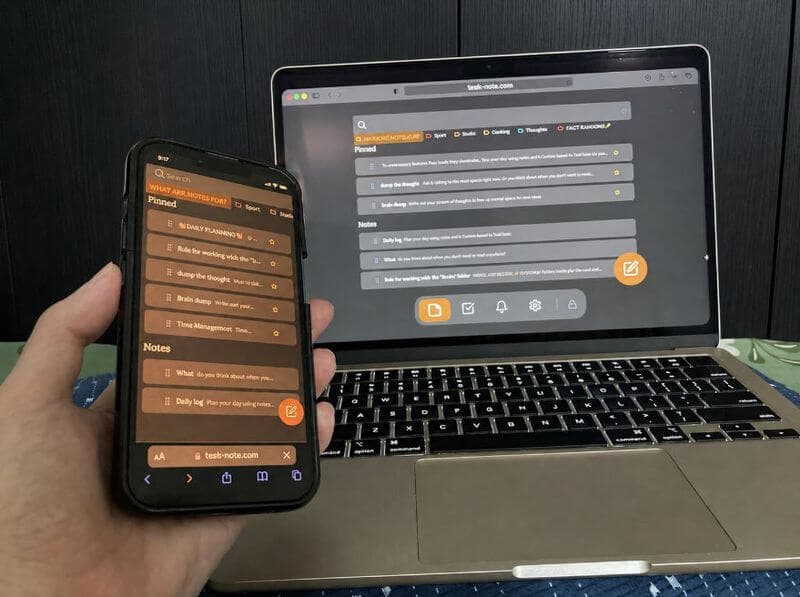
Core features are free forever
Unlimited notes, encryption, sync, tasks, and reminders - all included at no cost. No trial, no credit card, no block limits.
Pro adds themes and extra customization. But the features you use every day stay free for life.
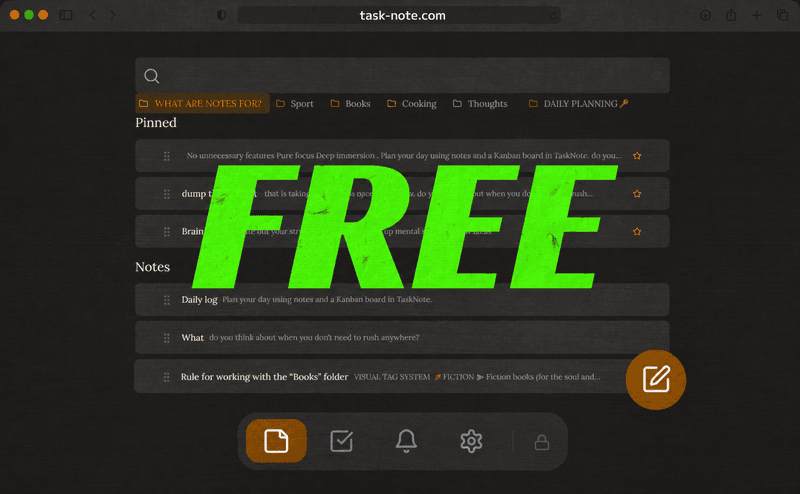
Works on every device you already own
No app to install. Open a browser, sign in, and your notepad is there: on your phone, on your laptop, on a shared computer at work or school.
Frequently asked questions
Is TaskNote really free?
Yes. The free plan includes unlimited notes, encryption, cross-device sync, tasks, and reminders. No credit card required.
Does it work on Windows?
Yes. TaskNote runs in any browser, including Chrome, Edge, and Firefox on Windows. No installation needed - just open the site and start writing.
Can I use it without installing anything?
Yes. TaskNote is fully browser-based. Open it in any browser on any device and your notes are there instantly.
Are my notes encrypted?
Yes. All notes are encrypted end-to-end on your device before they reach our servers. Even TaskNote cannot read your notes.
Does it sync across devices?
Yes. Notes sync in real time across all your devices. Write on your laptop, read on your phone - everything stays up to date automatically.
What is the difference between free and Pro?
The free plan covers everything you need: unlimited notes, encryption, sync, tasks, and reminders. Pro adds themes and extra customization. Core features stay free forever.
Your notepad, free and always encrypted
Write, organize, and sync notes across every device. No download, no credit card, free forever.
Get it for freeFree forever · No credit card · Mac, iPhone, iPad, Android