A note taking app with handwriting on iPad, synced to Mac and iPhone
Write by hand with Apple Pencil on iPad. Scribble turns the writing into text as you go, and the note reaches your Mac and iPhone without another step.
Sign up with Google or any email and start straight away. The core is free: no card details and nothing to install.
Free plan included · No card details · Windows, Mac, Linux, iPhone, iPad, Android
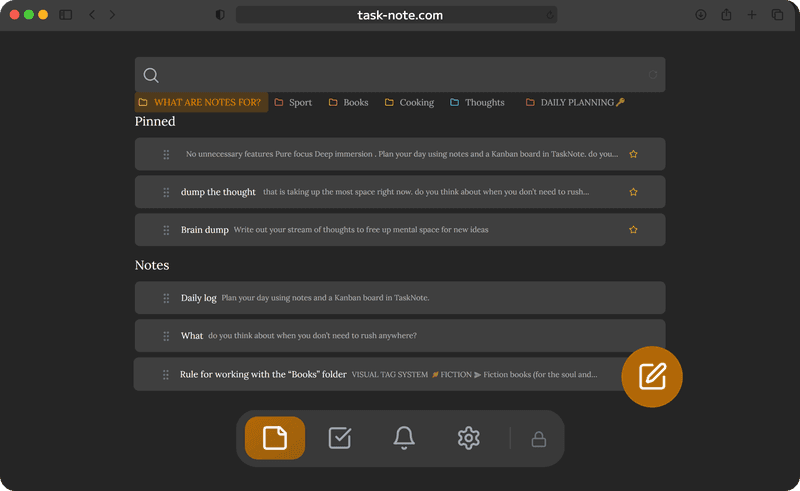
Write by hand with Apple Pencil and Scribble
iPadOS Scribble works straight inside the note field in Safari. Pick up the Pencil, write anywhere in the note, and iPadOS turns the handwriting into typed text on the spot. There is no separate drawing canvas, and none is needed.
- Works in Safari on iPad as it comes
- iPadOS Scribble does the handwriting recognition
- You end up with text you can search and edit, not a saved drawing
- Nothing extra to install or set up
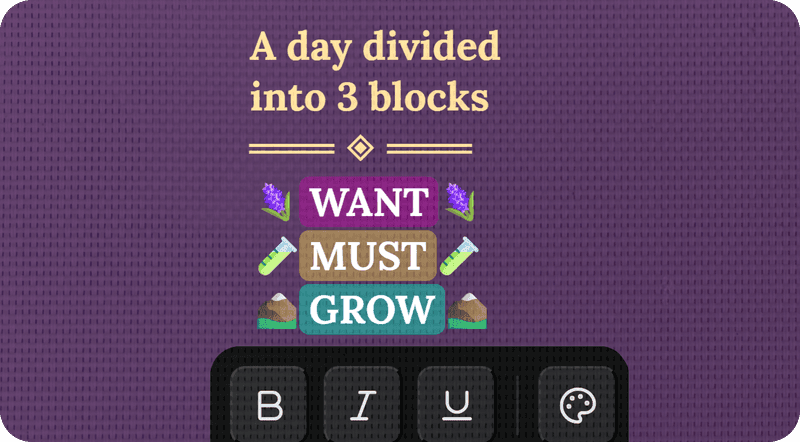
Written on the iPad, readable on the Mac
Once Scribble has converted the handwriting it is an ordinary note, and it is on the MacBook seconds later. Move from iPad to Mac mid thought and carry on where you stopped. No AirDrop and no emailing yourself.
- iPad and Mac stay in step as you work
- Carry on editing on the Mac after writing on the iPad
- No cables and no AirDrop
- Works in the browser on any MacBook or iMac
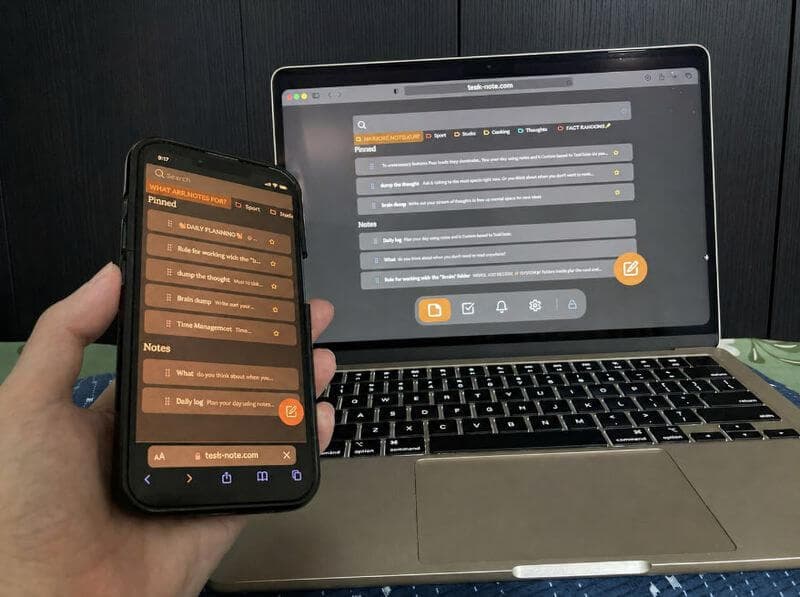
Check the notes on the iPhone
What you wrote on the iPad is on the phone as well. Pull it out in a meeting or away from the desk and the notes are there, readable and editable, just as you left them.
- The phone carries the same notes as the iPad and the Mac
- Read and edit while you are out
- Already loaded notes open without a connection
- Type a quick note on the phone, tidy it on the iPad
Handwritten notes stay private and encrypted
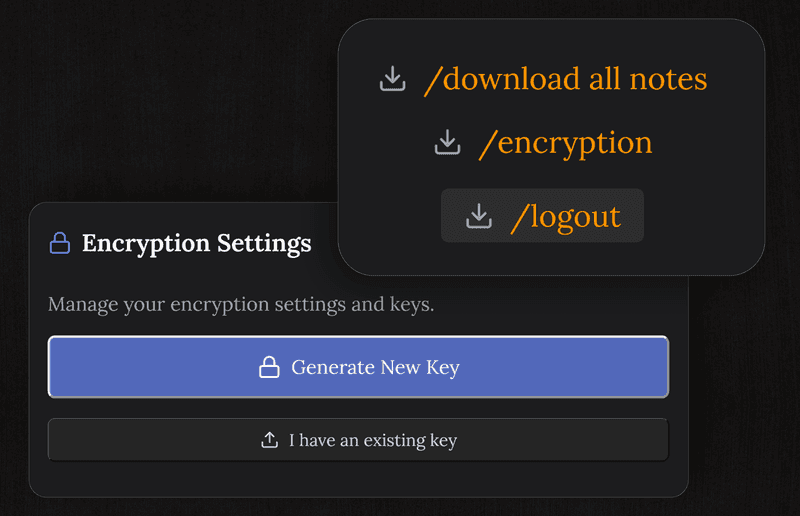
Every note, whether typed or written with the Pencil, is encrypted on your device before it reaches our servers. What you write stays yours, and we cannot read it.
- AES-256, and we hold no key
- Encrypted before it leaves your device
- No ads and nothing sold
- Not even we can read your notes
One app across your Apple devices
Write by hand on the iPad, read on the Mac, check on the phone. All in step, with nothing to set up.
Frequently asked questions
Does handwriting work on iPad?
Yes. On an iPad with Apple Pencil, iPadOS Scribble turns your handwriting into text as you write in any note field. Nothing to set up: pick up the Pencil and write.
Do I need an Apple Pencil?
The Pencil gives the best of it through Scribble. You can also use a finger with the iPadOS handwriting keyboard.
Will handwritten notes reach my Mac and iPhone?
Yes. Once Scribble has converted the writing to text, the note travels to your other devices as you go. Write on the iPad, read or edit on the Mac or the phone straight away.
Are handwritten notes encrypted?
Yes. Every note is encrypted end to end on your device before it reaches our servers, so what you wrote by hand is as private as everything else.
Is it free?
Yes. The free plan carries 50 notes, handwriting through Scribble, encryption, sync across devices, tasks and reminders. No card details asked for.
Do I need an app on the iPad?
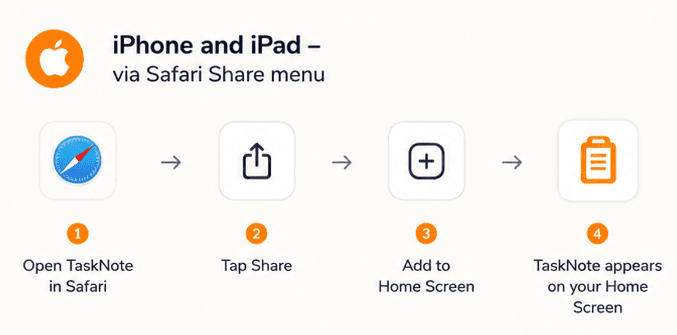
No. It runs in Safari on the iPad, with nothing to fetch from the App Store. Open the browser, sign in, and the notes are there. You can add it to the home screen from the share menu if you want it a tap away.
Pick up your Pencil, start writing
A free note app that works with Apple Pencil on the iPad, reaches the Mac and the phone, and stays encrypted. Nothing to install.
Free plan included · No card details · Windows, Mac, Linux, iPhone, iPad, Android