Note taking app for Chrome, no extension needed
Write, search and encrypt notes in an ordinary browser tab. Nothing to install from the store, and no permissions to hand over.
Sign up with Google or any email and start straight away. The core is free. No card details, and pinning the tab keeps it a click away.
Free plan included · No card details · Windows, Mac, iPhone, iPad, Android
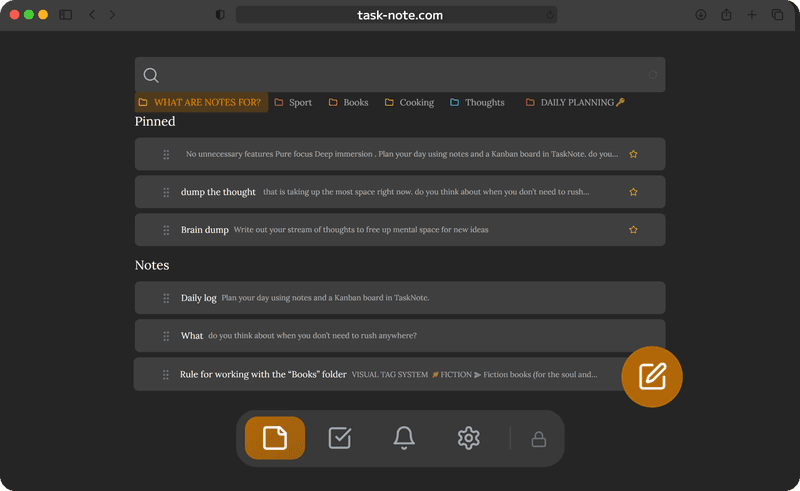
No extension, just a pinned tab
Extensions ask for permissions, and many of them can read what you browse. This needs none of that, because it is only a tab. Pin it and it is always one click away, with no view of your other tabs or your history.
- Nothing to fetch from the Chrome Web Store
- No permissions granted to anything
- Pin the tab and it is a click away
- Or install it as a web app in its own window
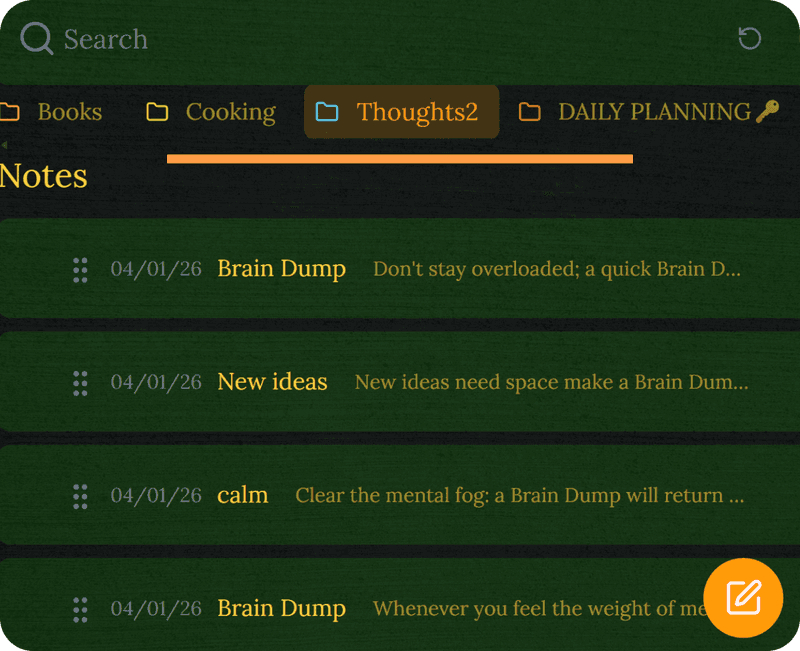
Encrypted in the browser, before anything leaves it
Plenty of browser based note tools keep your text in readable form. Here every note is encrypted inside the browser before it is sent anywhere, so what your browser or your account provider can see about your activity makes no difference to the contents.
- Encrypted in the browser itself
- Locked before it leaves the tab
- No tracking and no advertising built on it
- Fine for a journal or anything private
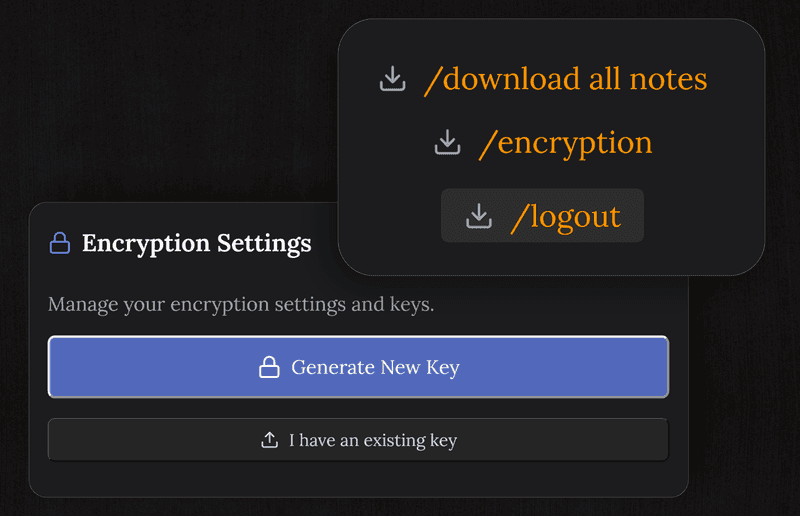
Notes and tasks, not just a scratchpad
A simple notepad extension gives you plain text and little else. Here you get headings, lists, checklists, a kanban board, reminders and search across everything, all inside one tab.
- A proper editor with formatting
- A kanban board for what needs doing
- Reminders that notify you in the browser
- Search across every note at once
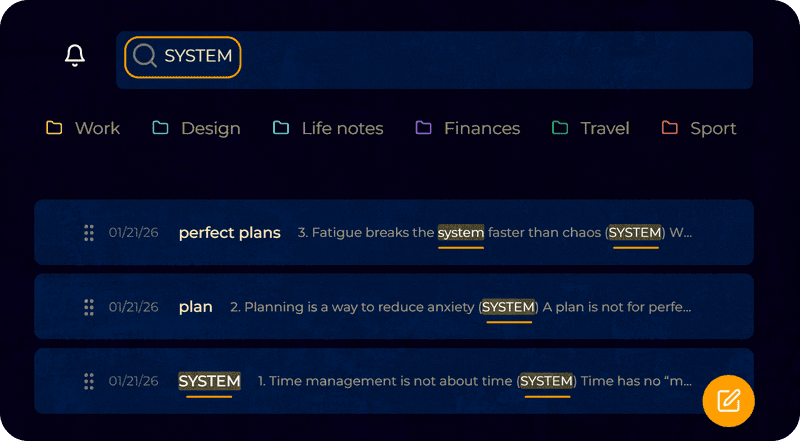
The same notes on everything else you use
What you write in Chrome on the computer turns up in Chrome on Android, in Safari on an iPhone, and in whatever else you happen to open. No exporting, no cables, and no Google account required.
- Chrome on the desktop and on Android
- Safari on iPhone and iPad
- Firefox, Edge and Brave on any system
- Kept up to date as you go
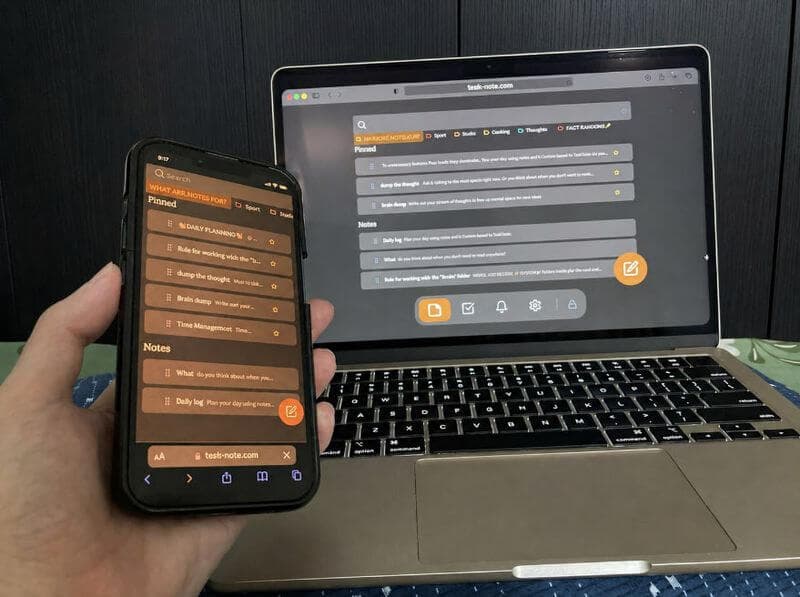
Questions about Chrome
Do I need an extension?
No. It runs as a web app in an ordinary tab. No extension, no plug-in, no permissions. Open the site and your notes are there.
Can I pin it for quick access?
Yes. Pin the tab and it stays one click away. You can also install it as a web app from the address bar, which gives it a window of its own without browser tabs.
Is it safe to use in Chrome?
Yes. Every note is encrypted inside your browser before it is sent to the server. We cannot read them, and neither can anyone who intercepts the traffic.
Does it work on Windows and Mac?
Yes, and on Linux and Chromebook. It also works in Firefox, Safari, Edge and Brave.
Is it free?
The core is: notes, the board, reminders and end to end encryption, with no card details asked for.
Can I use it on my phone as well?
Yes. One account covers Chrome on the desktop, Chrome on Android, Safari on an iPhone and any other browser you use.
Prefer to save without opening the app? Try the TaskNote Chrome extension
The note taking app for Chrome that needs no extension
Pin a tab, write encrypted notes, find them on everything else. Free to start.
Get it for freeFree plan included · No card details · Windows, Mac, iPhone, iPad, Android