iPhone notes app that is actually private
Write, organise and encrypt without handing anything to a cloud you have to trust. Every note is encrypted on the phone itself before it syncs.
Sign up with Google or any email and start straight away. The core is free. No card details, and nothing to download from the App Store.
Free plan included · No card details · iPhone, iPad, Mac, Android, Windows
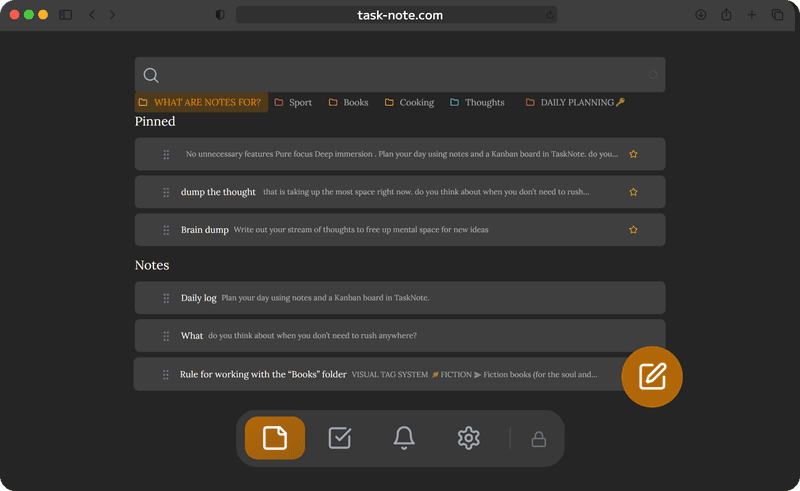
Add it to the home screen, no App Store involved
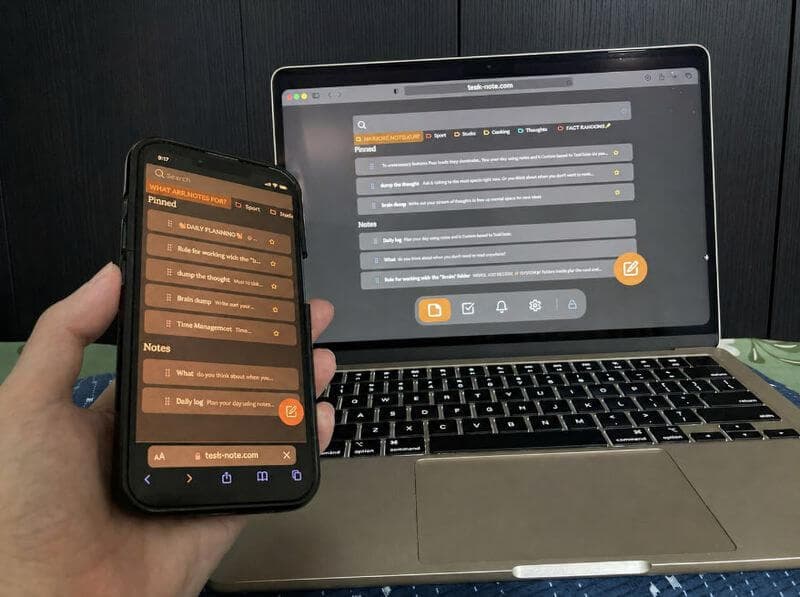
Open it in Safari and tap add to home screen. You get an icon that opens without the browser around it. Nothing to download, no updates to keep on top of, and no storage taken up.
- Works in Safari and Chrome on iPhone
- Add to the home screen and it behaves like an app
- No download and no review queue to wait for
- Always the current version, without asking
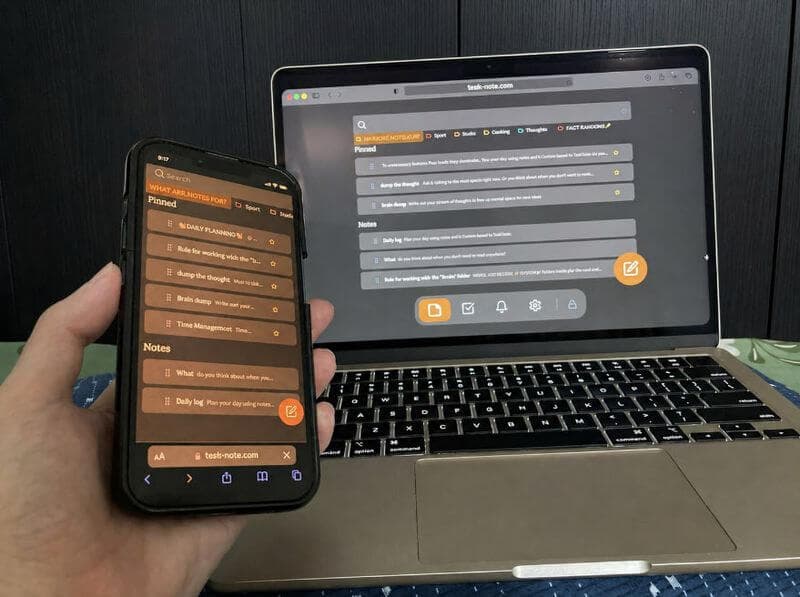
More private than Apple Notes
Apple Notes only encrypts the notes you lock one by one. Here every note is encrypted automatically, with a key we never hold, so neither Apple nor we can read it. It also reaches Android and Windows, which Apple Notes does not.
- Every note encrypted, without turning anything on
- Works on Android, Windows and Mac as well
- Nothing tied to iCloud
- Reminders included, no second app needed
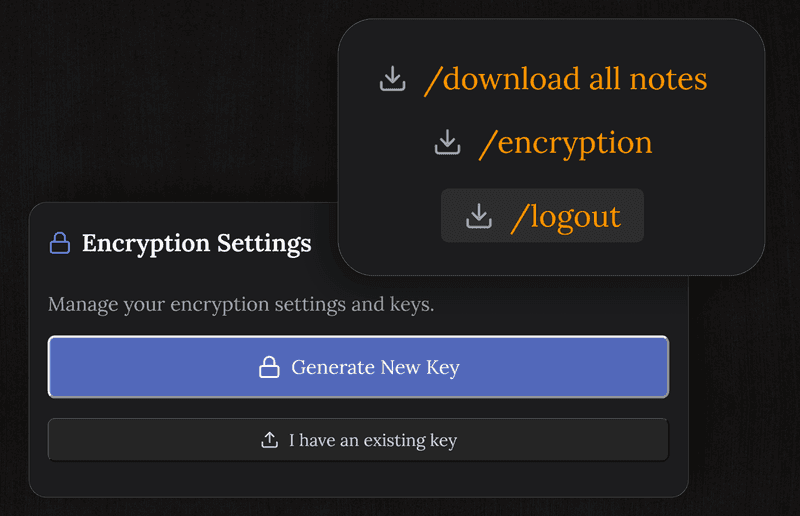
Notes and a board, in the same place on the phone
Write about a project, then switch to the board and drag it through to do, doing and done. There is no second app to keep in step, and all of it stays on one private workspace.
- The whole board on the phone, on the free plan
- A proper editor next to it
- Reminders that notify you
- Everything available with no connection
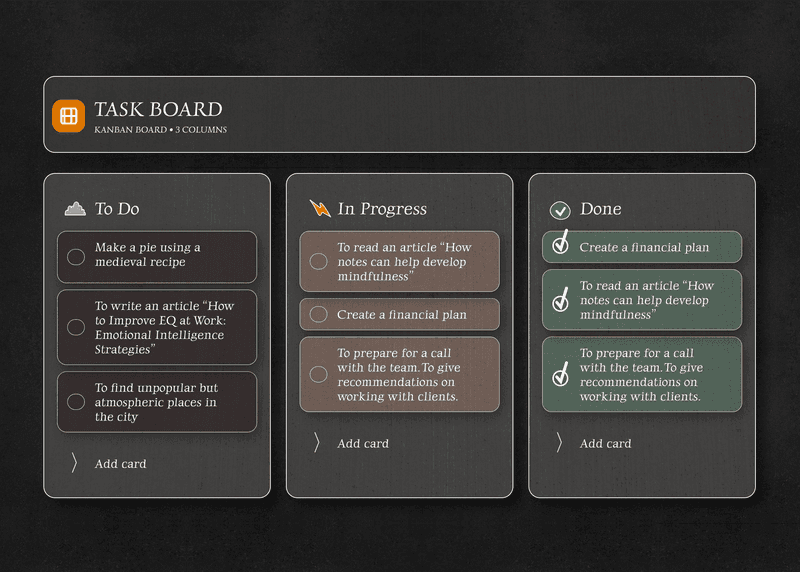
Syncs to Android and Windows too
Apple Notes stays inside Apple. This does not. One workspace across iPhone, iPad, Mac, Android, Windows and any browser, without your notes deciding what you buy next.
- iPhone, iPad, Mac, Android, Windows
- Changes appear on the other devices as you go
- No Apple ID required
- One account covers all of them
On an Android phone instead? There is a page for the Android note-taking app
Questions about iPhone
Is it free on iPhone?
The core is: notes, the board, reminders and end to end encryption, with no card details asked for.
Do I need to download anything from the App Store?
No. It runs in Safari or Chrome. Adding it to the home screen from Safari gives you an icon and a window of its own, with nothing installed.
How is it different from Apple Notes?
Every note is encrypted here, not only the ones you lock by hand. There is a board, reminders are included, and it syncs to Android and Windows rather than staying inside Apple.
Does it work offline?
Yes. Notes live on the phone, so you can read and write with no connection. Changes go up when you are back online.
Are my notes encrypted?
Yes, on the phone itself, before anything syncs. The key never leaves your device, so we cannot read the contents.
Can I sync with Windows or Android?
Yes. One account covers iPhone, iPad, Mac, Windows, Android and any browser. That is the part Apple Notes cannot do.
The iPhone notes app with encryption that is always on
Private notes, a board and reminders, free to start. Nothing to fetch from the App Store.
Get it for freeFree plan included · No card details · iPhone, iPad, Mac, Android, Windows