Count sentences inside your notes, not in a separate tool
Sentences, words and characters counted in any note, right in the editor. No copying text into a counter and no switching tabs.
Sign up with Google or any email and start straight away. No card details and nothing to install.
Free plan included · No card details · Windows, Mac, Linux, iPhone, iPad, Android
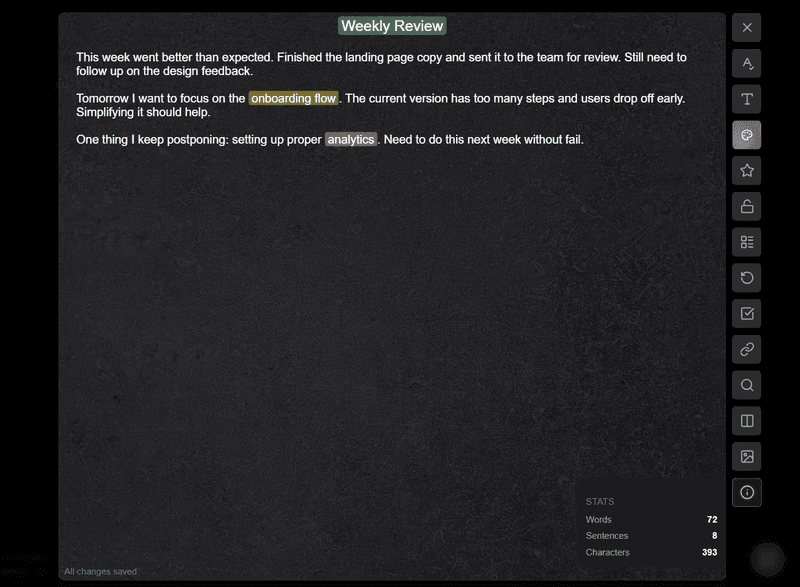
One tap shows sentences, words and characters
Open a note and tap the info button in the sidebar. A small panel appears with the sentence count, the word count and the character count, all three at once.
- The numbers keep up while the panel is open
- Words and characters side by side with sentences
- Works on a note of any length
- Nothing to paste into an outside tool
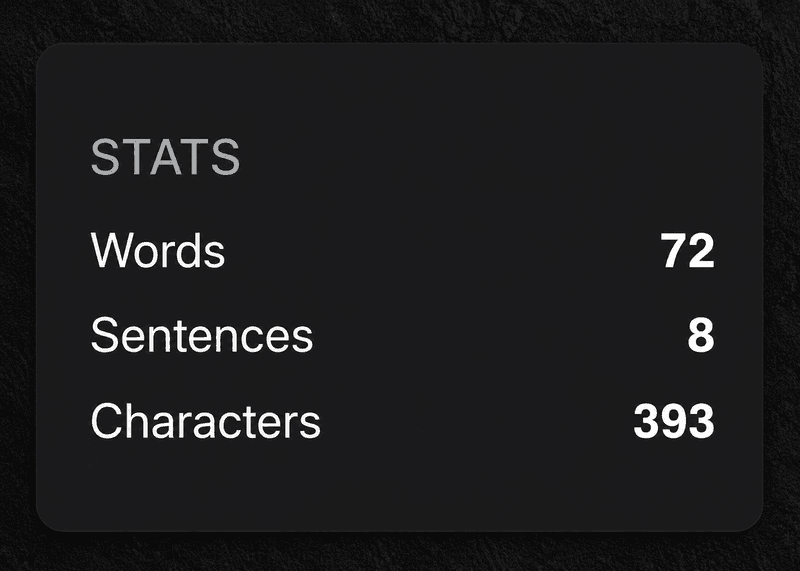
Know how long it is without leaving the note
An email draft, a journal entry, a project brief: it helps to know the length. Seeing the count where you are writing keeps you in the note instead of moving between apps.
- Check the length of a draft before you send it
- Keep an eye on journal entries and daily logs
- Judge meeting notes and summaries
- Follow a writing goal you set yourself
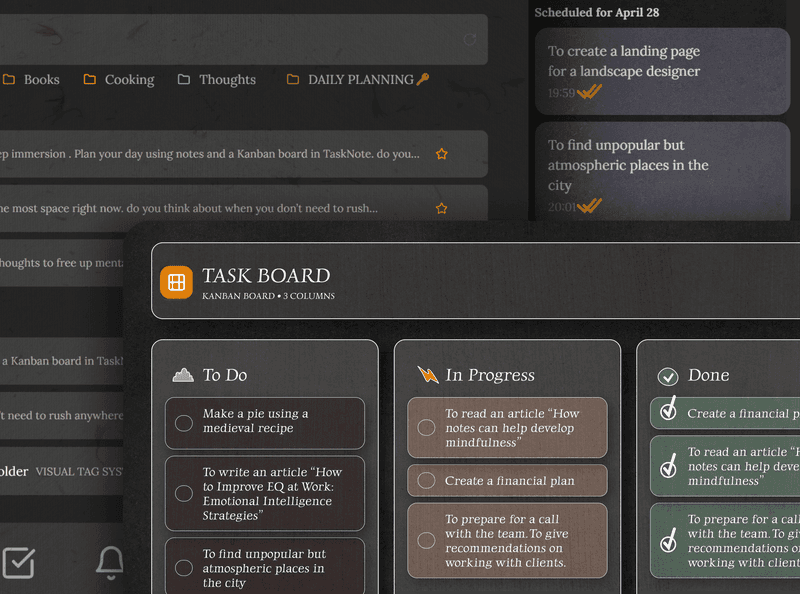
Notes with tasks, reminders and a board
This is not only a notepad. Every note sits beside tasks, reminders and a kanban board, in one encrypted workspace. Write the note, attach it to a task, put a reminder on it, done.
- Attach a note to any task
- Set a reminder straight from a note
- A board for planning you can see
- All of it encrypted end to end
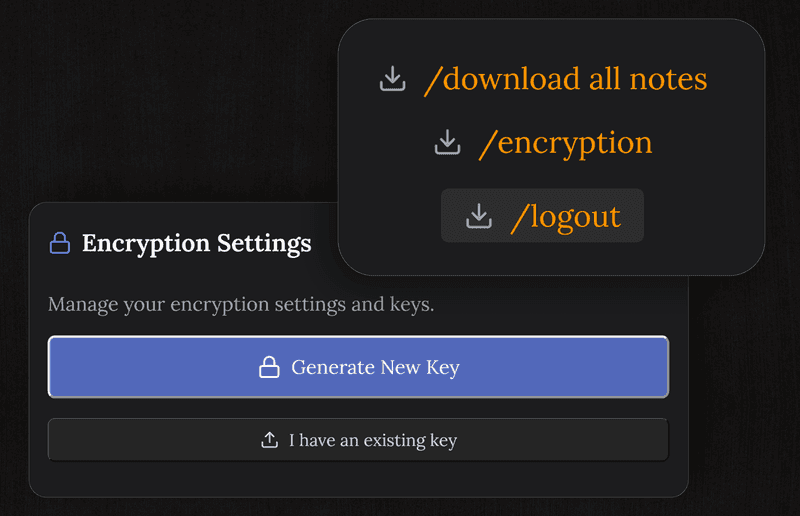
What you write stays private and encrypted
Notes are encrypted on your device before they ever reach our servers. Nobody here can read your content: not the drafts, not the counts, not the rest.
- AES-256, and we hold no key
- Encrypted before it leaves your device
- No ads and nothing sold
- Not even we can read your notes
Works on every device, with nothing to install
Open it in any browser on any device, and the notes and the counter are there.
Frequently asked questions
How do I count sentences?
Open a note and tap the info button in the sidebar. A small panel shows the sentence count, the word count and the character count, and the numbers keep up while the panel is open.
How does it decide where a sentence ends?
By the punctuation that ends one: a full stop, a question mark or an exclamation mark. That is the usual way to count, and it does mean an abbreviation with a full stop in it adds to the tally, so read the number as a close guide rather than a verdict.
Does the counter work without a connection?
Yes. It runs in your browser on the text of the note in front of you, and nothing is sent anywhere to produce the numbers.
Can I count words and characters too?
Yes. The same panel shows all three at once, inside the note you are working on.
Are my notes private?
Notes are encrypted end to end on your device before they reach our servers, and we cannot read them.
Is it free, and is there anything to install?
It is in the free plan, along with 50 notes, encryption, sync across devices and reminders. It runs in any browser, so there is nothing to download.
Count sentences, write better, keep it private
A free notes app with the counter built in, plus encryption, tasks and reminders.
Free plan included · No card details · Windows, Mac, Linux, iPhone, iPad, Android