ノートアプリに 手書き を。iPad で書けば、Mac と iPhone にも届きます
iPad で Apple Pencil を使い、手で書いてください。Scribble が書いたそばから文字に変え、ノートはひと手間もなく Mac と iPhone に届きます。
Google でも、どの電子郵便でも登録でき、すぐ始められます。中心の機能は無料です。カード情報も、入れるものもありません。
無料プランあり · カード情報不要 · Windows、Mac、Linux、iPhone、iPad、Android
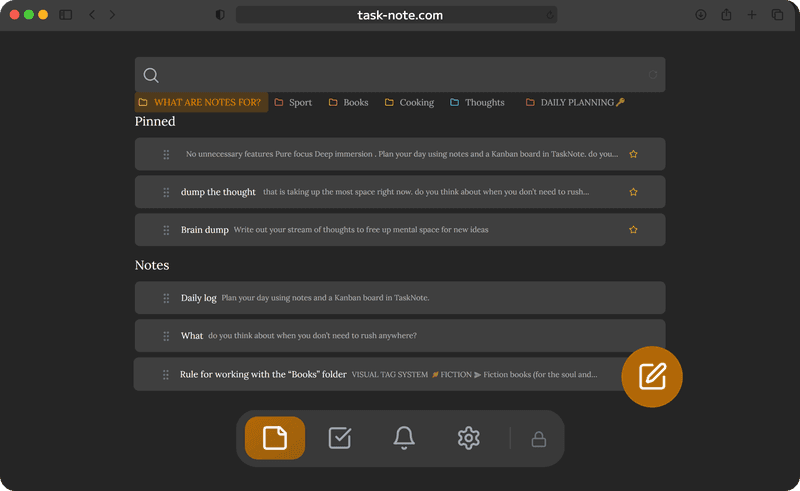
Apple Pencil と Scribble で 手で書く
iPadOS の Scribble は、Safari のノートの入力欄の中でそのまま働きます。Pencil を取り、ノートのどこにでも書けば、iPadOS がその場で手書きを打った文字に変えます。描くための別の画面はありませんし、必要でもありません。
- iPad の Safari で、そのまま動きます
- 手書きの読み取りは iPadOS の Scribble が行います
- 残るのは検索も編集もできる文字で、保存された絵ではありません
- 追加で入れるものも、設定することもありません
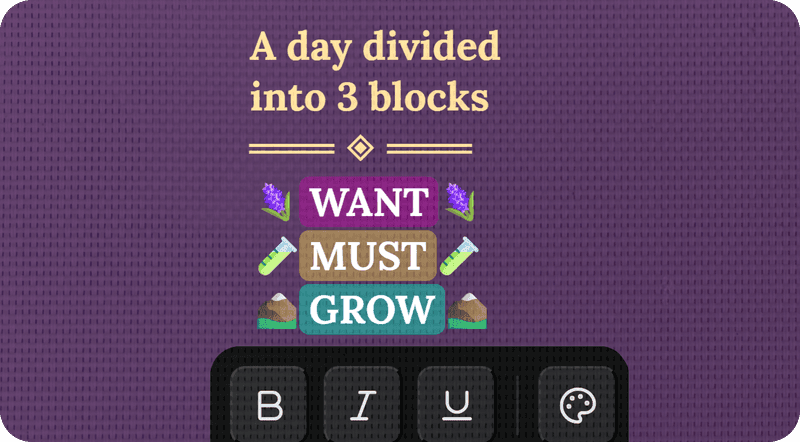
iPad で書いたものが、 Mac で読めます
Scribble が手書きを変えてしまえば、あとはふつうのノートです。数秒後には MacBook にあります。考えの途中で iPad から Mac へ移り、止めたところから続けられます。AirDrop も、自分宛ての電子郵便も要りません。
- 作業のあいだ、iPad と Mac は同じ状態のままです
- iPad で書いて、Mac で書き直せます
- 線もいらず、AirDrop も要りません
- MacBook でも iMac でも、ブラウザの中で動きます
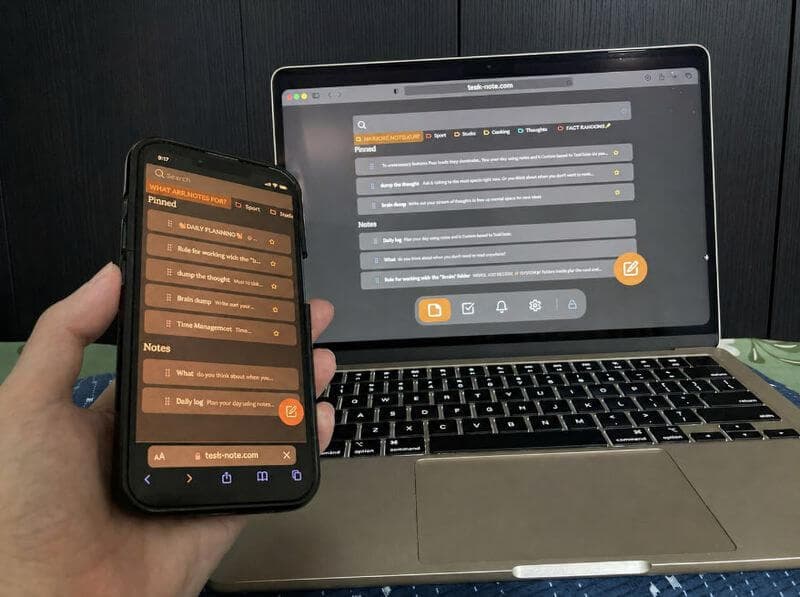
ノートの確認は iPhone からでも
iPad で書いたものは手元の端末にもあります。打ち合わせでも、机を離れたところでも取り出せば、ノートはそこにあり、読めますし直せます。置いてきたとおりの形で。
- 手元の端末には、iPad や Mac と同じノートがあります
- 出先でも読めますし、直せます
- すでに読み込んだノートは、ネットがなくても開きます
- 手元の端末で走り書きし、iPad で整えられます
手で書いたノートも 私的なまま暗号化されます
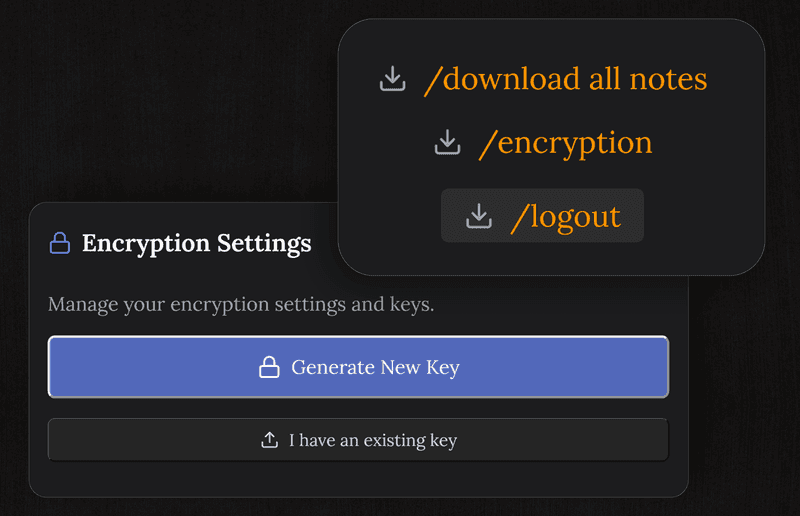
打った分も Pencil で書いた分も、どのノートも、こちらのサーバーに届く前にあなたの端末で暗号化されます。書いたものはあなたのもので、こちらでは読めません。
- AES-256。鍵はこちらにありません
- 端末を出る前に暗号化されます
- 広告もなく、何も売りません
- こちらでさえ、あなたのノートは読めません
お使いの Apple の端末を ひとつのアプリで
iPad で手で書き、Mac で読み、手元の端末で確かめる。どれも同じ状態で、設定することはありません。
よくある 質問
iPad で手書きは使えますか。
使えます。Apple Pencil のある iPad なら、iPadOS の Scribble が、ノートのどの入力欄でも書いたそばから手書きを文字に変えます。設定することはありません。Pencil を取って書くだけです。
Apple Pencil は必要ですか。
Scribble を通して使うなら、Pencil がいちばんよく働きます。iPadOS の手書きキーボードを使えば、指でも書けます。
手で書いたノートは Mac や iPhone にも届きますか。
届きます。Scribble が書いたものを文字に変えた時点で、ノートはほかの端末へ渡っていきます。iPad で書き、Mac や手元の端末ですぐ読んだり直したりできます。
手で書いたノートも暗号化されますか。
されます。どのノートも、こちらのサーバーに届く前にあなたの端末で端末間の暗号化がかかるので、手書きから起こした文も、ほかのものと同じように守られます。
無料ですか。
無料です。無料のプランに、50件のノート、Scribble による手書き、暗号化、端末のあいだの同期、タスク、リマインダーが入っています。カード情報も求めません。
iPad にアプリを入れる必要はありますか。
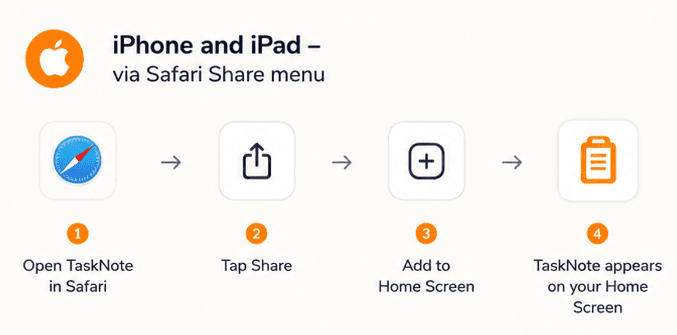
ありません。iPad の Safari の中で動くので、App Store から取ってくるものはありません。ブラウザを開いて入れば、ノートはそこにあります。すぐ開けるようにしたければ、共有の menu からホーム画面に足しておけます。
Pencil を取って、 書きはじめましょう
iPad の Apple Pencil で使えて、Mac と手元の端末にも届き、暗号化されたままの、無料のノートアプリです。入れるものはありません。
無料プランあり · カード情報不要 · Windows、Mac、Linux、iPhone、iPad、Android