Un gestor de tareas con tablero y notas integradas, gratis para empezar
Arrastra tareas entre columnas, engancha una nota a cualquier tarjeta, pon recordatorios y tenlo todo en un mismo sitio. Cambia entre lista y tablero cuando quieras.
Regístrate con Google o cualquier correo y empieza al momento. Lo esencial es gratis, sin datos de tarjeta y sin nada que instalar.
Plan gratuito incluido · Sin datos de tarjeta · Windows, Mac, Linux, iPhone, iPad, Android
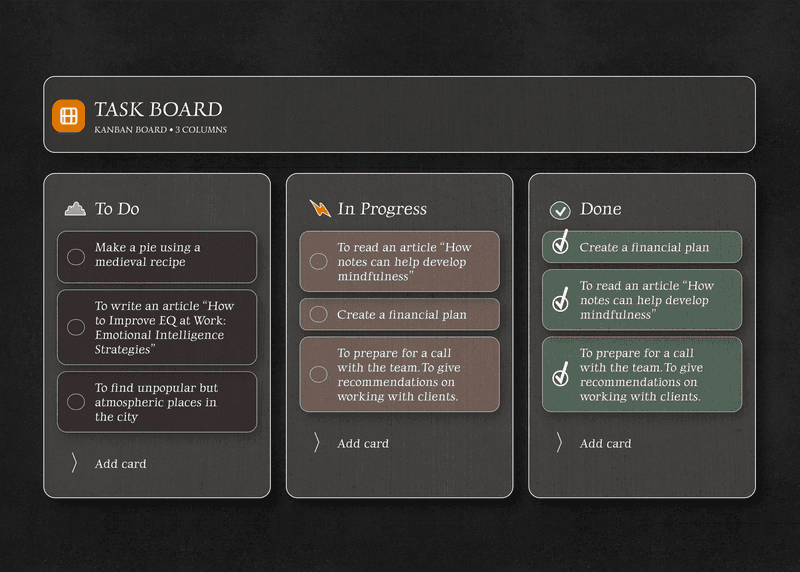
Arrastra las tareas de una columna a otra
Una tarea pasa de Por hacer a En curso y a Hecho con un solo arrastre. El tablero se actualiza sobre la marcha y llega a tus demás dispositivos, así que lo que ves es el estado real.
- Por hacer, En curso y Hecho, listas desde el principio
- Arrastrar y soltar en el escritorio y en el móvil
- Los cambios aparecen al instante en los demás dispositivos
- Cambia a la vista de lista cuando quieras
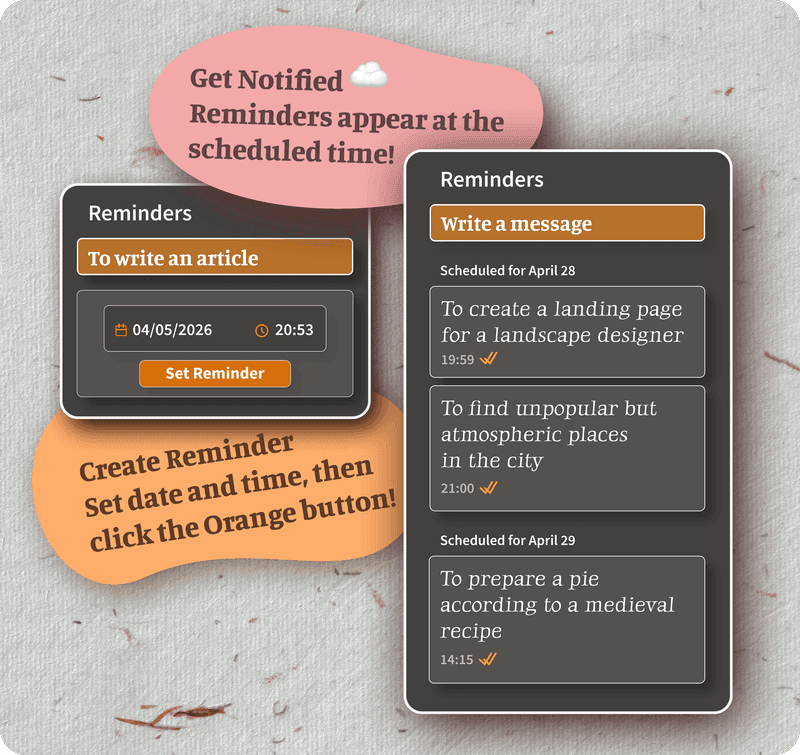
Una nota enganchada a cada tarjeta de tarea
Abre una tarea en el tablero y escribe dentro: el contexto, los enlaces, las ideas, las instrucciones. Se queda con la tarea, así que nada acaba perdido en un documento aparte ni en un hilo de chat.
- Una nota completa en cada tarjeta de tarea
- La nota sigue a la tarea por tablero y lista
- Títulos, casillas y texto en negrita
- Sin una segunda aplicación para las notas
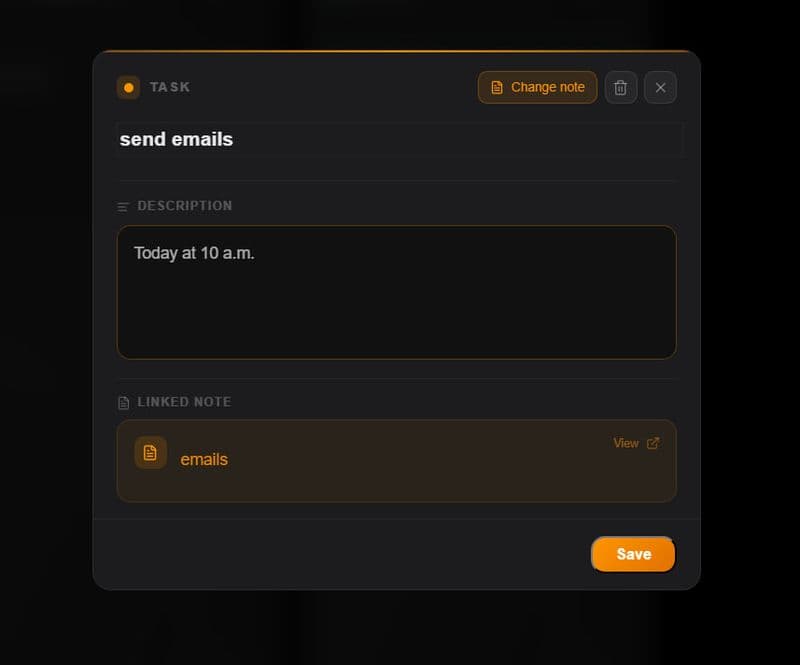
Pon un recordatorio en cualquier tarea
Dale a una tarea una fecha de entrega o un recordatorio y te avisará cuando toque actuar. Sin calendario aparte ni papelitos en la pantalla, solo la tarea con su recordatorio encima.
- Fechas de entrega y recordatorios en cualquier tarea
- Avisos en todos tus dispositivos
- Las tareas vencidas destacan en el tablero
- Funciona sin plan de pago
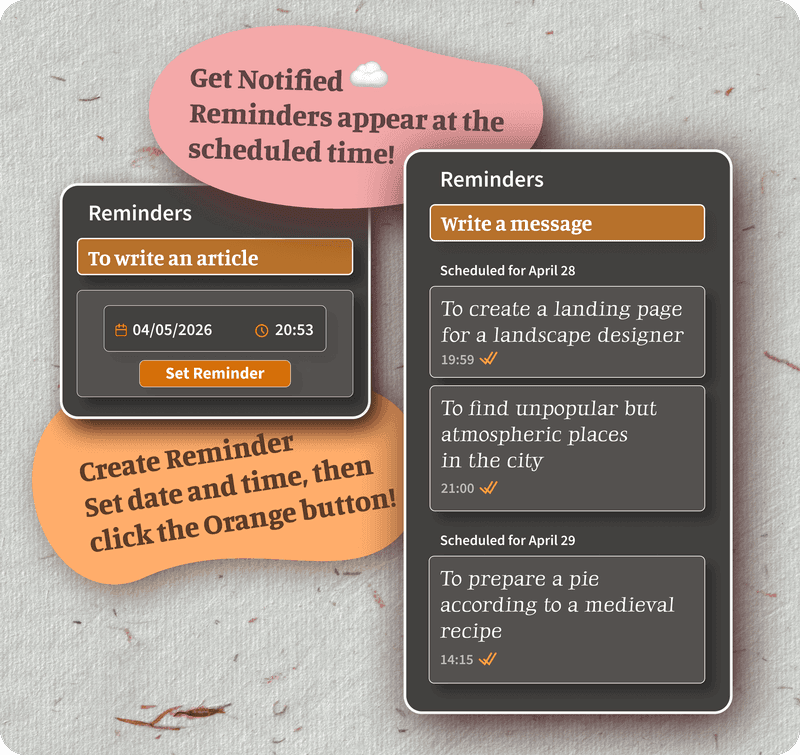
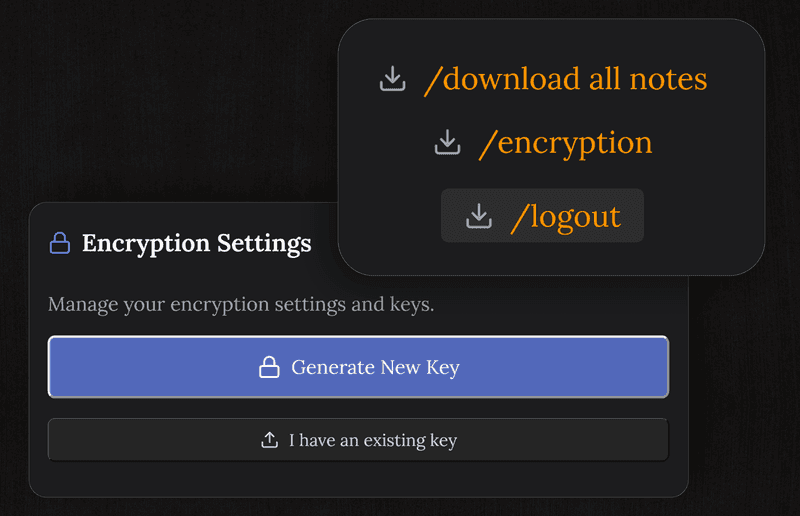
Cada tarea cifrada de extremo a extremo
Tus tareas, notas y el tablero se cifran en tu dispositivo antes de llegar a nuestros servidores. No podemos leerlos. Un gestor de tareas donde la privacidad es parte del producto.
- AES-256, y nosotros no guardamos la clave
- Cifrado antes de salir de tu dispositivo
- Sin anuncios y sin vender nada
- Ni siquiera nosotros podemos leer tus datos
Tu tablero en cada dispositivo
Ábrelo en cualquier navegador. El tablero llega a tus demás dispositivos mientras trabajas.
Preguntas frecuentes
¿Hay tablero kanban?
Sí, integrado. Arrastra tareas entre Por hacer, En curso y Hecho, o cambia a la vista de lista cuando lo prefieras.
¿Puedo enganchar una nota a una tarea del tablero?
Sí. Cada tarea lleva una nota dentro. Abre una tarjeta en el tablero y escribe todo el contexto, el detalle o el razonamiento que la tarea pida, justo al lado.
¿El tablero es gratis?
Sí. El plan gratuito trae el tablero, tareas y notas ilimitadas, cifrado, sincronización entre dispositivos y recordatorios. No se piden datos de tarjeta.
¿Funciona en el móvil?
Sí, en cualquier navegador de iPhone, iPad, Android, Mac y Windows. El tablero y las tareas llegan a todos los dispositivos sobre la marcha.
¿Mis tareas y notas son privadas?
Todo se cifra de extremo a extremo en tu dispositivo antes de llegar a nuestros servidores. Ni tus tareas ni tus notas podemos leerlas.
¿Tengo que instalar algo?
No. Funciona en el navegador. Ábrelo en cualquier dispositivo, entra, y el tablero está ahí.
Tareas, tablero, notas y recordatorios, todo gratis
Un gestor de tareas con tablero integrado, una nota cifrada en cada tarea y sincronización entre dispositivos.
Plan gratuito incluido · Sin datos de tarjeta · Windows, Mac, Linux, iPhone, iPad, Android