Aplicación de notas segura con cifrado AES-256
Guarda aquí lo delicado: credenciales, pensamientos privados, notas que no dejarías abiertas sobre la mesa. Un cifrado que no deshacen ni un servidor, ni una empresa, ni una filtración.
Regístrate con Google o cualquier correo y empieza al momento. Lo esencial es gratis y va protegido desde la primera nota. Sin datos de tarjeta y funciona en todo lo que usas.
Plan gratuito incluido · Sin datos de tarjeta · Windows, Mac, iPhone, iPad, Android
¿Prefieres que no salga nada de tu máquina? Prueba la aplicación de Windows sin conexión →
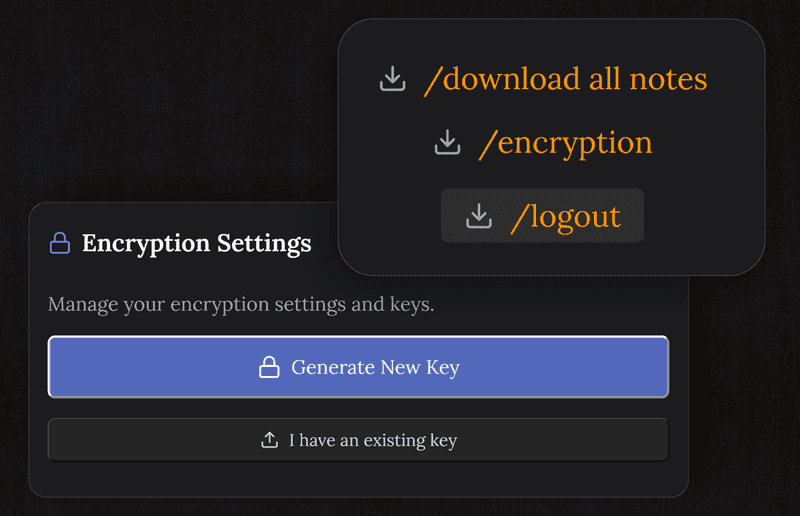
AES-256-GCM, en lo que se apoya todo el que va en serio
Cada nota se cifra con AES-256-GCM, el mismo algoritmo que hay detrás de Signal, de los gestores de contraseñas y de cualquier cosa hecha para guardar secretos. La clave se genera en tu dispositivo y nunca se nos envía, así que lo que llega al servidor no se puede abrir ahí.
- AES-256-GCM en cada nota
- La clave se genera en tu dispositivo
- No se transmite ni se guarda en el servidor
- Detecta manipulaciones: una nota alterada no se abre
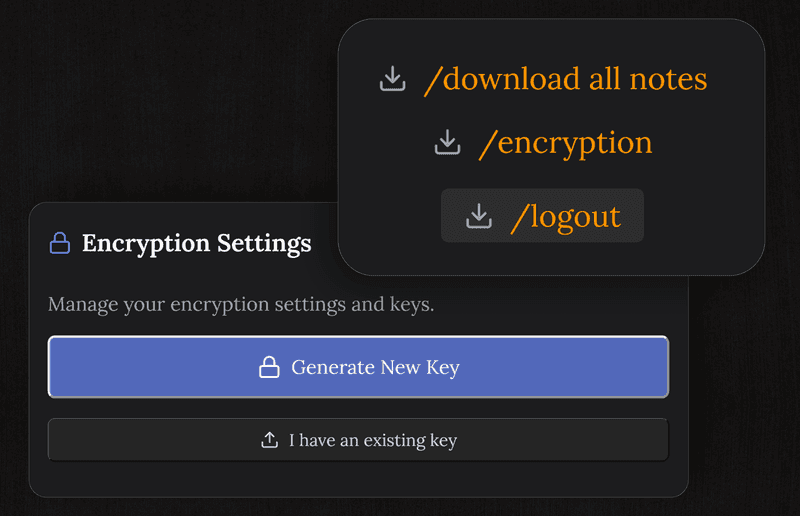
Tranquilo en el wifi de un bar y en un ordenador prestado
Las notas salen de tu dispositivo ya cifradas, así que quien capture tráfico en una red abierta se lleva texto cifrado. En una máquina que no es tuya, cerrar la pestaña termina la sesión sin dejar nada legible.
- Por la red solo viaja texto cifrado
- La sesión se cierra limpia en un equipo compartido
- Sin copias legibles guardadas en el navegador
- Todas las conexiones por HTTPS
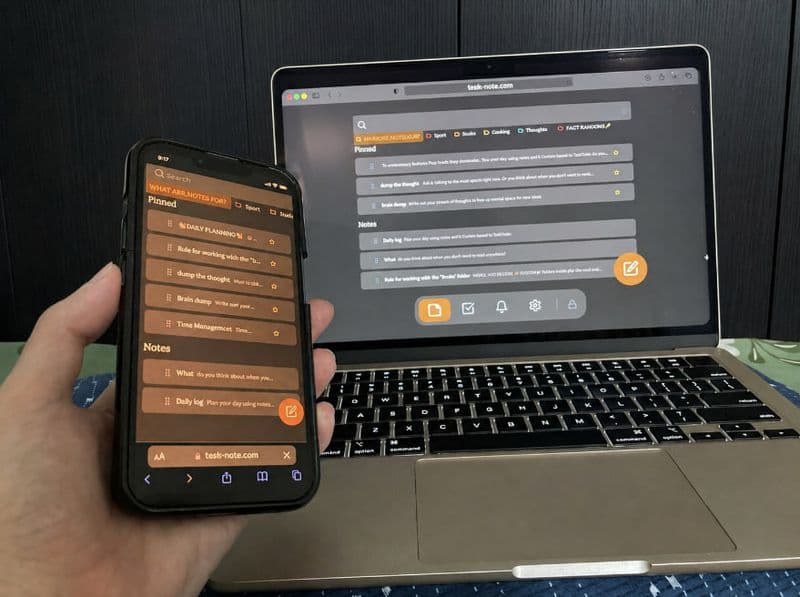
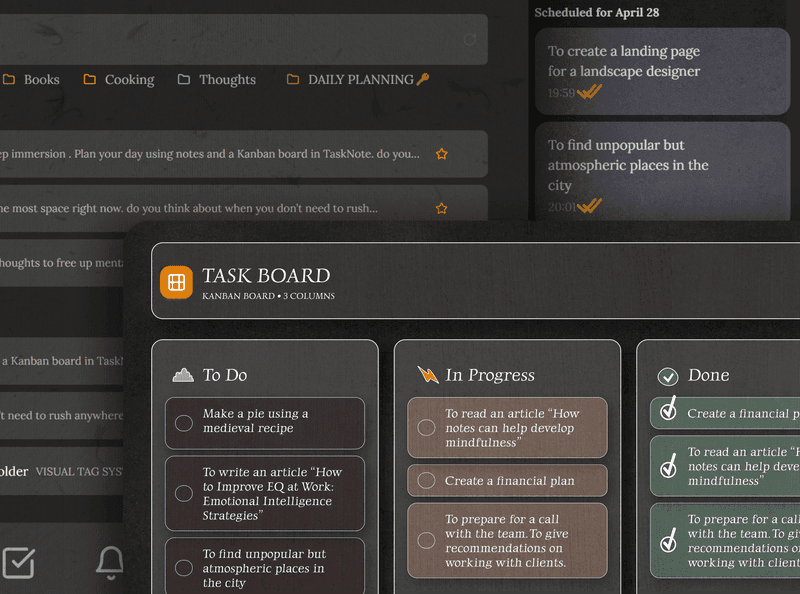
Notas, tareas y recordatorios, todo bajo la misma cerradura
Notas cifradas, un tablero para el trabajo, recordatorios para las fechas. Todo se cifra igual, de modo que nada se escapa por esa función en la que nadie pensó.
- Notas, tareas y recordatorios cifrados
- Un tablero cifrado como todo lo demás
- Un editor de verdad para contenido delicado
- Se lee sin conexión, no hace falta red
Llévate tus datos, aquí no hay nada encerrado
Las notas salen en Markdown corriente cuando quieras. Querer marcharse es normal, y ningún formato propio se interpone.
- Exporta todo en Markdown
- Sin un formato que solo leamos nosotros
- Descarga tus datos cuando te apetezca
- Lo abre cualquier editor de Markdown
Preguntas sobre seguridad
¿Cómo de seguro es?
Las notas se cifran en tu dispositivo con AES-256-GCM antes de sincronizarse. La clave se genera ahí y nunca se envía, así que el servidor no tiene ni texto legible ni forma de obtenerlo.
¿Puedo guardar contraseñas?
Puedes, y quedan protegidas como todo lo demás. Aun así, para contraseñas un gestor dedicado sigue siendo mejor herramienta: rellena formularios, avisa de filtraciones y cambia lo que guarda.
¿Guardáis mi clave?
No. Se genera en tu dispositivo y ahí se queda. No tenemos copia ni manera de deducirla, y por eso importa tanto que guardes tu propia copia de seguridad.
¿Es gratis?
Sí, cifrado incluido. Las notas, el tablero y los recordatorios también, sin pedir datos de tarjeta.
¿Qué pasa con mis notas si desaparecéis?
Las exportas en Markdown corriente cuando quieras. Seguirán siendo legibles en cualquier editor sin nosotros, que es justo para lo que evitamos inventar un formato.
¿Es seguro en una red wifi pública?
Sí. Las notas ya salen cifradas, así que el tráfico interceptado entrega texto cifrado y nada más.
La aplicación de notas segura en la que la clave es tuya
AES-256-GCM, cifrado en tu dispositivo y gratis para empezar. Tus notas, tu clave.
Empezar gratisPlan gratuito incluido · Sin datos de tarjeta · Windows, Mac, iPhone, iPad, Android
O sin conexión del todo: descarga la aplicación para Windows →