Note taking app for writers that keeps your drafts private

Note taking app for writers letting you capture ideas, draft content, and track writing projects in one encrypted workspace - no AI training on your content, no ads, free forever.

Sign up with Google or any email and start right away. Free core features forever. No credit card, auto-save, works on phone and desktop.

Free forever · No credit card · Mac, iPhone, iPad, Android

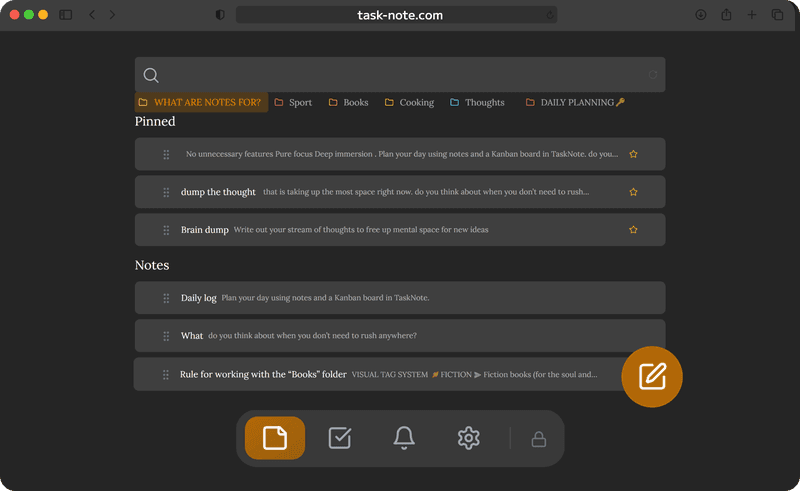
TaskNote writing workspace with notes and distraction-free editor

Capture ideas instantly, on any device

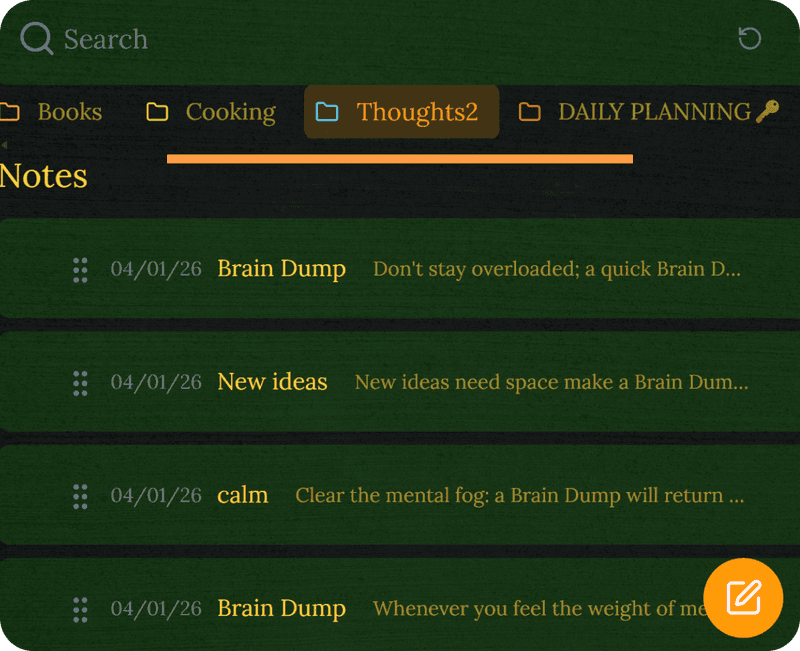
Ideas do not wait for you to be at your desk. Open TaskNote on your phone, tap new note, and write. Auto-save means you never lose a thought. When you sit down to write, the idea is waiting on your desktop, already synced.

  • New note in one tap on any device
  • Auto-save - no manual saving
  • Syncs from phone to desktop instantly
  • Full-text search to find any idea later
TaskNote idea capture on iPhone syncing to desktop

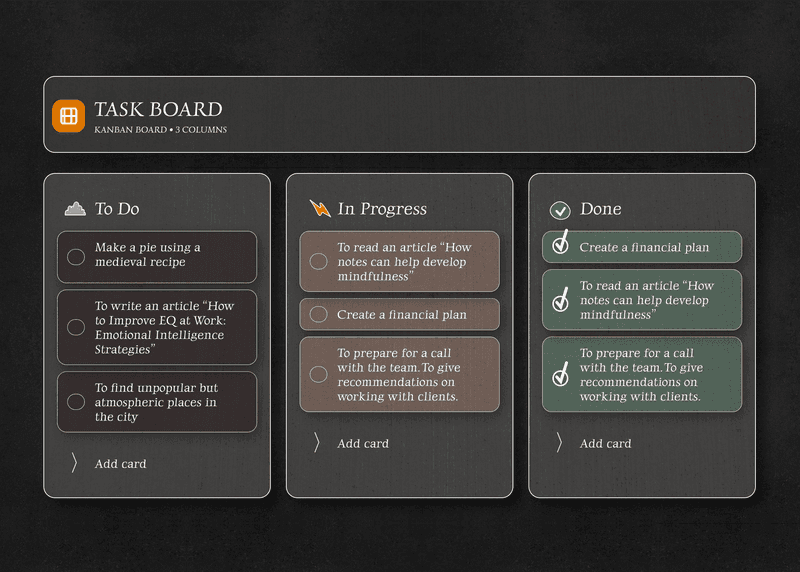
Track writing projects, on a kanban board

Move articles, chapters, or scripts through Draft, Editing, and Published on a drag-and-drop kanban board. Each card has a full note for the actual content or research. See your whole pipeline at a glance.

  • Kanban board for writing pipeline
  • Custom column names for your workflow
  • Full note on every card for content
  • Reminders for deadlines
TaskNote kanban board for managing writing projects

Your drafts stay private, no AI training

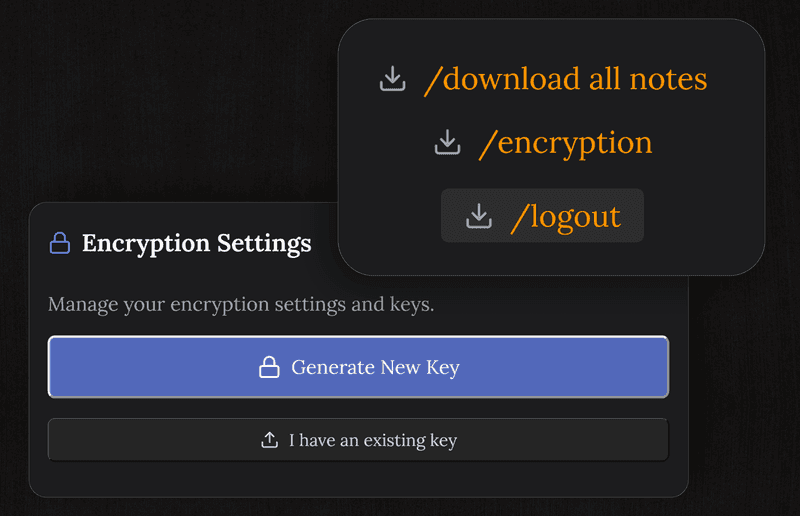
Many note apps use your content to train AI models or show targeted ads. TaskNote encrypts every note on your device before syncing. Your drafts are invisible to TaskNote - they cannot be read, trained on, or used in any way.

  • End-to-end encryption on every draft
  • No AI training on your writing
  • No ads based on note content
  • Your unpublished work stays private
TaskNote private writing with encryption badge

Word count and rich formatting, in one clean editor

Write with headings, bold, italic, bullet lists, and checklists. A built-in word and sentence counter helps you hit targets without leaving the editor. Export to Markdown when you are ready to publish or hand off.

  • Rich text editor with markdown shortcuts
  • Word and sentence counter built in
  • Headings, lists, bold, italic
  • Export to Markdown for any workflow
TaskNote rich text editor with word count for writers

Questions from writers

Is TaskNote good for capturing writing ideas?

Yes. Open a new note instantly, dump your idea, and search for it later. TaskNote saves automatically - no Ctrl+S required. Works on phone too, so you can capture ideas anywhere.

Can I organize writing projects in TaskNote?

Yes. Use the kanban board to track articles, chapters, or projects through stages like Draft, Edit, Published. Each card has a full note for the actual content. Notes can be organized and searched by keyword.

Is my writing private in TaskNote?

Yes. Every note is end-to-end encrypted on your device. TaskNote cannot read your drafts. No AI training on your content, no ads based on what you write.

Does TaskNote have a word count?

TaskNote includes a sentence and word counter accessible from the editor. It helps writers track progress without leaving the writing flow.

Is TaskNote free for writers?

Yes. Notes, kanban board, reminders, and encryption are free forever. No credit card required.

Can I export my writing from TaskNote?

Yes. Notes export in Markdown format, which is readable by any text editor and compatible with most writing and publishing workflows.

The note taking app for writers that keeps your drafts private

Idea capture, project kanban, word count, encryption. Free forever, no AI training.

Get it for free

Free forever · No credit card · Mac, iPhone, iPad, Android