Voice to notes: speak and it types
Dictate into any note without leaving the app. Tap the mic, speak normally, and the words land where the cursor is.
Sign up with Google or any email and start straight away. The core is free: no card details and nothing to download.
Free plan included · No card details · Windows, Mac, Linux, iPhone, iPad, Android
One tap to start, one tap to stop
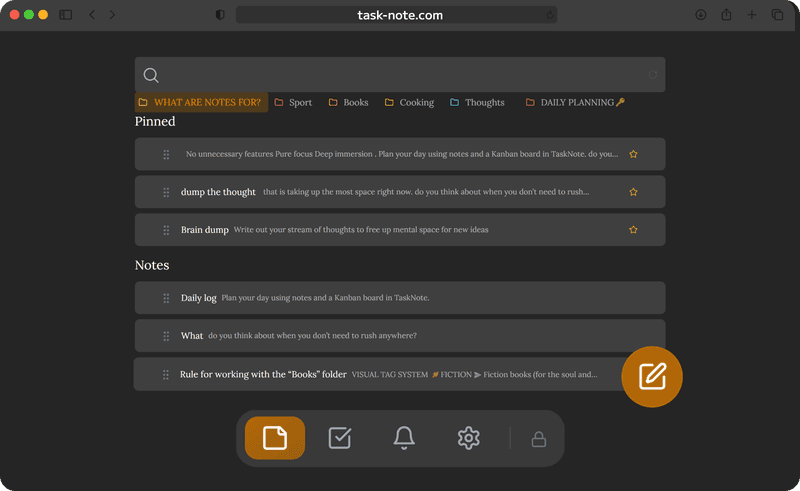
A small mic button sits at the bottom of every note. Tap it and the browser starts listening, with no time limit. What you say is transcribed and dropped in as each phrase lands.
- Keeps listening, so no tapping after every sentence
- Text goes in where the cursor is
- Picks up your browser language on its own
- A pulsing ring shows it is listening
Dictate notes and tasks alike
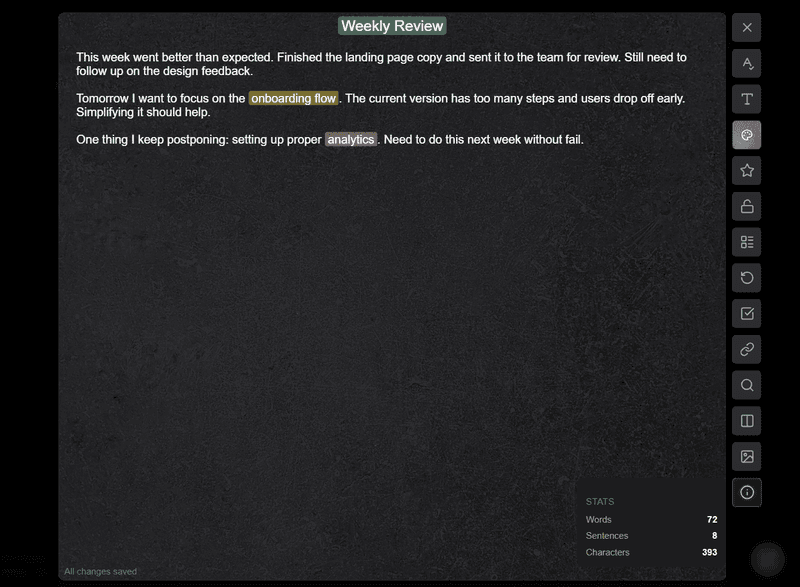
Speak a passing thought into a note, then switch to the board and drag it into the flow. Dictation works in every kind of note: meeting notes, a daily log, a checklist, a project brief.
- Dictate into any note, plain text or Markdown
- Mix spoken and typed text freely
- Attach a dictated note to a task on the board
- Put a reminder on the note you just spoke
Works on every device you own
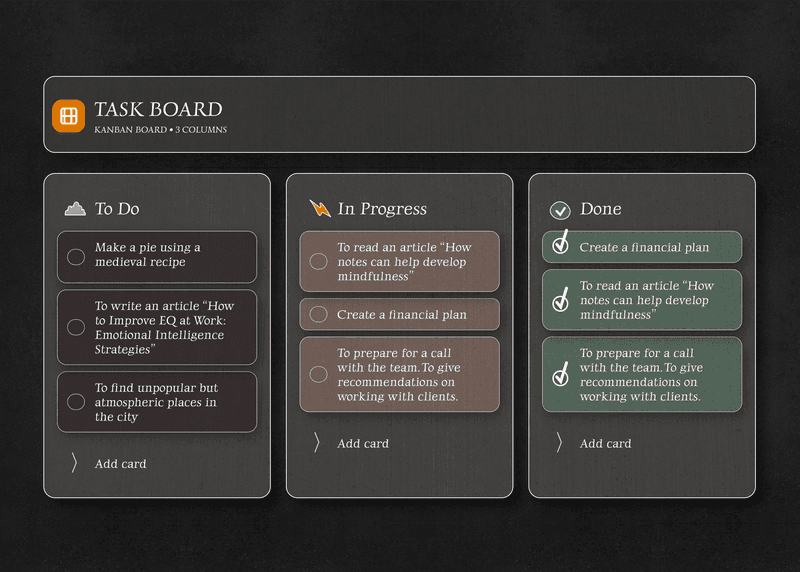
The app runs in the browser: Chrome on the Mac, Safari on iPhone and iPad, Edge on Windows, whatever you use on Android. Dictation itself is done by the browser, so it works wherever the browser offers speech recognition.
On iPhone and iPad you can use the microphone key on the iOS keyboard instead, and the text lands in the note the same way.
Your dictated notes stay private and encrypted
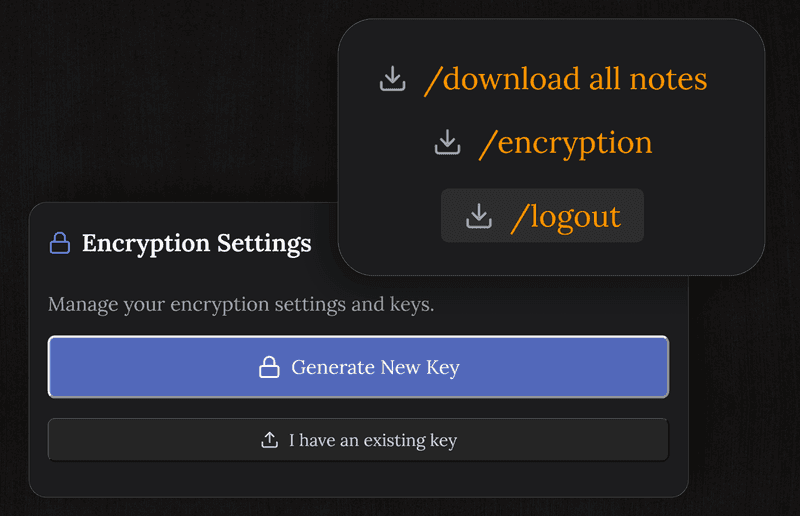
Every note you dictate is encrypted on your device before it goes anywhere near the server. We cannot read it, because the key is yours.
- End to end encryption on every note
- The server only ever holds ciphertext
- Encrypted sync across all your devices
- The audio never reaches us, only the finished text becomes a note
Available on every platform
Open it in your browser. Nothing to install, on any device.
Questions about voice to notes
How does dictation work here?
Tap the mic at the bottom of any note. The browser listens using its own speech recognition and puts the transcribed text in at the cursor as each phrase is recognised.
Does it work on iPhone and iPad?
Yes, in Safari on iPhone and iPad. You can also use the microphone key on the iOS keyboard, and the text lands in the note either way.
Do I need to install anything?
No. The app runs in the browser. Open a note, tap the mic and start speaking. Dictation needs a browser that offers speech recognition, which today means Chrome, Edge or Safari, while the app itself runs anywhere.
Is the audio private?
The recognition is done by your browser, so where the audio is processed is the browser's business and differs between them; some send it to their own service. What reaches us is the finished text, and that is encrypted end to end on your device before it syncs, so we cannot read it.
What languages does it handle?
Whatever your browser and device handle for speech recognition. It follows your browser language setting on its own.
Is dictation free?
Yes, it is in the free plan and no card details are asked for. Notes, tasks, reminders, the board and voice input are all part of the core.
Start taking notes with your voice
The core is free. No card details. Runs in the browser on any device.
Get it for freeFree plan included · No card details · Windows, Mac, Linux, iPhone, iPad, Android