Task notes, attached to every task
Put the context and the detail on the task itself, where you will look for it. Encrypted, and on every device you use.
Sign up with Google or any email and start straight away. The core is free, with no card details and nothing to install.
Free plan included · No card details · Windows, Mac, Linux, iPhone, iPad, Android
The note lives inside the task
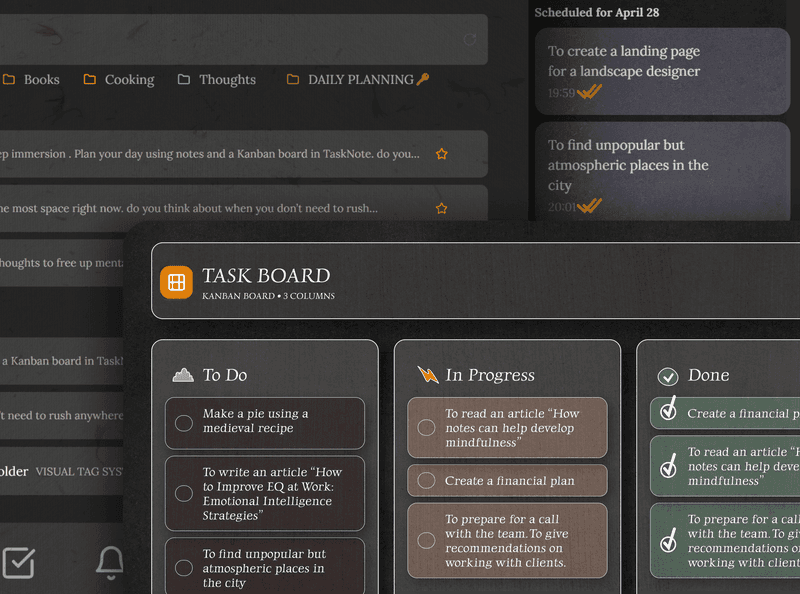
Open a task and the note field is right there. Add the instructions, the links, the thinking, or a full write up, all attached to that one task rather than floating in a separate document.
- A rich text note on every task
- Links, headings and lists
- The note stays with the task when you move it
- No second app and no second tab
A board with the full context
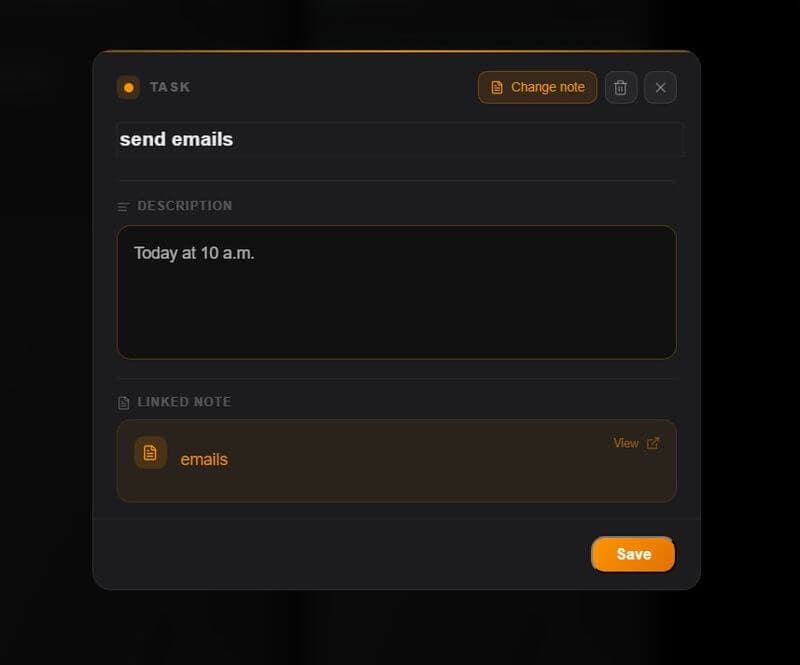
Move tasks across To Do, In Progress and Done, and the notes and the detail move with them. The board shows you the state; open a card to see the whole of it.
- Drag and drop across the columns
- Every card carries its own note
- Set a reminder with a date
- Every task at a glance
Your tasks and notes are private
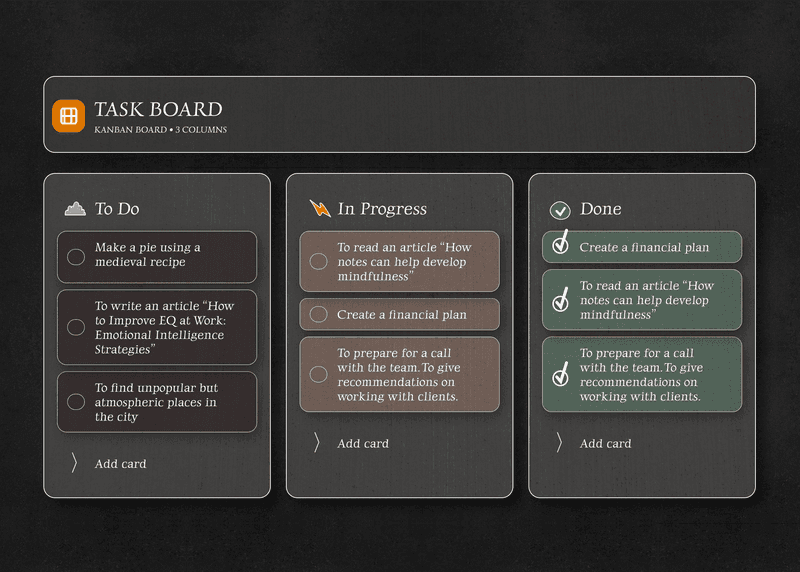
Everything here is encrypted end to end on your device before it reaches our servers. The tasks, the notes, the half formed thinking; nobody else can read them.
Us included.
Never miss a deadline, with a reminder
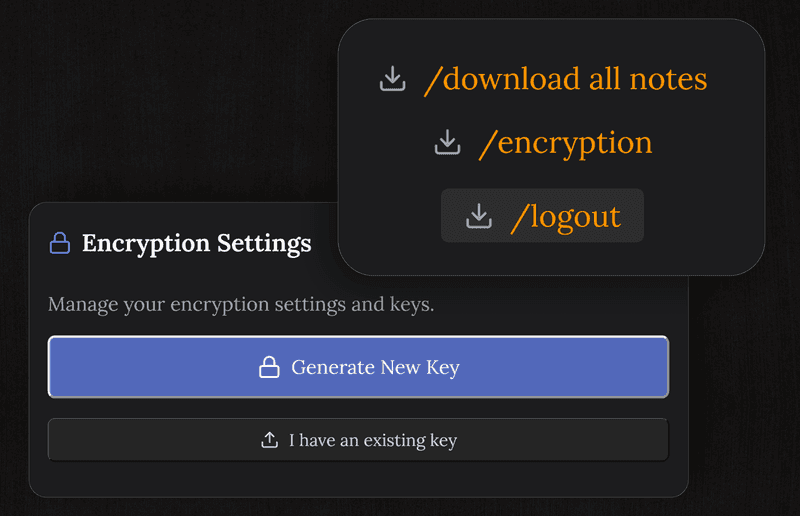
Put a reminder on any task and hear about it before it comes due. The note gives you the context, and the reminder makes sure you act on it.
It reaches every device you use: the phone, the tablet, the laptop.
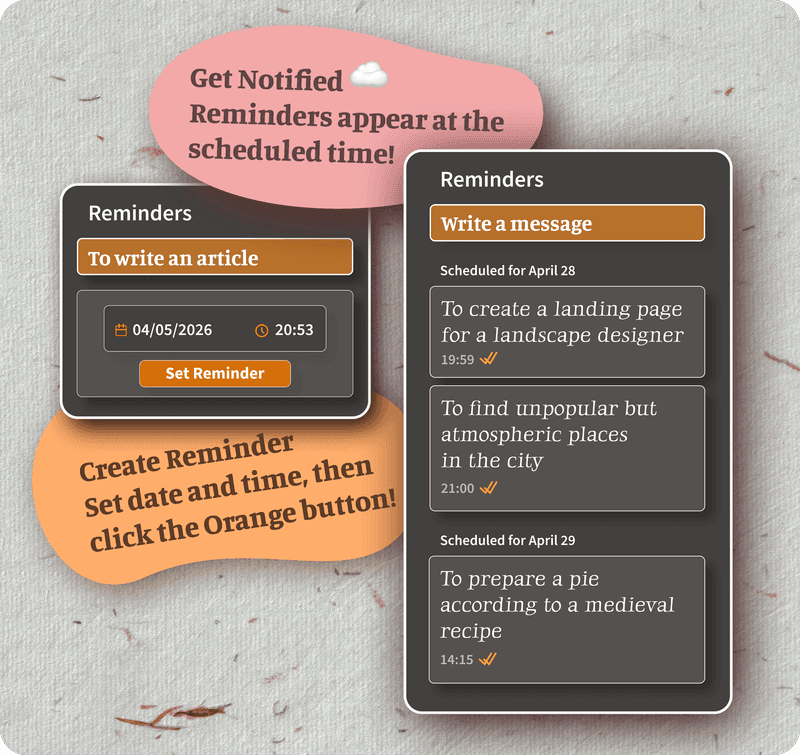
Tasks, notes and reminders, all free
The free plan carries unlimited tasks, a note on every task, encryption, sync across devices and reminders. No trial, no card details, and no cap on the features you actually use.
Pro lifts the usage limits, but formatting and themes are free, so you will not run into a wall on the core.
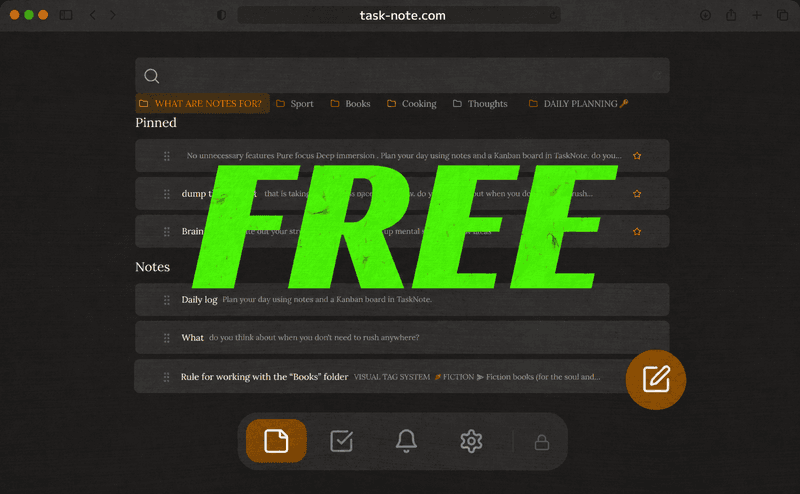
Works on every device you already own
Nothing to install. Open a browser, sign in, and the tasks and their notes are there: on the phone, on the laptop, on anything with a browser.
Frequently asked questions
Can I attach a note to a task?
Yes. Every task has a note field inside it. Open a task and add as much context, detail or thinking as it needs, right beside the task itself.
Is it free?
Yes. The free plan carries 50 notes, 50 tasks, encryption, sync across devices and reminders. No card details asked for.
How is this different from other task managers?
Most treat the note as an afterthought, a small description field. Here notes and tasks are both first class and work together: a full note on any task, tasks linked from inside a note, and the lot in one place.
Are my task notes private?
Yes. Notes and tasks are encrypted end to end on your device before they reach our servers. We cannot read them.
Does it reach my other devices?
Yes, as you go. Add a note to a task on the phone and it is on the laptop when you next look.
Do I need to install anything?
No. It runs in the browser. Open it on any device, sign in, and the tasks and notes are there.
Your tasks and your notes, together and free
One place for it all: tasks with a note attached, reminders, and encryption. Free to start.
Get it for freeFree plan included · No card details · Windows, Mac, Linux, iPhone, iPad, Android