Note taking app for writers where drafts stay yours
Catch an idea, draft it, and keep the whole pipeline in one encrypted workspace. Nothing you write trains a model, and nothing sells an advert.
Sign up with Google or any email and start straight away. The core is free. No card details, saves as you type, works on the phone and at the desk.
Free plan included · No card details · Windows, Mac, iPhone, iPad, Android
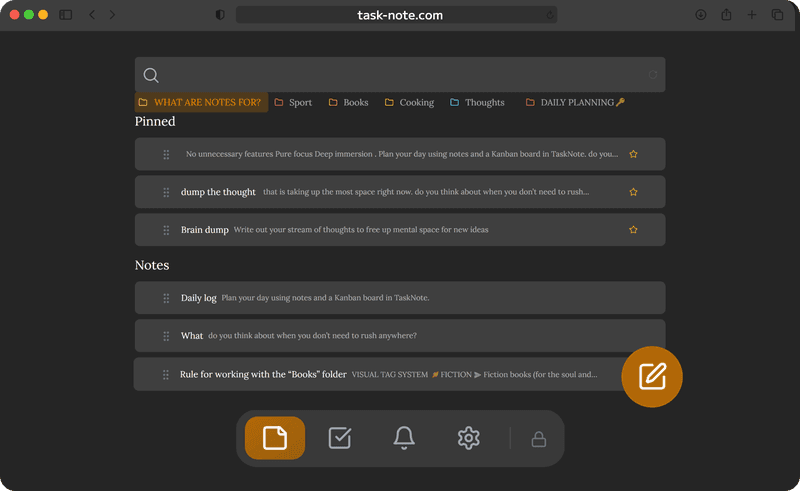
Catch the idea now, on whatever is in your hand
Ideas do not wait until you are at the desk. Open TaskNote on the phone, tap once, write. It saves itself, so nothing is lost. By the time you sit down, the thought is already there on the computer.
- A new note in one tap, on any device
- Saves as you write, with nothing to press
- On the phone now, on the desk in a moment
- Full text search for finding it again later
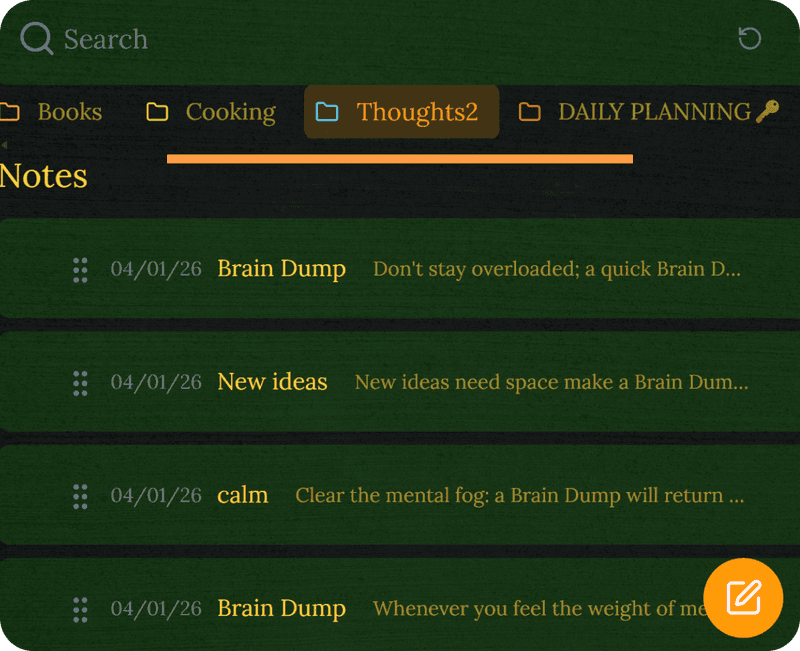
Move the work along, on a board you can see
Drag an article, a chapter or a script through drafting, editing and done. Every card carries the real note behind it, the writing itself or the research. The whole pipeline sits in one view.
- A board for whatever you have in flight
- Columns named the way you actually work
- A full note behind every card
- Reminders for the dates that matter
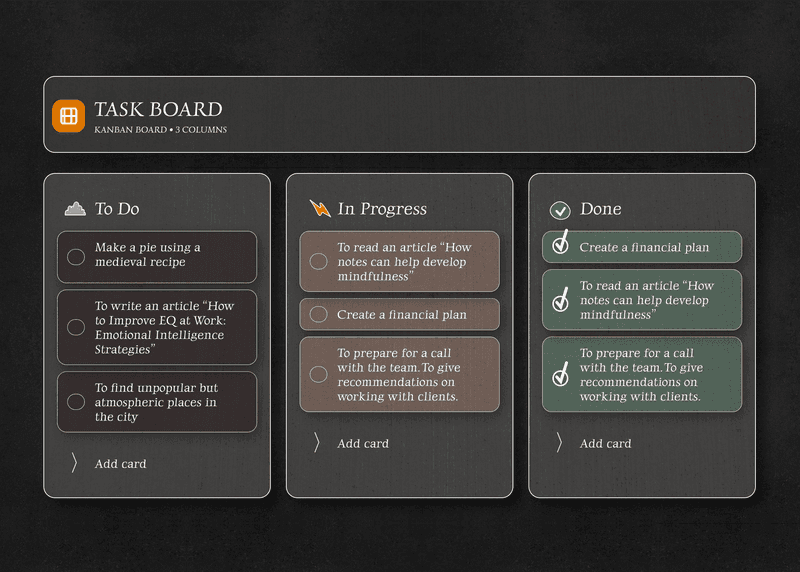
Unpublished work stays unpublished
Plenty of note apps read what you write, to train a model or to aim an advert. TaskNote encrypts every note on your device before it syncs. Your drafts are not readable here, so there is nothing to train on and nothing to sell.
- End to end encryption on every draft
- No model is trained on your writing
- No advertising built from what you write
- Work in progress stays out of sight
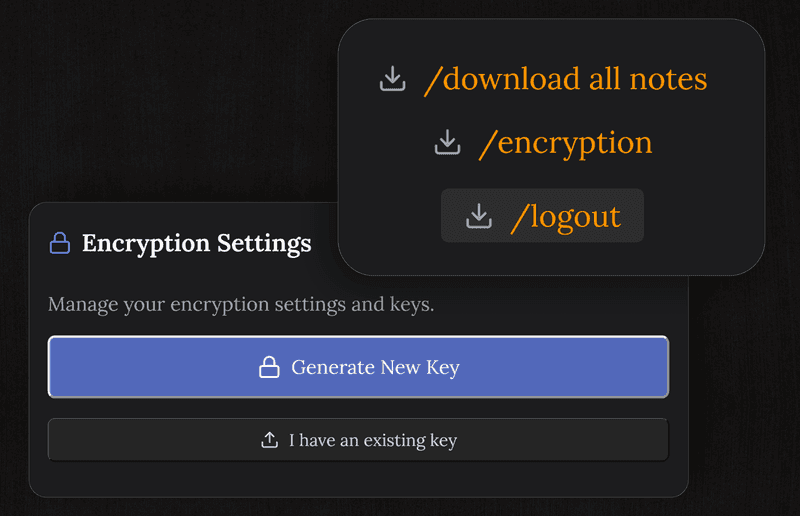
Word count and formatting, in one uncluttered editor
Headings, bold, italics, bullets, checklists. The word and sentence count sits in the editor, so hitting a target does not mean leaving the page. Export to Markdown when the piece is ready to go somewhere else.
- A proper editor with Markdown shortcuts
- Words and sentences counted as you write
- Headings, lists, bold, italics
- Export to Markdown for wherever it goes next
Questions from writers
Is it good for catching ideas?
That is what it is for. Open a note, put the thought down, find it later by searching. It saves by itself, and it works on the phone, which is where most ideas turn up.
Can I organise projects in it?
Yes, on the board. Move articles, chapters or scripts through stages you name yourself, and keep the actual writing in the note behind each card.
Is my writing private?
Yes. Every note is encrypted on your device before it syncs, so we cannot read your drafts. No model is trained on them and no advertising is built from them.
Is there a word count?
Yes, words and sentences, right in the editor, so you can keep an eye on the target without breaking the flow.
Is it free?
The core is: notes, the board, reminders and encryption, with no card details asked for.
Can I get my writing out?
Yes. Everything exports as Markdown, which any editor opens and most publishing tools take without complaint.
The note taking app for writers that leaves your drafts alone
Catch ideas, run the board, count the words, keep it encrypted. Free to start, and nothing trains on your work.
Get it for freeFree plan included · No card details · Windows, Mac, iPhone, iPad, Android