Note taking app for lawyers with the key in your hands
Research notes, case summaries and reference material, encrypted on your own device. Nobody here can read what you write.
Sign up with Google or any email and start straight away. The core is free. No card details, works offline, opens in any browser with nothing to install.
Free plan included · No card details · Windows, Mac, iPhone, iPad, Android
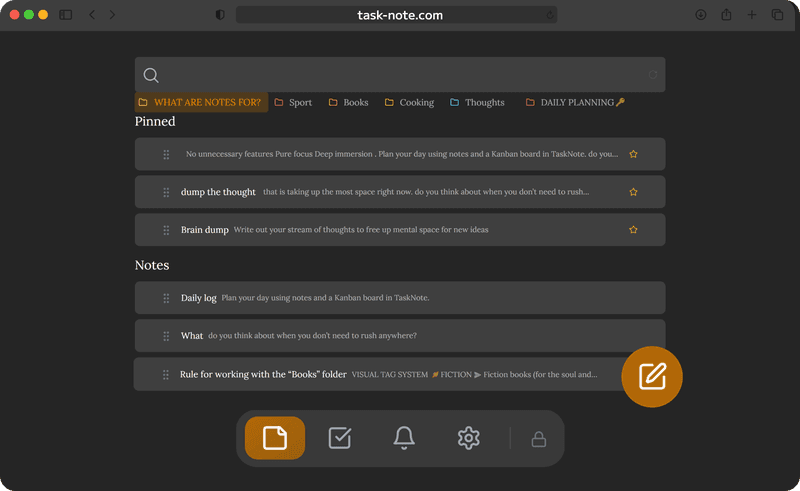
Encrypted on your device, with your key alone
Every note is encrypted with AES-256-GCM before it syncs. Our servers hold ciphertext and nothing else. No member of staff, no court order and no breach can turn that back into text without your key, and your key never leaves your device.
- AES-256-GCM on every note
- The key is created on your device and never sent
- We cannot read your content, by design
- No analytics of any kind run on what you write
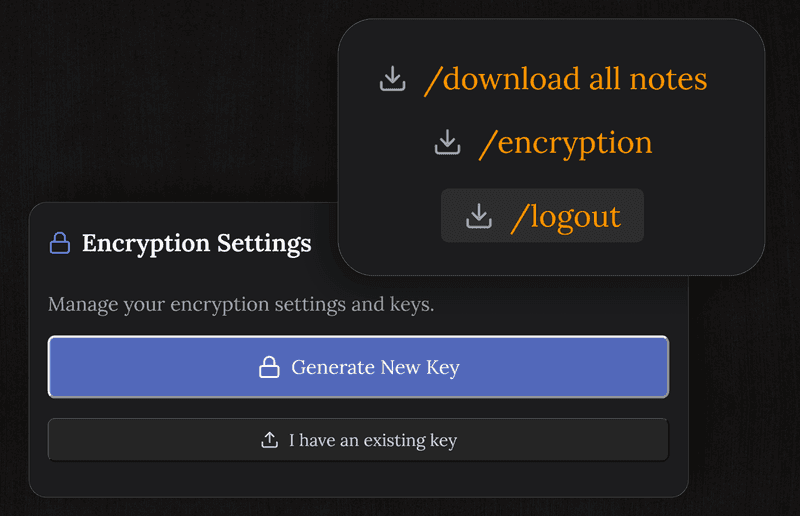
Research and case notes, found in seconds
Write about a case, a statute or a precedent, and find it again with full text search. The editor gives you headings, lists and emphasis, the same structure you would use in a brief.
- Full text search across every note
- A proper editor with headings and lists
- Checklists for what still needs doing
- Saves as you write, so nothing is lost
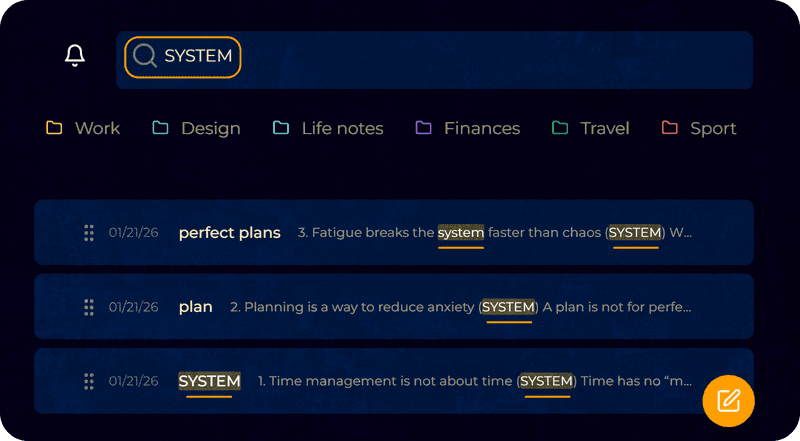
Deadlines, with a reminder attached
Put a reminder on any note or task. The notification arrives on the computer or the phone when a filing or a follow up is due. The board gives the matters you are tracking somewhere visible to sit.
- Reminders on any note or task
- A kanban board for the matters you track yourself
- Notifications on desktop and on mobile
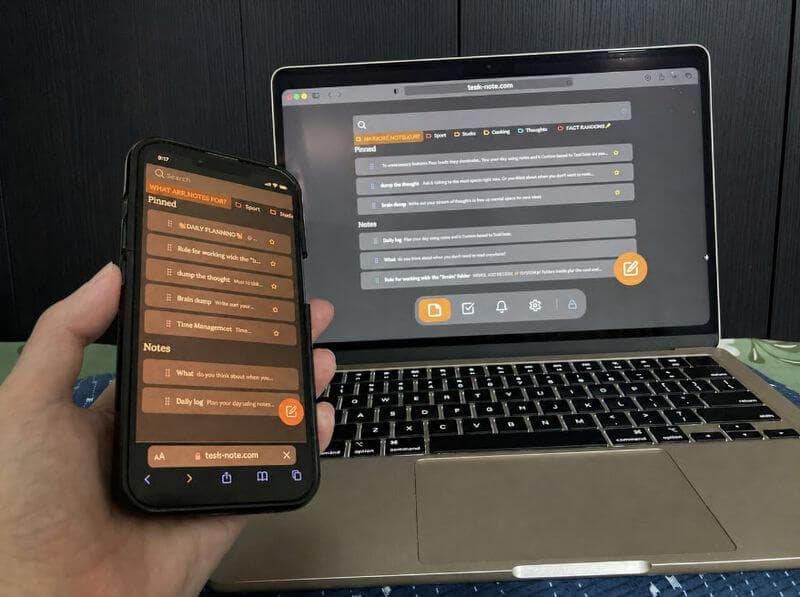
- The same notes on every device you use
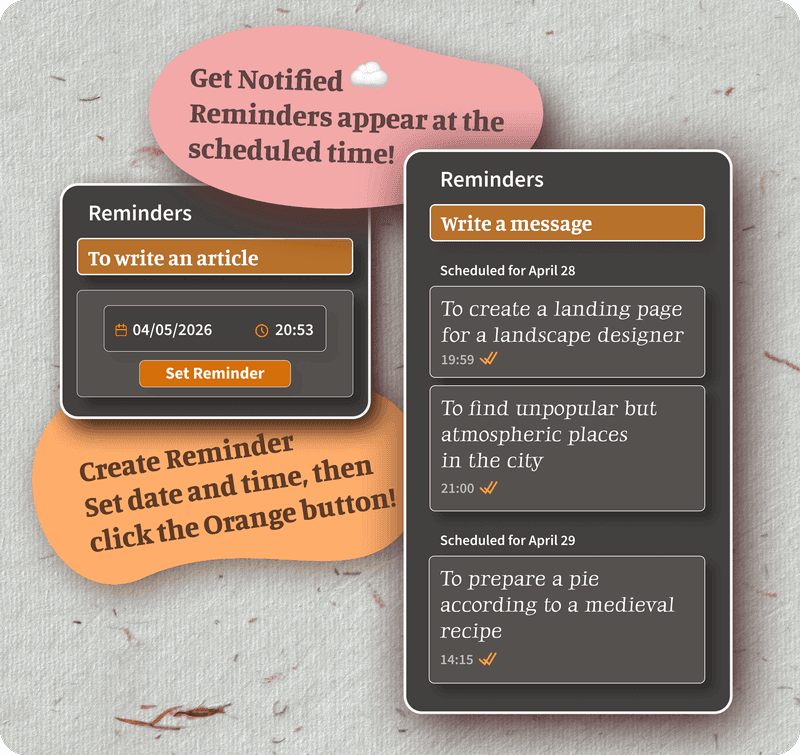
Works offline, courts and trains included
Courtrooms, filing rooms and travel all have unreliable signal in common. TaskNote keeps every note on your device, so you can read and write without a connection. It syncs by itself once you are back online.
- Every note available with no connection
- iPhone, Android, Mac, Windows
- Syncs on its own when you reconnect
- Reaching your notes never depends on the cloud
Questions from lawyers
Is it suitable for confidential legal notes?
It is built for personal notes: research, case summaries, reference material you would otherwise keep in a private notebook. It is not a matter management system and not an approved record keeper. For genuinely privileged material, your firm's own policy decides.
How private are the notes?
They are encrypted on your device with AES-256-GCM before they sync. We cannot read them. Without your key, neither a member of staff, nor a government request, nor a breach turns them back into text.
Is any of it shared with third parties?
No. Nothing is sold or passed on. The notes are encrypted and unreadable to us, and no analytics run over their contents.
Can I use it on a work computer without asking IT?
Technically yes, since it runs in any browser with nothing to install and no administrator rights. Whether you should is a question for your firm's acceptable use policy.
Is it free for personal use?
The core is: notes, the board, reminders and encryption, with no card details asked for.
Does it work without a connection?
Yes. Notes live on your device, so reading and writing need no network. Changes go up when you reconnect.
The note taking app for lawyers that keeps your notes yours
Encrypted with your own key, available offline, reminders included. Free to start, nothing to install.
Get it for freeFree plan included · No card details · Windows, Mac, iPhone, iPad, Android