macOS note taking app
TaskNote is a macOS note taking app with end-to-end encryption, tasks, and reminders. Sign up with Google or any email and start writing in seconds.
Free forever · No credit card · Mac, iPhone, iPad, Android
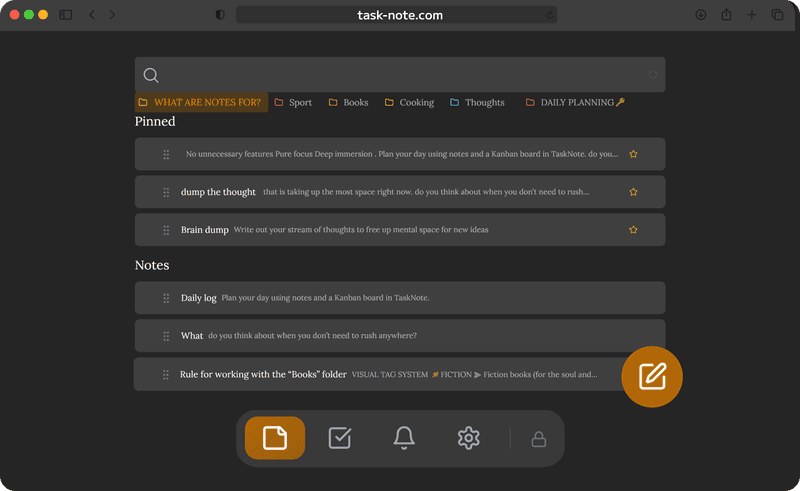
Search across all your notes
Find anything instantly. Search across every note, task, and reminder in your workspace. Full-text search that works even inside long notes.
- Search across all notes at once
- Find text inside any note instantly
- Results appear as you type
- Works offline too
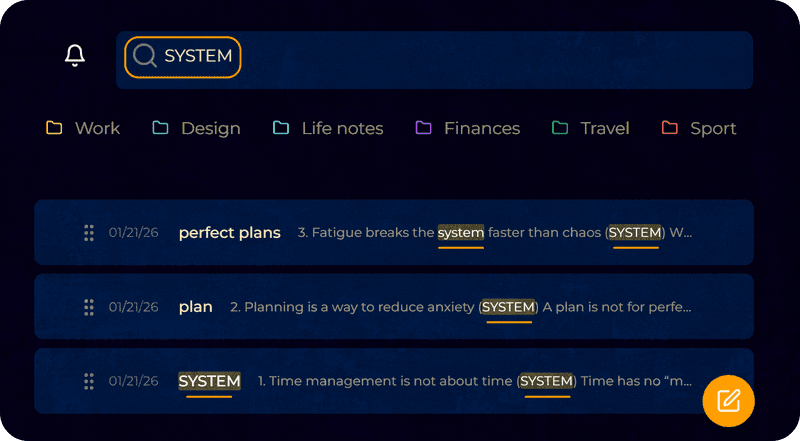
Notes and tasks in one place
Write a note, turn it into a task, move it on the kanban board. No switching apps.
- Write notes in Markdown
- Create tasks with due dates and reminders
- Drag tasks across a kanban board
- Search everything instantly

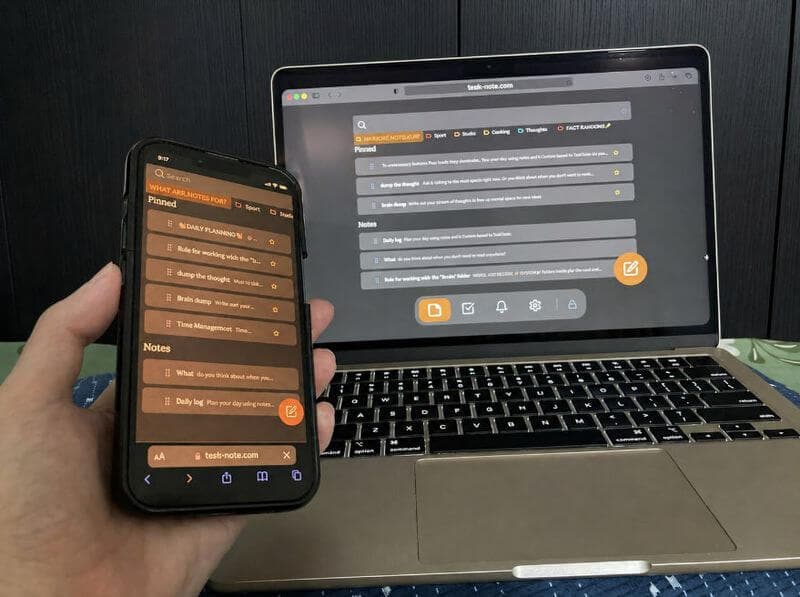
Works on every device you own
TaskNote works on Mac, iPhone, iPad, Android, and Windows. Your notes sync across all of them. Encrypted the whole way.
Most macOS note taking apps lock you into Apple devices. TaskNote does not.
Free to use, no subscription
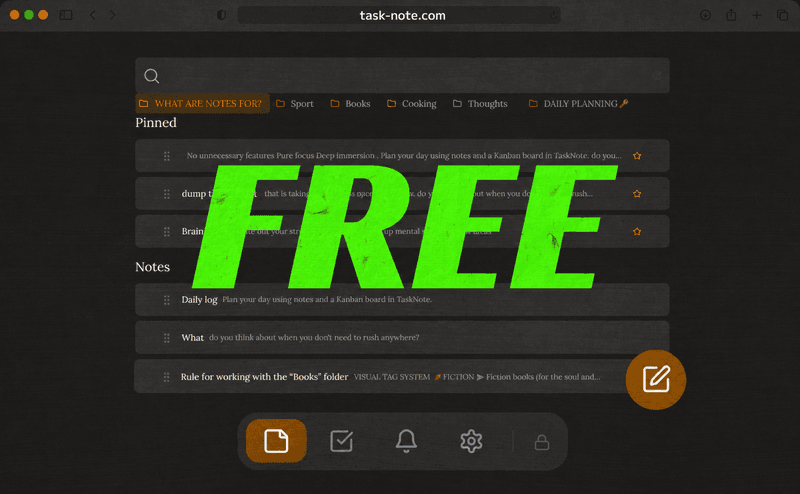
The free plan includes encryption, 50 notes, tasks, reminders, and full-text search. No credit card. No time limit.
Formatting and themes are free. Pro is $19.99/month or $199/year on the web and lifts the limits on boards and tasks. The Windows app is priced separately: a one-time $49 Lifetime licence.
Export your notes anytime
Use /download all notes to export everything as Markdown files. Standard format, readable anywhere. Your notes are always yours.
Frequently asked questions
Is TaskNote a free macOS note taking app?
Yes. TaskNote is a free macOS note taking app with end-to-end encryption, tasks, reminders, and a kanban board. It works on Mac, iPhone, iPad, and Android. The free plan includes all core features with no credit card required.
Does TaskNote work on Mac without installation?
Yes. TaskNote works in the browser on any Mac. Open it, start writing, and your notes are saved and encrypted immediately. No installation required.
Does TaskNote sync notes between Mac and iPhone?
Yes. TaskNote provides seamless, real-time sync across macOS, iOS, Android, and Windows. Your notes are end-to-end encrypted on your device before they sync, ensuring they stay private everywhere.
Is TaskNote a secure alternative to Apple Notes?
Yes. Unlike many standard note-taking apps, TaskNote uses zero-knowledge, end-to-end encryption. Your data is encrypted locally on your Mac, meaning not even we can access or read your private thoughts.
Does TaskNote support Markdown on macOS?
Yes. TaskNote offers full, native Markdown support on Mac. You can format headers, lists, and text instantly using standard Markdown syntax without ever lifting your hands from the keyboard.
Can I use TaskNote on my Mac offline?
Absolutely. TaskNote works perfectly offline. You can create, edit, and search through your notes without an internet connection. Once you reconnect, your encrypted vault will automatically sync across all your devices.
The macOS note taking app with encryption built in
Notes, tasks, kanban, and reminders. Encrypted on your device. Free to start.
Get it free →Sign up with Google or any email · No credit card required