An alternative to the ClickUp board, without the feature load
Drag tasks across columns and write a full note on any card, without spending an hour on views, automations and workspace settings before you can start.
Sign up with Google or any email and start straight away. The core is free: no card details, no storage cap, nothing walled off.
Free plan included · No card details · Windows, Mac, Linux, iPhone, iPad, Android
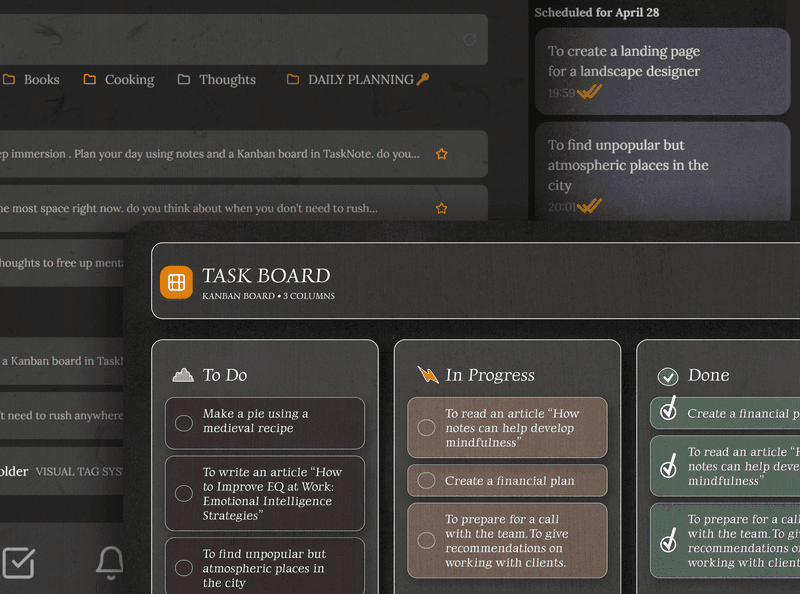
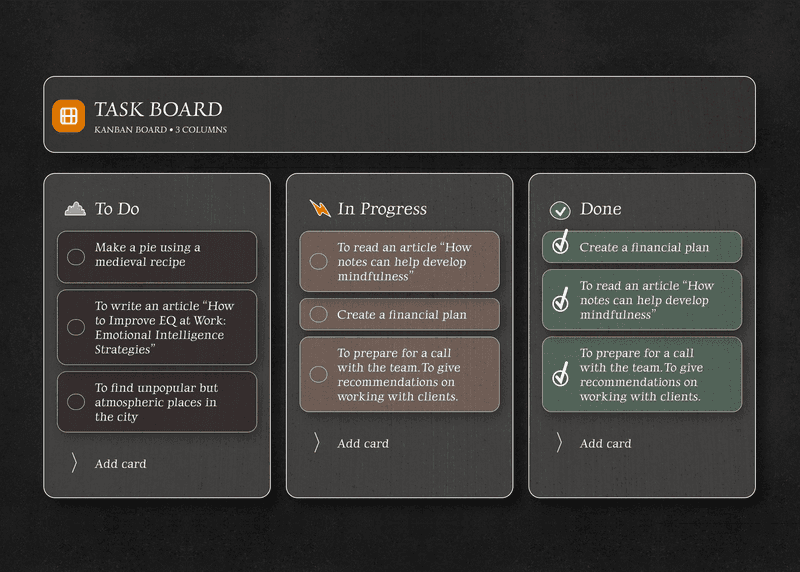
A board that starts in seconds
ClickUp's board is capable, but it wants configuring first: spaces, folders, lists, views. Here the board is ready when you open it. Add your tasks and start moving cards.
- The board is ready in seconds, no workspace to set up
- As many tasks and columns as you like, on the free plan
- Drag between columns and within a column
- Columns named the way you work
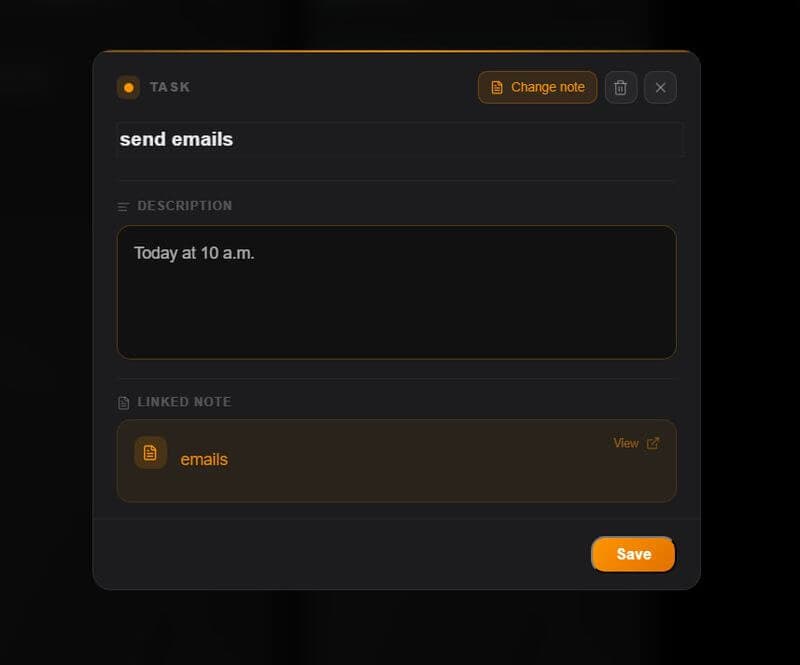
Notes on every task, not a separate document tool
ClickUp keeps Docs apart from tasks. Here every card has a full editor inside it: write the context, add a checklist, paste the links, format with headings. The note sits in the task, where you need it.
- A full rich text note on every card
- Headings, lists, bold, italic, checkboxes
- A notes workspace alongside the board
- Switch between notes and board instantly
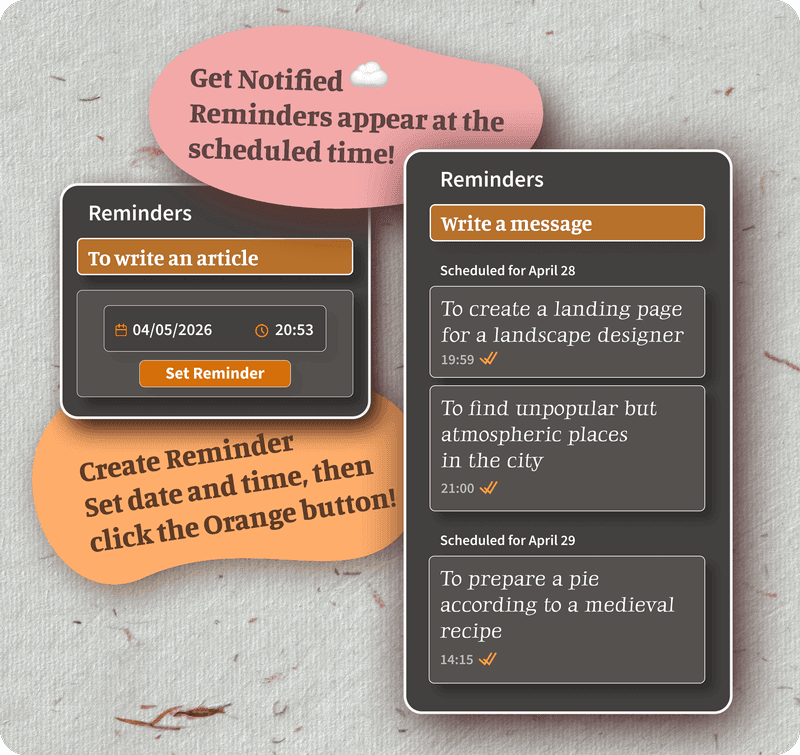
Reminders without automation rules
ClickUp's reminders and notifications are capable, but they hang off automations and workspace settings. Here every task and note gets a plain reminder: set a date and a time, and the browser tells you. Nothing to configure.
- A reminder on any task or note in one tap
- Browser notifications on the desk and on the phone
- Reminders follow you to every device
- No automations and no rules to set up
Encrypted end to end, not merely role based access
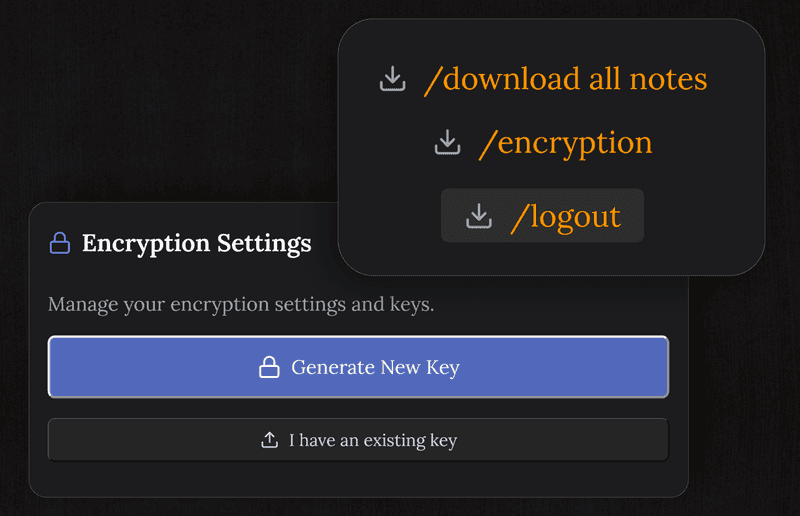
ClickUp handles security through role permissions but does not encrypt your data end to end. Here everything is encrypted on your device before it leaves for the server, so only you can read your tasks and notes.
- The server only ever holds ciphertext
- The key never leaves your device
- Safe for private projects and sensitive notes
- Nothing sold, no ad targeting
TaskNote and the free ClickUp plan
| Feature | TaskNote | ClickUp, free plan |
|---|---|---|
| Board view | ✓ | ✓ |
| As many tasks as you like | ✓ | ✓ |
| A real note on each card | ✓ | Docs, kept separate |
| Reminders with a time | ✓ | Limited on the free tier |
| End to end encryption | ✓ | ✗ |
| A separate notes workspace | ✓ | Docs, a separate feature |
| Time to your first task | Seconds | Workspace setup first |
| Storage cap on the free plan | None | Capped |
Common questions about this alternative
Is this a workable alternative to the ClickUp board?
For one person, yes. A focused board with drag and drop, as many cards and columns as you want, a real note on every task, reminders and end to end encryption, all on the free plan and without ClickUp's amount of machinery.
What does this have that ClickUp does not?
A board and a full note editor in one simple workspace, with a note behind every card, plus end to end encryption, which ClickUp does not offer. The feature depth that makes ClickUp slow to set up is deliberately absent here.
Is there a free plan?
Yes, and it carries the board, unlimited tasks, a note on every card, reminders and end to end encryption. No card details asked for.
Do I need to install anything?
No. It runs in any browser on Mac, Windows, iPhone, iPad and Android. Sign up and start.
Is my data private?
Tasks and notes are encrypted end to end on your device before they sync. We cannot read them, because the key stays with you.
Does it suit personal use?
That is what it is built for: one private workspace with the notes and the board together. It fits if ClickUp feels overbuilt for what actually needs doing.
Try the free alternative to the ClickUp board
A board, a real note on every task, reminders, encrypted end to end. Simple, private, free to start.
Get it for freeFree plan included · No card details · Windows, Mac, Linux, iPhone, iPad, Android