An alternative to the Asana board, built for one person
Drag tasks across columns, write a full note on any card, set a reminder. No per seat pricing, and no team administration to get through first.
Sign up with Google or any email and start straight away. The core is free: no card details, no seat fees, no cap on projects.
Free plan included · No card details · Windows, Mac, Linux, iPhone, iPad, Android
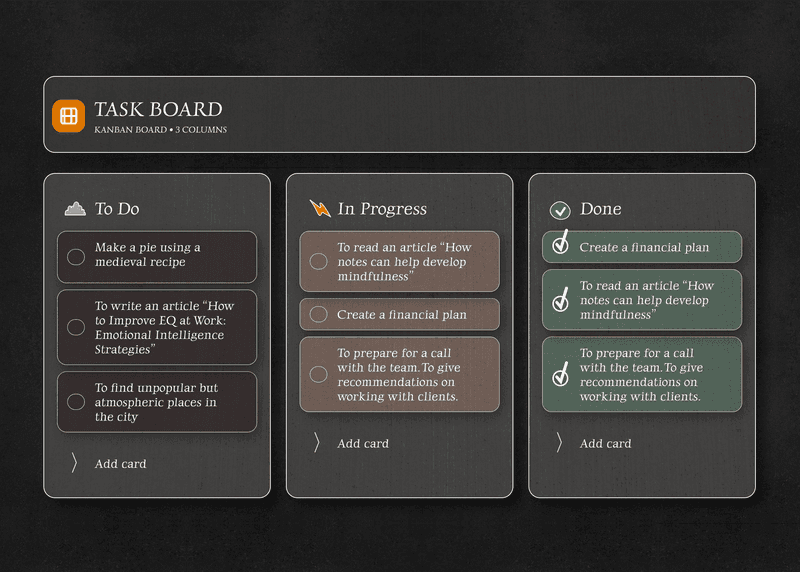
A board without the enterprise weight
Asana's board is capable, but it is built for teams: roles, permissions and a price that grows with every seat. If what you want is a board for your own projects, this gives you the columns and the dragging and leaves the rest out.
- Drag and drop board, free, no per seat pricing
- As many tasks and columns as you like
- Columns named the way you work
- Runs in any browser, on any device
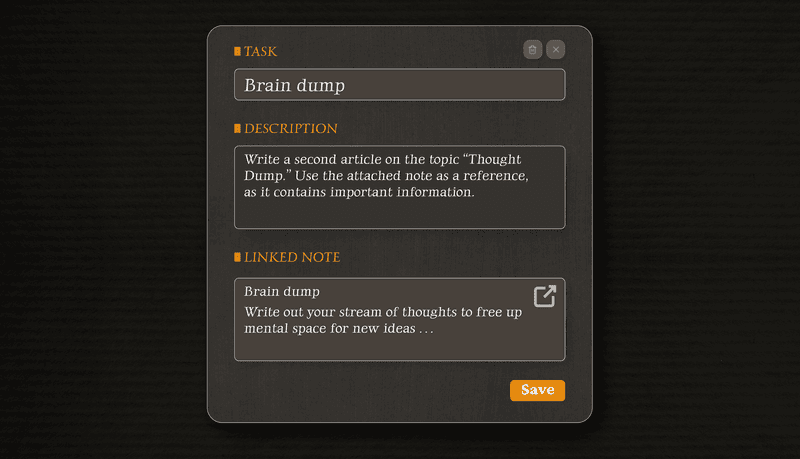
A note editor behind every card
Asana gives a task a description and comments. Here every card opens into a full editor. Write up the meeting, paste the spec, add a checklist, and all of it stays inside the task.
- A full rich text note on every card
- Headings, lists, bold, italic, checkboxes
- A notes workspace alongside the board
- Switch between notes and board instantly
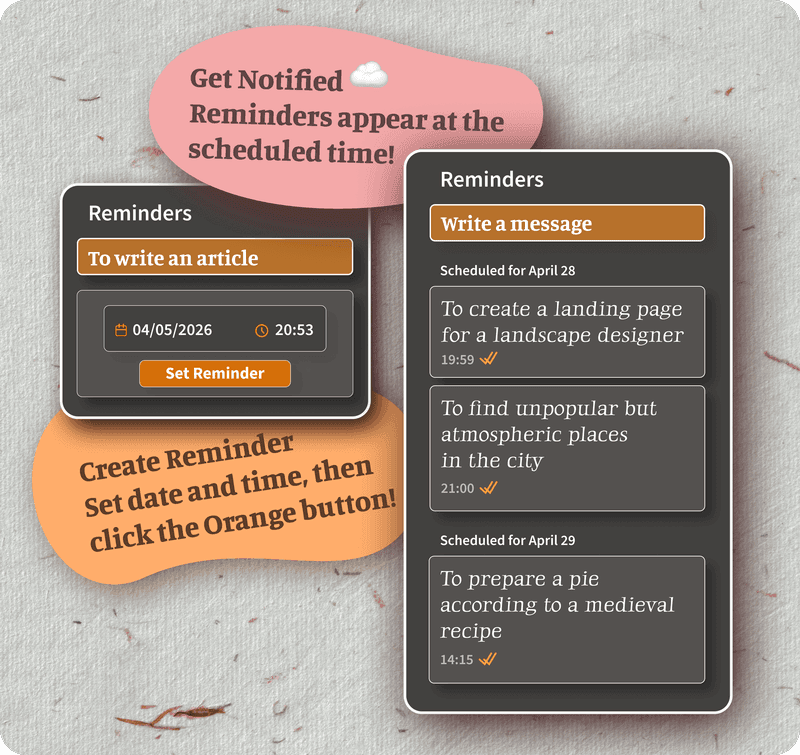
Reminders on tasks and notes, at no extra cost
Asana builds its reminders around team workflow. Here every task and every note carries its own: set a date and a time, and the browser tells you when it comes due. No team plan involved.
- Reminders on tasks and on notes, free
- Browser notifications on the desk and on the phone
- Reminders follow you to every device
- Set in a couple of taps, no automation rules
Encrypted end to end, not merely permissioned
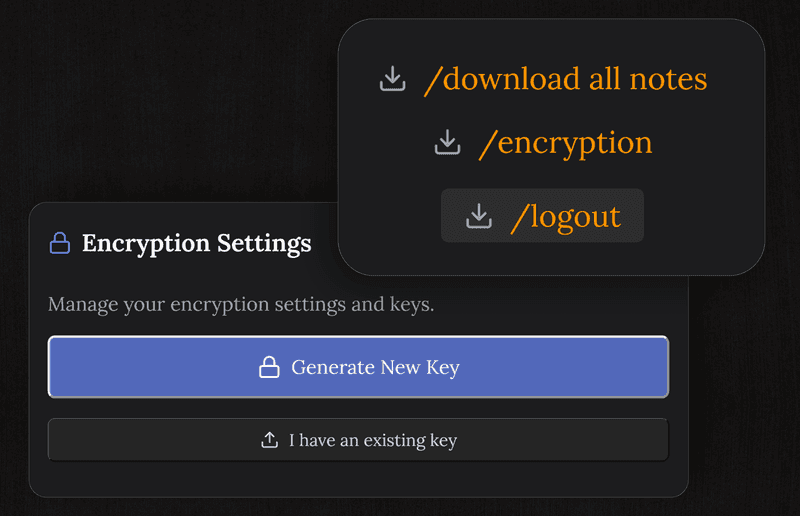
Asana controls who may open what through team permissions, but it does not encrypt your tasks end to end. Here everything is encrypted on your device before it reaches the server, so only you can read it.
- The server only ever holds ciphertext
- The key never leaves your device
- Safe for private projects and sensitive notes
- Nothing sold, no ad targeting
TaskNote and the free Asana plan
| Feature | TaskNote | Asana, free plan |
|---|---|---|
| Board view | ✓ | ✓ |
| As many tasks as you like | ✓ | ✓ |
| A real note on each card | ✓ | A description field |
| Reminders with a time | ✓ | Due dates only |
| End to end encryption | ✓ | ✗ |
| A separate notes workspace | ✓ | ✗ |
| Runs in a browser, nothing to install | ✓ | ✓ |
| Cost of the full feature set | Free | Paid, per seat |
Common questions about this alternative
Is this a workable alternative to the Asana board?
For one person, yes. You get the board with drag and drop, as many cards and columns as you want, a real note on every task, reminders and end to end encryption, on the free plan and with no seat fees.
What does this have that Asana does not?
A board and a full note editor in one place, with a note behind every card. Asana is built around team workflow and offers neither a per task editor of that kind nor end to end encryption.
Is there a free plan?
Yes, and it carries the board, unlimited tasks, a note on every card, reminders and end to end encryption. No card details asked for.
Do I need to install anything?
No. It runs in any browser on Mac, Windows, iPhone, iPad and Android. Sign up and start.
Is my data private?
Tasks and notes are encrypted end to end on your device before they sync. We cannot read them, because the key stays with you.
Does it suit someone working alone?
That is what it is built for: one private workspace where the notes and the board live together. It fits well if Asana feels like more team administration than the work actually needs.
Try the free alternative to the Asana board
A board, a real note on every task, reminders, encrypted end to end. Free to start.
Get it for freeFree plan included · No card details · Windows, Mac, Linux, iPhone, iPad, Android