Приложение для заметок, бесплатное для студентов
Записывайте лекции, ведите задания на доске и видьте, как приближаются сроки. И всё это прямо в браузере.
Регистрация через Google или любую почту, и можно начинать. Базовые функции бесплатны: ни карты, ни установки. Заметки шифруются по ходу письма и доходят до телефона, ноутбука и планшета.
Бесплатный тариф · Без карты · Windows, Mac, Linux, iPhone, iPad, Android
Держите каждый предмет в порядке
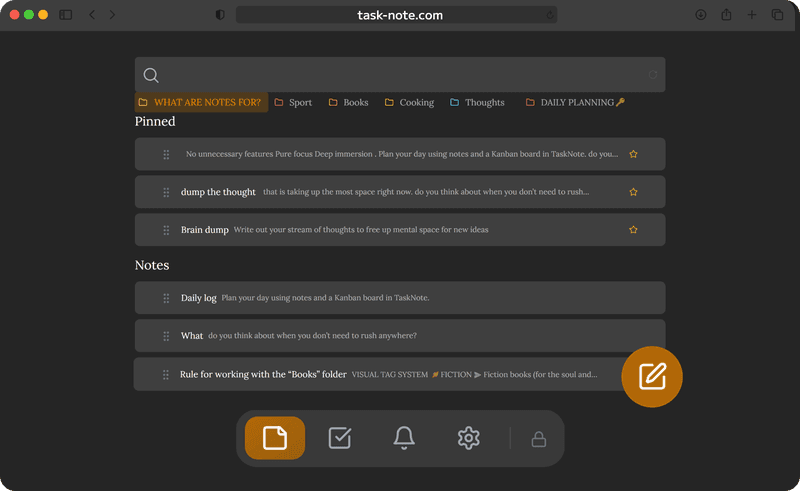
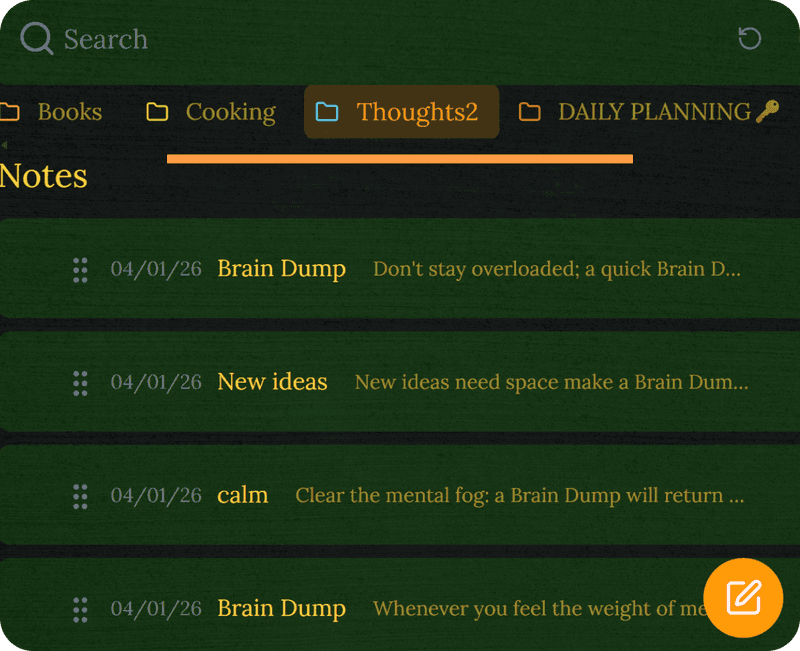
По заметке на лекцию, заметки собраны по предметам, а поиск достаёт до всего этого за секунды. Больше не надо листать кучу файлов.
- Папка на предмет или на семестр
- Полнотекстовый поиск по всем заметкам
- Важное закрепляется наверху
- Заголовки, списки и выделения
Ведите задания без второго приложения
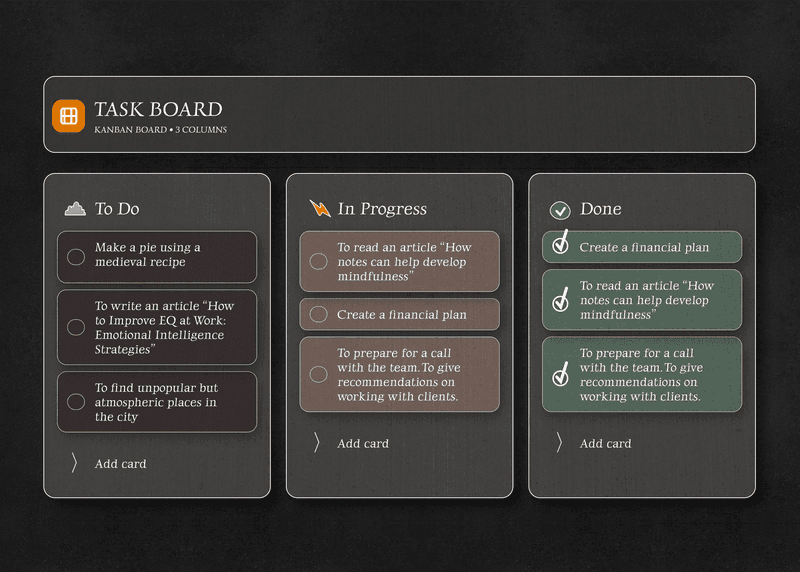
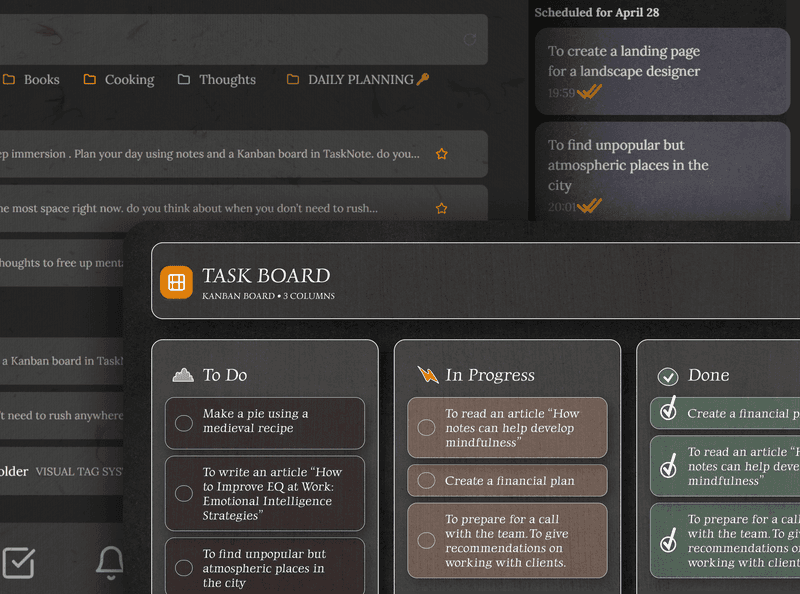
Доска превращает список заданий в то, что видно глазом. Перетаскивайте работу из «К выполнению» в «В процессе» и в «Готово», а подробности держите в заметке внутри задачи.
- Доска с колонками «К выполнению», «В процессе» и «Готово»
- Напоминания до наступления срока
- К любой задаче прикрепляется заметка
- Все ближайшие даты видно сразу
Ваши заметки только ваши
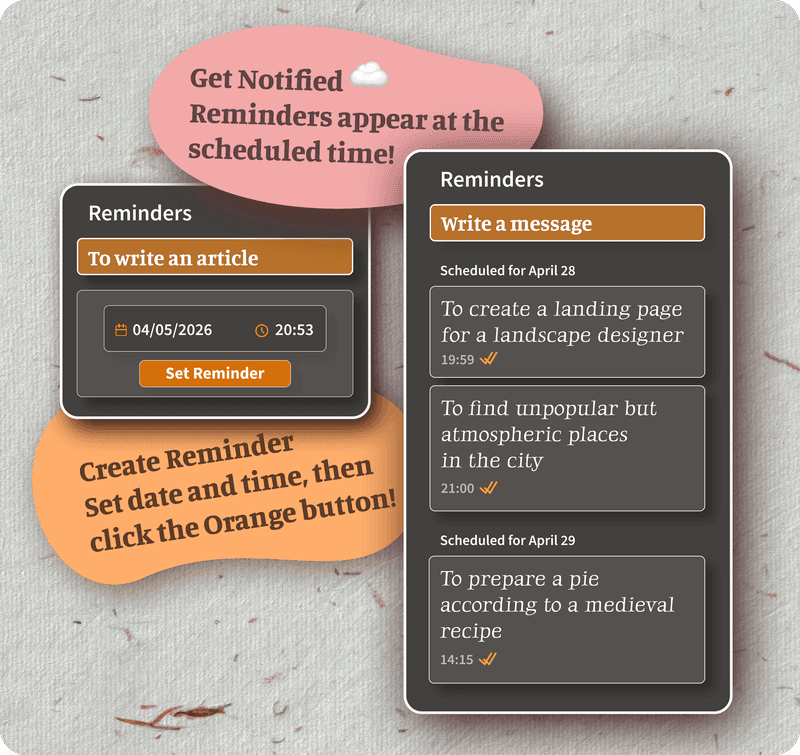
Каждая заметка шифруется на вашем устройстве до того, как уйдёт. Мы их тоже прочитать не можем.
Подходит для личного дневника, чувствительного исследования и всего, что лучше оставить при себе.
Не пропустите ни одного срока
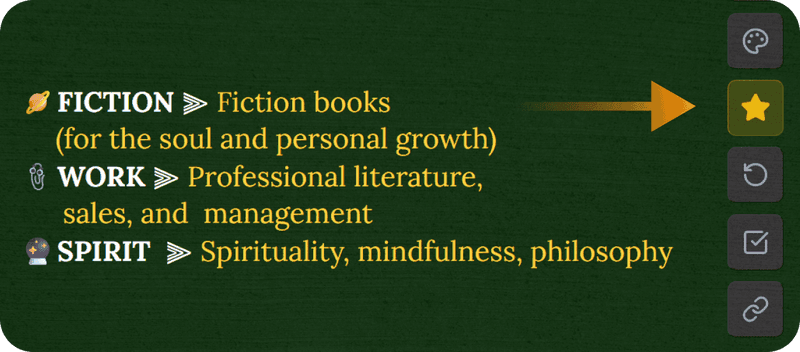
Поставьте напоминание на любую задачу, и вам скажут заранее. Оно дойдёт и до телефона, и до планшета, и до ноутбука.
Отдельный календарь не нужен, потому что напоминания стоят рядом с заметками.
Всё, что нужно, бесплатно
Бесплатный тариф это не пробный период. В нём 50 заметок, шифрование, синхронизация между устройствами, задачи и напоминания.
Платная версия снимает лимиты, а форматирование и темы бесплатны, так что в стену на основном вы не упрётесь.
Работает на каждом устройстве, которое у вас уже есть
Устанавливать нечего. Откройте браузер, войдите, и заметки на месте: в телефоне на паре, на ноутбуке дома, на общем компьютере в библиотеке.
Частые вопросы
Это правда бесплатно для студентов?
Да. На бесплатном тарифе есть 50 заметок, шифрование, синхронизация между устройствами, задачи и напоминания. Ни карты, ни пробного периода: зарегистрировались и начали.
Чем это хорошо как бесплатное приложение для учёбы?
Оно собирает зашифрованные заметки, доску для заданий и напоминания в одном бесплатном приложении, которое работает на любом устройстве с браузером.
Можно ли пользоваться и с телефона, и с ноутбука сразу?
Да. Открыли заметки в телефоне на паре, продолжили с ноутбука дома, и оба остаются в одном состоянии сами.
Мои учебные заметки приватны?
Каждая заметка шифруется сквозным шифрованием на вашем устройстве, прежде чем дойдёт до наших серверов. Прочитать их мы не можем.
Работает ли без сети?
Приложение рассчитано на работу в сети, но недавние заметки хранятся локально, так что читать их можно и без соединения. Правки синхронизируются, как только связь вернётся.
Можно ли вести задания и сроки?
Да. Доска перемещает задания из «К выполнению» в «В процессе» и в «Готово», а напоминание с датой не даёт сроку проскочить мимо.
Ваши заметки в порядке, зашифрованы и бесплатны
Одно место для конспектов, заданий, напоминаний и дневников. Основное остаётся бесплатным.
Попробовать бесплатноБез карты · Без пробного периода · Бесплатный тариф не истекает