Secure notebook for passwords
Keep your logins, recovery codes, and sensitive data locked down. TaskNote is an end-to-end encrypted notebook that keeps your passwords safe and accessible anywhere.
Free forever · No credit card · Mac, iPhone, iPad, Android
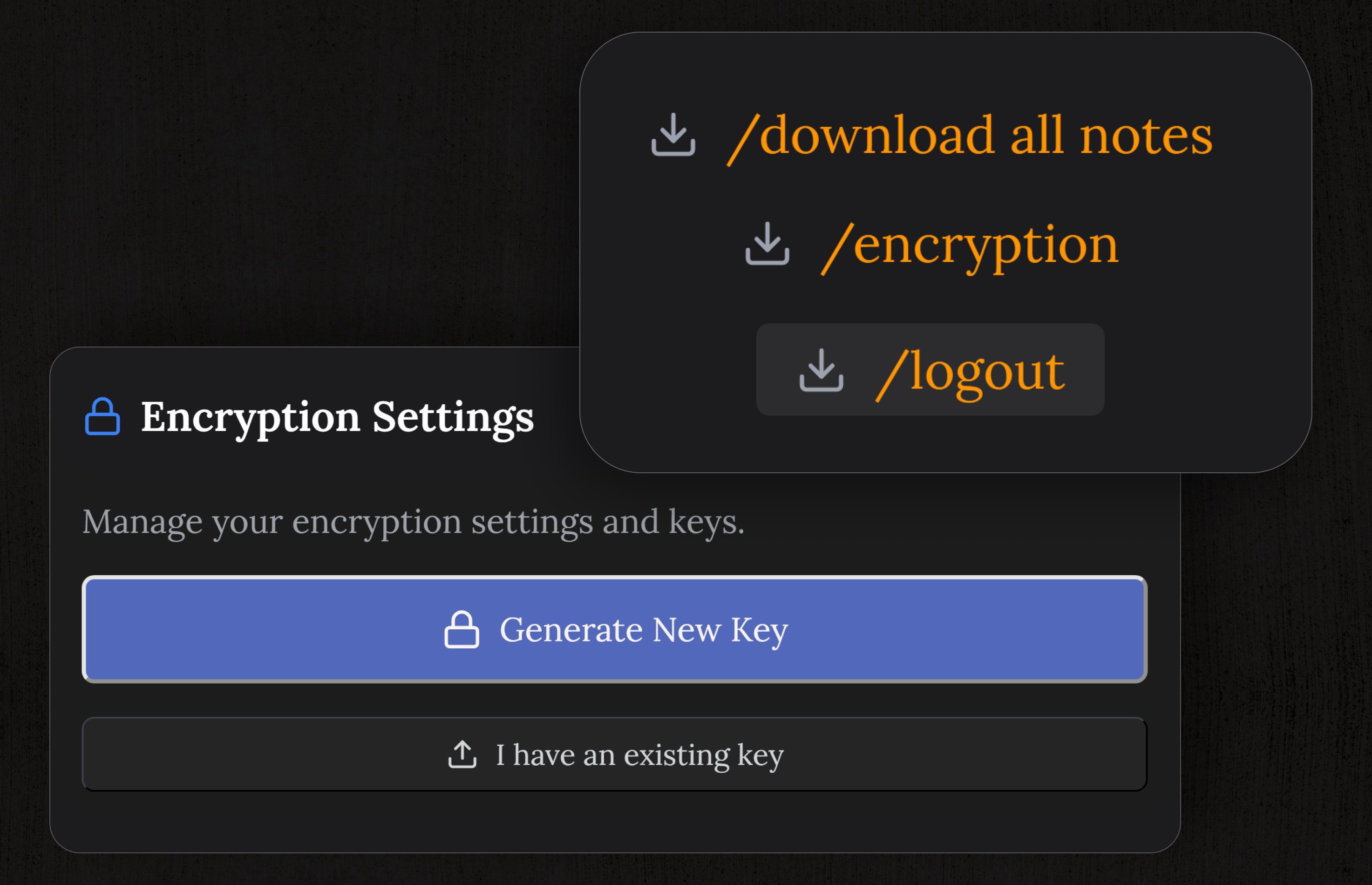
End-to-end encryption
Your passwords and secure notes are encrypted on your device before they ever reach our servers. Not even we can read them. Treat TaskNote as your impenetrable digital vault.
- Zero-knowledge architecture
- Military-grade encryption
- No master password recovery (only you have the key)
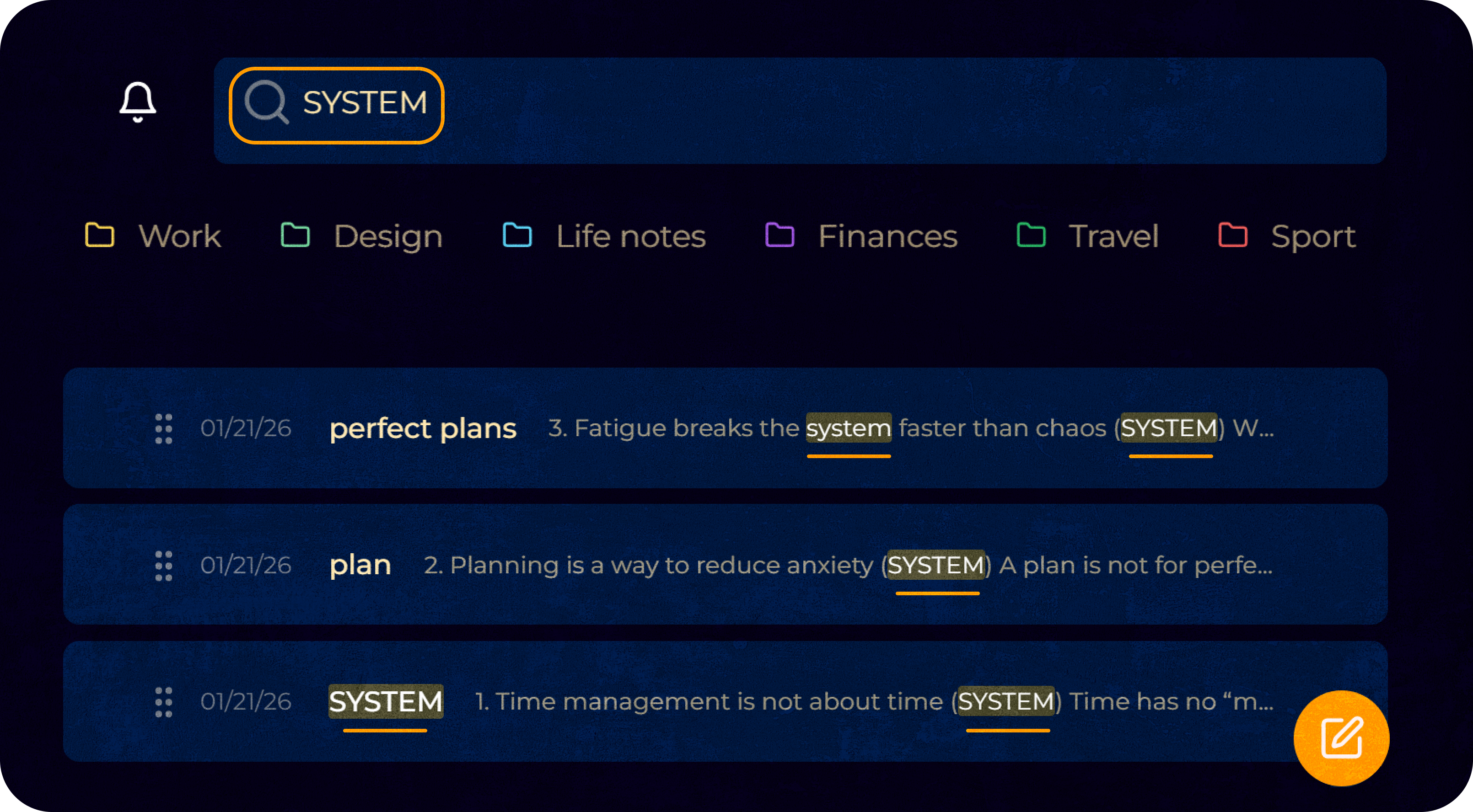
Find any password instantly
Don't get lost looking for that one Wi-Fi password from three years ago. Full-text search instantly retrieves your credentials exactly when you need them.
- Search across all locked notes
- Instant, as-you-type results
- Locate passwords securely offline
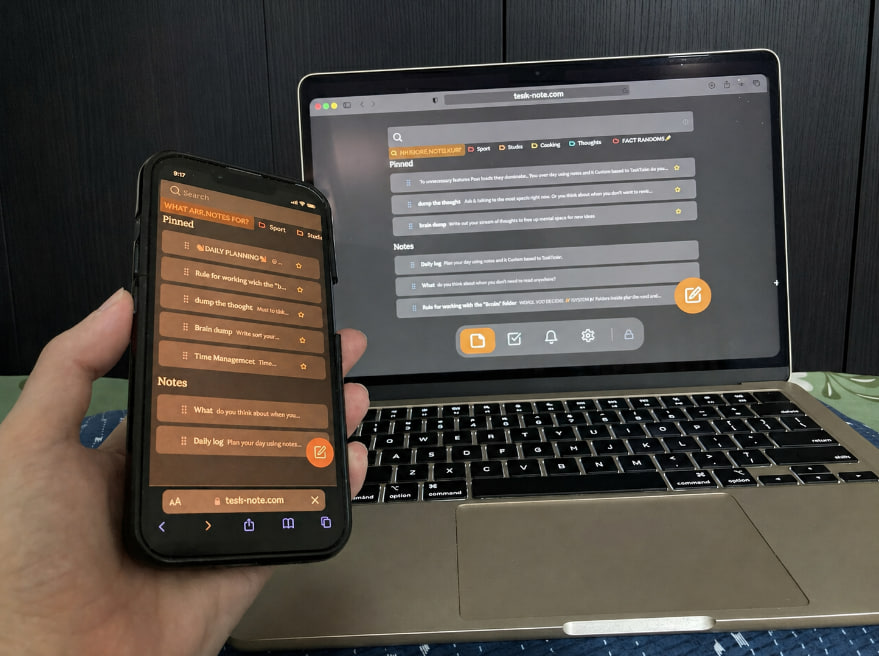
Access on every device
A notebook for passwords is useless if you don't have it with you. Access your encrypted vault securely on Mac, iPhone, iPad, Android, and Windows.
Everything syncs seamlessly and securely across all platforms in real-time.
- Unlimited devices per account
- Completely free on all platforms
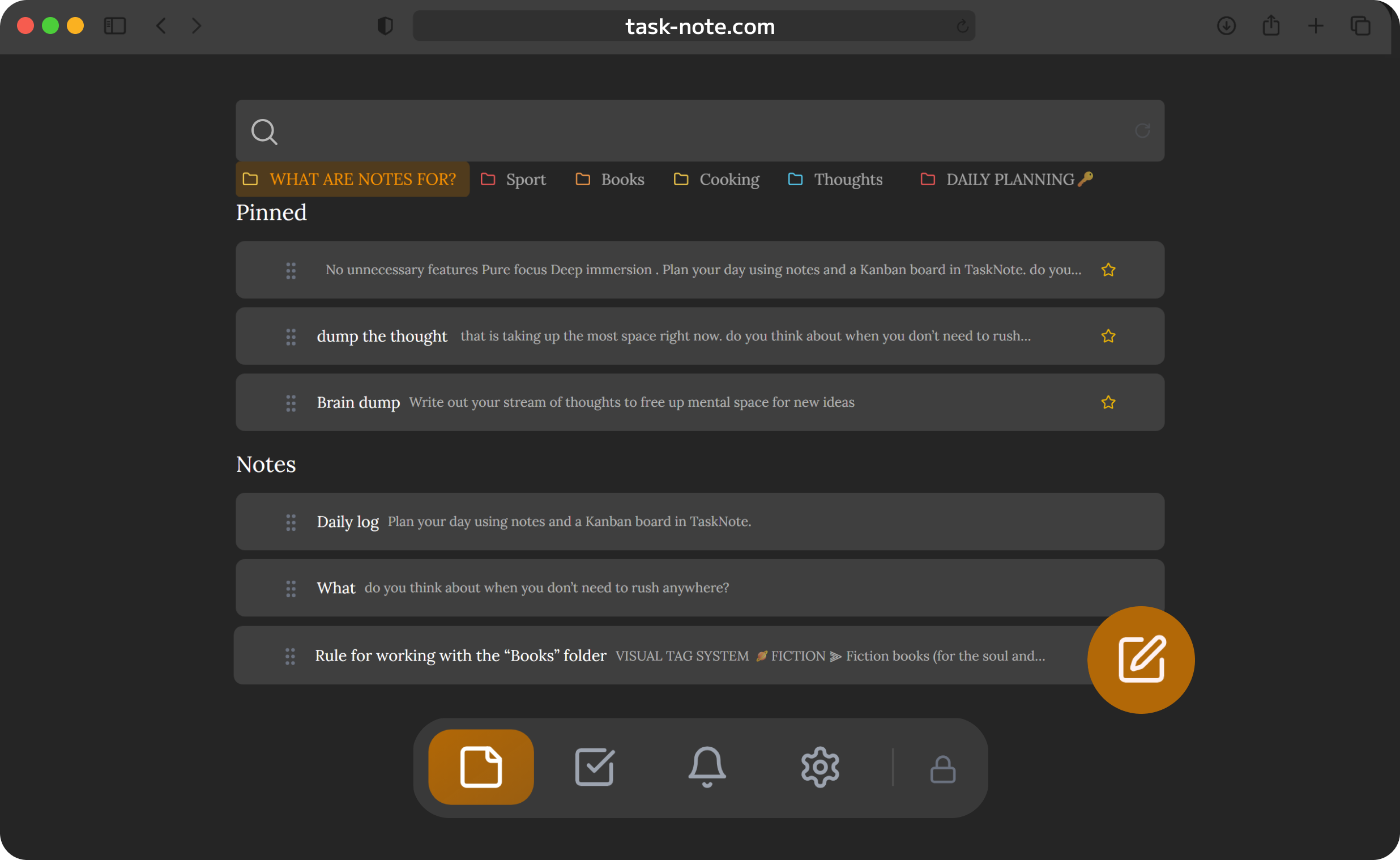
More than just passwords
Because it's a flexible note-taking app, you can store software licenses, recovery phrases, secure answers, private documents, and to-do lists right alongside your passwords.
- Format your secure notes with Markdown
- Keep passwords and related tasks together
- Organize your vault with boards and folders
Export your vault anytime
We don't lock your data in. Use /download all notes to export your entire password notebook as standard Markdown files at any time.
- Export to universally readable text formats
- No vendor lock-in
- You retain 100% ownership of your data
Frequently asked questions
Is TaskNote a secure notebook for passwords?
Yes. TaskNote features zero-knowledge, end-to-end encryption. Your data is encrypted on your device before it syncs, meaning nobody - not even us - can read your stored passwords.
Can I access this password notebook on my phone?
Yes. TaskNote securely syncs your encrypted vault across Mac, Windows, iPhone, iPad, and Android devices.
Is this notebook for passwords free?
Yes. The free plan includes full end-to-end encryption, unlimited notes, and cross-device sync, making it a highly secure, free notebook for passwords.
How is my password notebook encrypted?
TaskNote uses zero-knowledge, end-to-end encryption. Your data is encrypted locally on your device before syncing to the cloud. We cannot access or read your passwords.
Does this password notebook autofill logins?
No. TaskNote is an encrypted text workspace, not a browser extension. It is designed for the secure, manual storage of your credentials, recovery phrases, and private notes.
How do I find specific credentials in my notebook?
Use the built-in full-text search to instantly locate any login. You can also organize your password notebook using Markdown to create clear headers and lists.
The encrypted notebook for passwords
Secure. Private. Accessible anywhere. Start building your digital vault today.
Secure your passwords →Sign up with Google or any email · Free core features forever